PLANET WGSW-28040P User Manual
Page 77
User’s Manual of WGSW-28040 / 28040P / 28040P4
77
Mirror Port Configuration
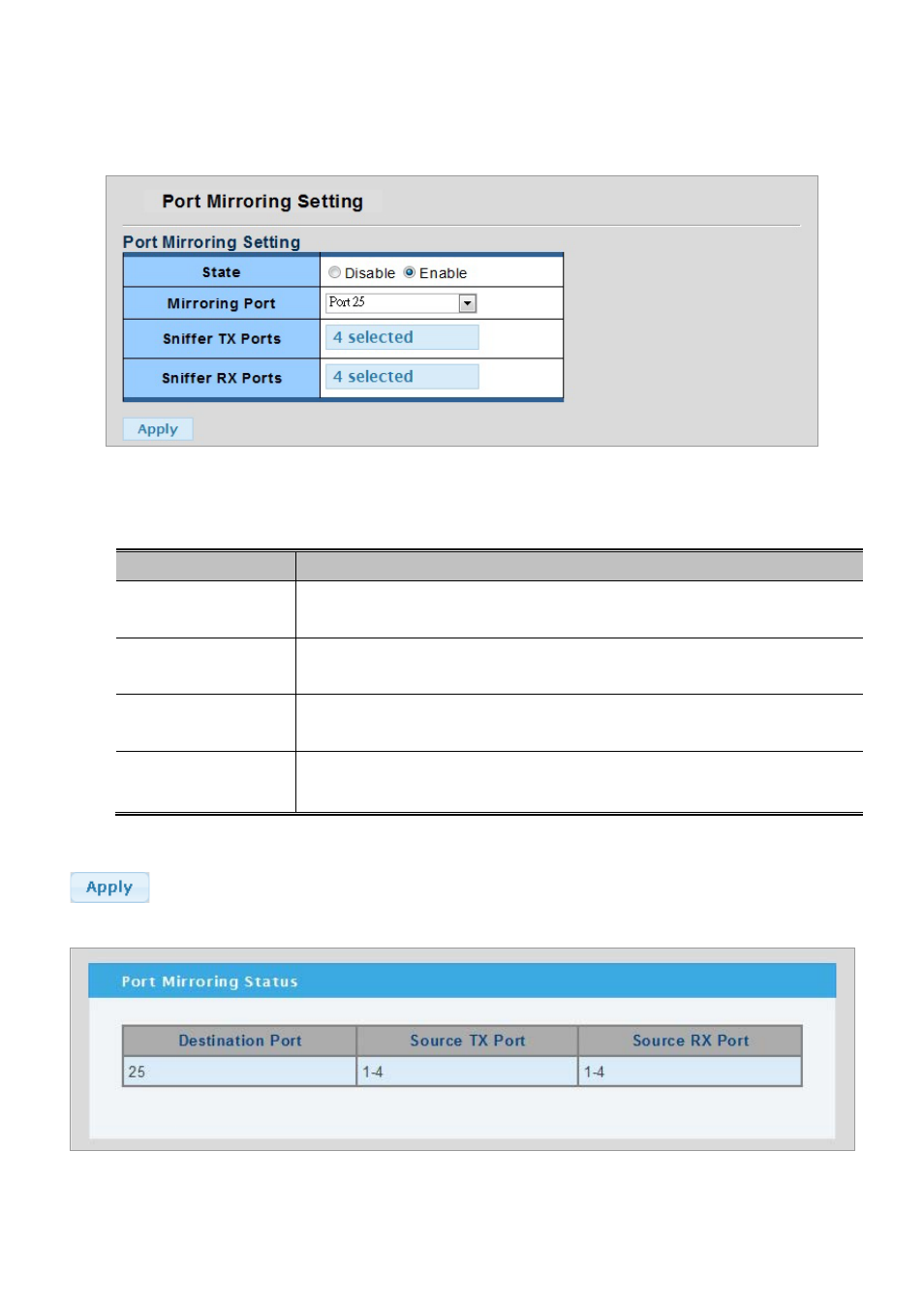
The Port Mirror Configuration screen in
Figure 4-3-9 & Figure 4-3-10
appears.
Figure 4-3-9 Port Mirroring Settings page screenshot
The page includes the following fields:
Object
Description
• State
Frames from ports that have either source or destination mirroring enabled are mirrored
to this port. Disabled disables mirroring.
• Mirroring Port
Frames from ports that have either source (rx) or destination (tx) mirroring enabled are
mirrored to this port.
• Sniffer TX Ports
Frames transmitted from these ports are mirrored to the mirroring port. Frames received
are not mirrored.
• Sniffer RX Ports
Frames received at these ports are mirrored to the mirroring port. Frames transmitted are
not mirrored.
Buttons
: Click to apply changes.
Figure 4-3-10 Mirroring Status page screenshot