Grass Valley NV9000-SE v.5.0 User Manual
Page 42
Advertising
24
Menus
File Menu
•
‘Import from XML File. . .’
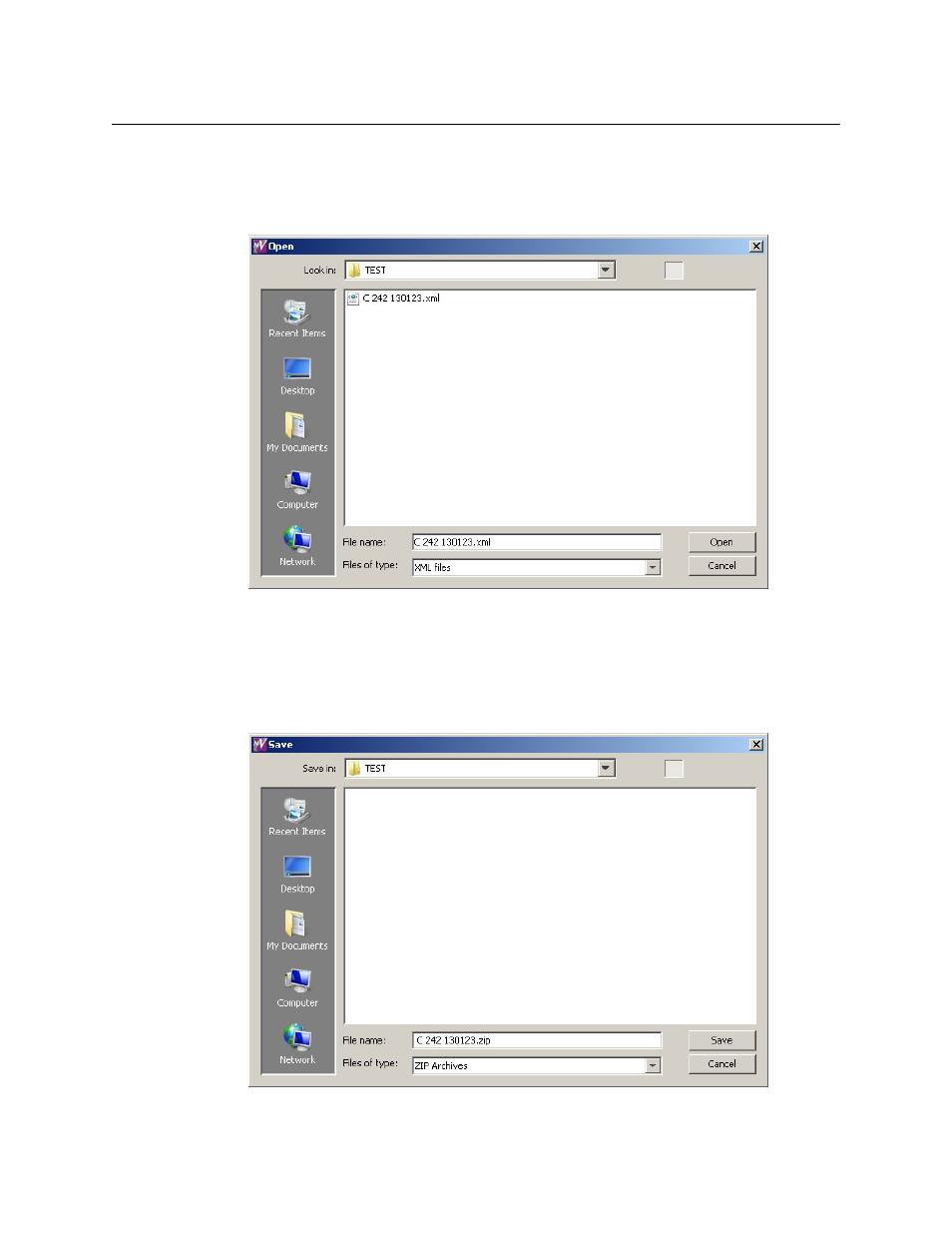
The ‘Import from XML File . . .’ command opens a configuration that was previously exported
as an XML file, perhaps remotely. When you click ‘Import from XML File . . .’, NV9000-SE Utili-
ties presents an ‘Open’ dialog:
Browse to locate the .xml file in which you are interested. Select the file and click ‘Open’ to
open the .xml file or click ‘Cancel’ to stop the operation.
•
‘Export to XML File. . .’
The ‘Export to XML File . . .’ command saves your configuration in a .xml file. The .xml file can
be opened later, perhaps at another workstation. When you click ‘Export to XML File . . .’,
NV9000-SE Utilities presents a ‘Save’ dialog:
Advertising