1 snmp – PLANET WGSW-48000 User Manual
Page 123
User’s Manual of WGSW-48000
123
4.9.1 SNMP
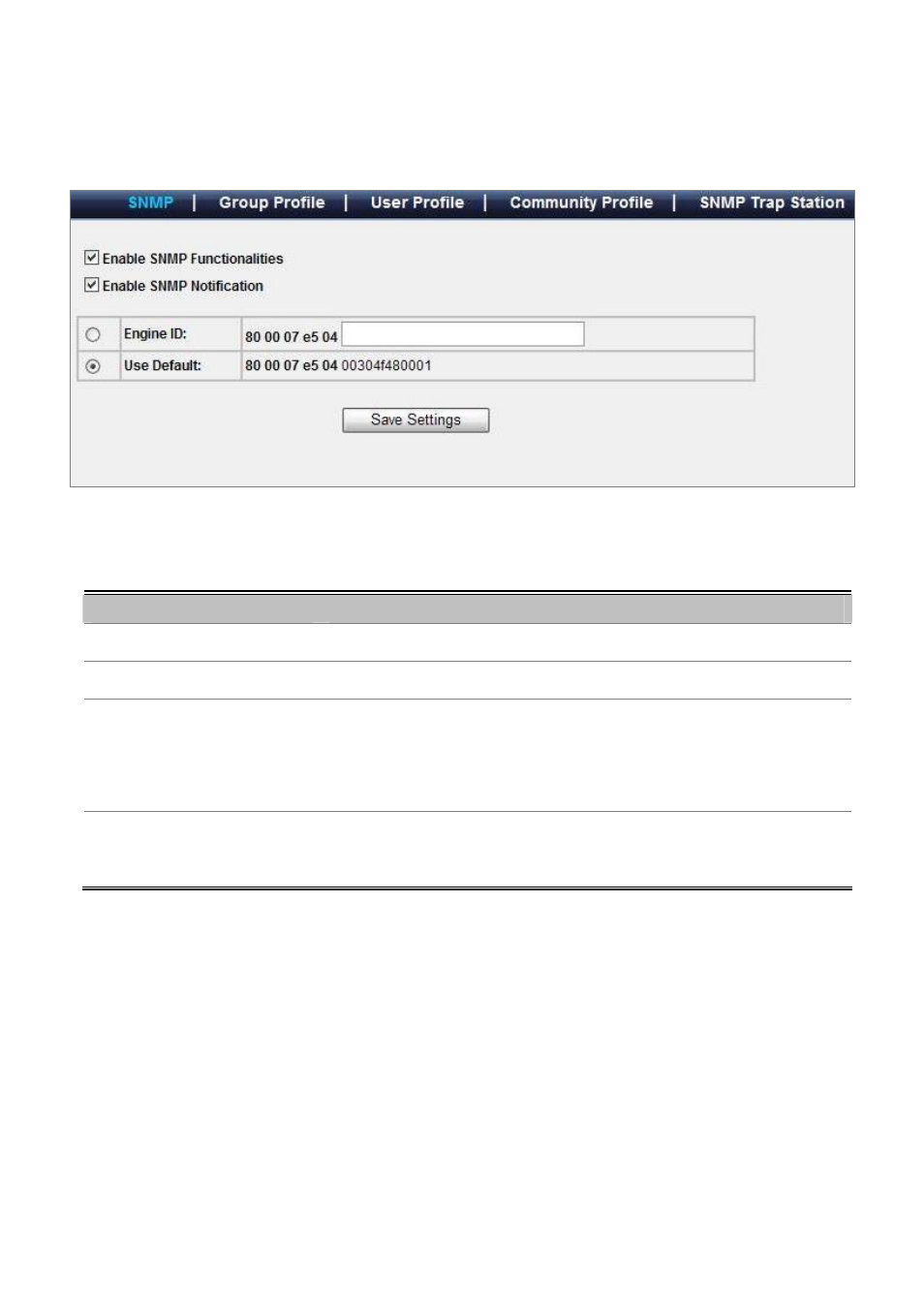
Configure SNMP on this page. The SNMP System Configuration screen in
Figure 4-9-1
appears.
Figure 4-9-1 SNMP configuration screenshot
The page includes the following fields:
Object
Description
• Enable SNMP Functionalities
Enables or Disables SNMP function on this device.
• Enable SNMP Notification
Enables or Disables SNMP notification function on this device.
• Engine ID
Configures the Engine ID on this device. The field value is a hexadecimal string.
Each byte in hexadecimal character strings consists of two hexadecimal digits.
Each byte can be separated by a period or a colon. The Engine ID must be defined
before SNMPv3 is enabled. For stand-alone devices, select a default Engine ID that
is comprised of Enterprise number and the default MAC address.
• Use Default
Uses the device generated Engine ID. It’s defined per standard as:
First 4 octets — first bit = 1, the rest is IANA Enterprise number. To locate the IANA
Enterprise number by referring to the Vendor website, or use the show SNMP