Auto on slow synchro off, Adjusting the flash exposure compensation, Exposure compensation – Canon EOS M10 User Manual
Page 77: Auto, Slow synchro
77
Before Use
Basic Guide
Advanced Guide
Camera Basics
Auto Mode /
Hybrid Auto Mode
Other Shooting Modes
Tv, Av, and M Mode
Playback Mode
Wi-Fi Functions
Setting Menu
Accessories
Appendix
Index
P Mode
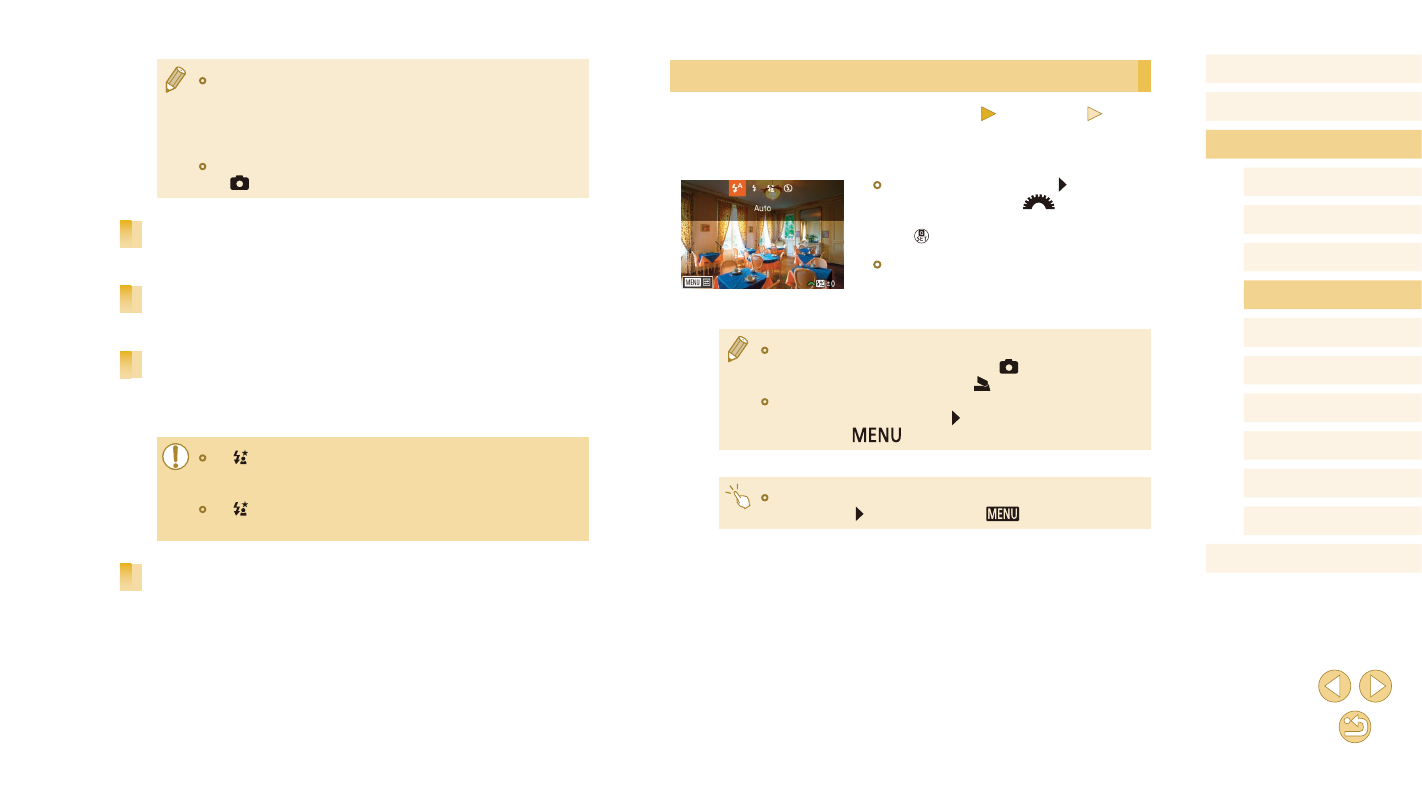
Adjusting the Flash Exposure Compensation
Still Images
Movies
Just as with regular exposure compensation (= 63), you can adjust the
flash exposure from –2 to +2 stops, in 1/3-stop increments.
●
Raise the flash, press the [ ] button and
immediately turn the [
] dial to choose
the compensation level, and then press
the [ ] button.
●
The correction level you specified is now
displayed.
●
You can also configure the flash exposure compensation by
accessing MENU (= 32) and choosing [
3] tab > [Flash
Control] > [Built-in flash settings] > [ exp. comp.].
●
You can also access the [Flash Control] screen (= 32) when
the flash is up by pressing the [ ] button and immediately
pressing the [
] button.
●
You can also access the [Flash Control] screen (= 32) by
pressing the [ ] button and touching [
].
●
When there is a risk of overexposure, the camera automatically
adjusts the shutter speed or ISO speed for flash shots to reduce
washed-out highlights and shoot at optimal exposure. Thus,
shutter speeds and ISO speeds displayed when you press the
shutter button halfway may not match the settings in flash shots.
●
You can also configure this setting by choosing MENU (= 32)
> [
3] tab > [Flash Control] > [Flash firing].
Auto
Fires automatically in low-light conditions.
On
Fires for each shot.
Slow Synchro
Fires to illuminate the main subject (such as people) while shooting at a
slower shutter speed to illuminate backgrounds out of flash range.
●
In [ ] mode, mount the camera on a tripod or take other
measures to keep it still and prevent camera shake. In this case,
also disable image stabilization (= 79).
●
In [ ] mode, even after the flash fires, ensure that the main
subject does not move until the shutter sound is finished playing.
Off
For shooting without the flash.