Capturing still images while recording movies – Nikon COOLPIX P950 Digital Camera User Manual
Page 149
149
Capturing still images while recording movies
Capturing still images while recording movies
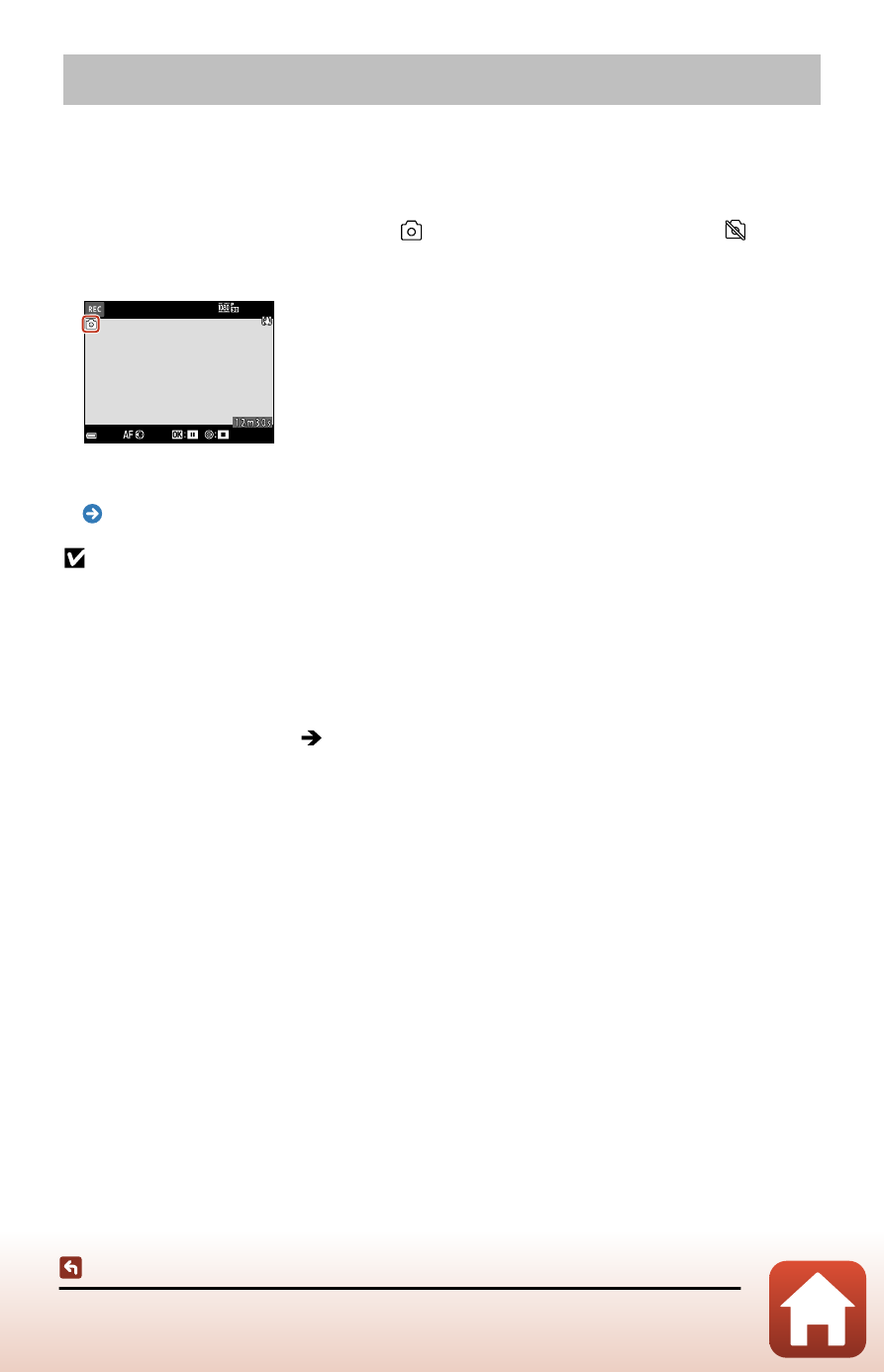
If the shutter-release button is pressed all the way while recording a movie, one
frame is saved as a still image (JPEG image) (except Movie manual mode). Movie
recording continues while the still image is being saved.
• A still image can be captured when is displayed on the screen. When is
displayed, a still image cannot be captured.
• The size of the captured still image is the same as the movie image size.
Notes about capturing still images during movie recording
•
Still images cannot be saved during movie recording in the following situations:
-
In Movie manual mode
-
When movie recording is paused
-
When the remaining movie recording time is less than five seconds
-
When [
Movie options
] is set to an HS movie option
•
When the shooting menu [
Image quality
] is set to [
RAW
] or [
RAW + Fine
], a still
image is captured as [
Fine
]. When [
Image quality
] is set to [
RAW + Normal
], it is
captured as [
Normal
].
•
Up to 20 still images can be saved while recording a single movie when [
Movie options
]
is set to [
2160/30p
] or [
2160/25p
]. Still images are captured as [
Fine
].
•
It may take some time to save the images after shooting.
•
The frames of a movie that were recorded when a still image was being captured may
not play back smoothly.
•
The sounds of operating the shutter-release button when saving a still image may be
heard in the recorded movie.
•
If the camera moves when the shutter-release button is pressed, the image may be
blurred.