Power-on lamp (charge lamp) – Nikon COOLPIX P950 Digital Camera User Manual
Page 34
34
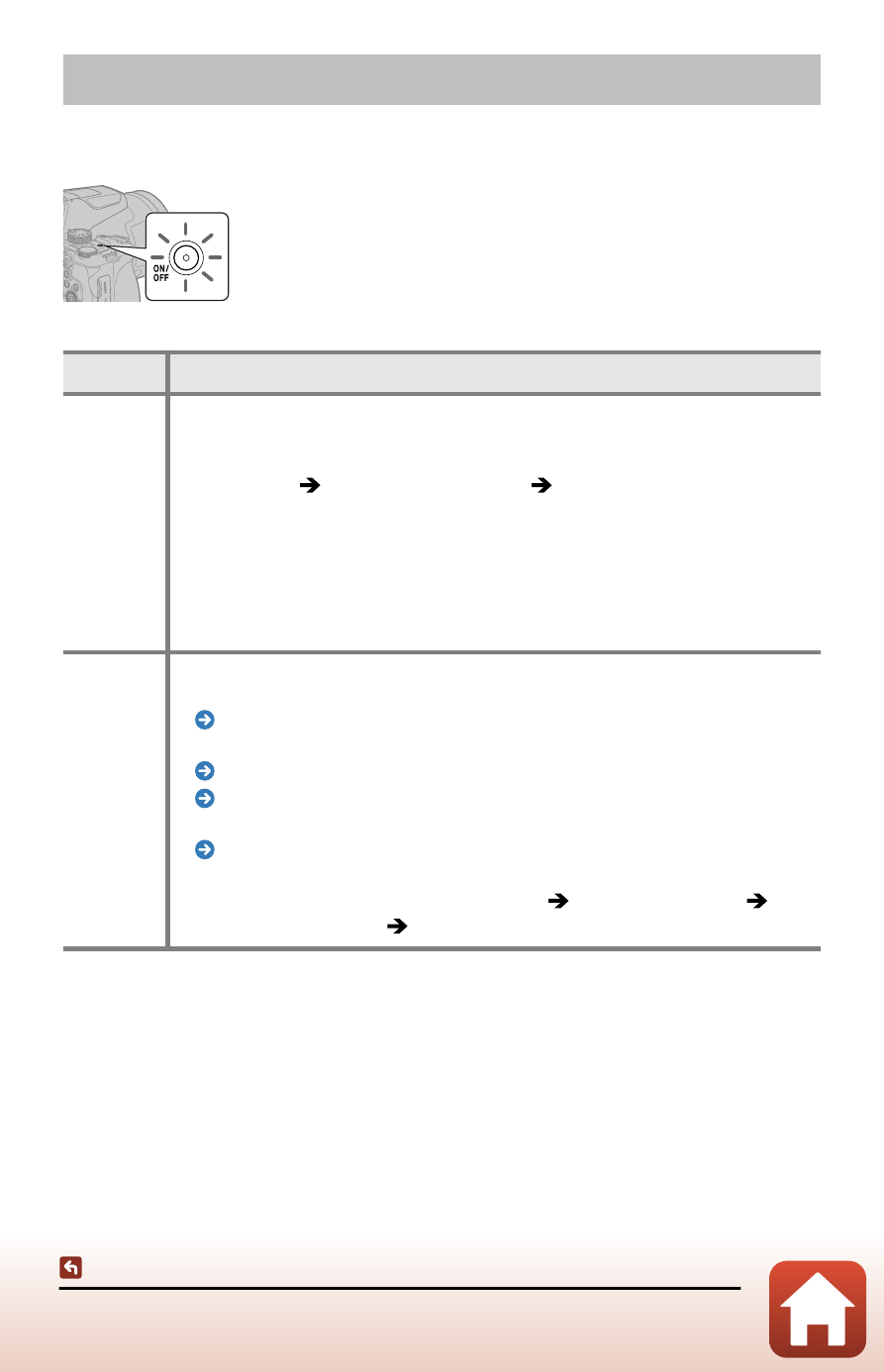
Power-on lamp (charge lamp)
Power-on lamp (charge lamp)
The power-on lamp (charge lamp) turns on or flashes in the following situations.
Status
Meaning
On
•
Turns on immediately after the camera is turned on. When the monitor is
on, the power-on lamp turns off.
•
The camera is connected to a computer with the USB cable (when the
setup menu [
Charge by computer
] [
Off
] is set, or when charging
is complete with [
Auto
]).
•
The camera is connected to an HDMI-compatible device with the HDMI
cable.
•
The electronic viewfinder is being used.
•
[
Multiple exp. Lighten (page 94)
Star trails
]
and shooting is in progress.
Flashing
•
The camera is in standby mode because it has not been operated for
about one minute.
The auto off function (page 51)
•
The battery is charging.
Charging the battery (page 41)
Charge by computer (page 241)
•
[
Intvl timer shooting
] is in progress.
Interval timer shooting (page 188)
•
Movie recording is in progress while the camera is connected to an HDMI-
compatible device (when the setup menu [
[
Clean HDMI output
] [
On
] is set).