A.3 removing full url display – Gasboy Fleet Head Office System User Manual
Page 327
Advertising
325
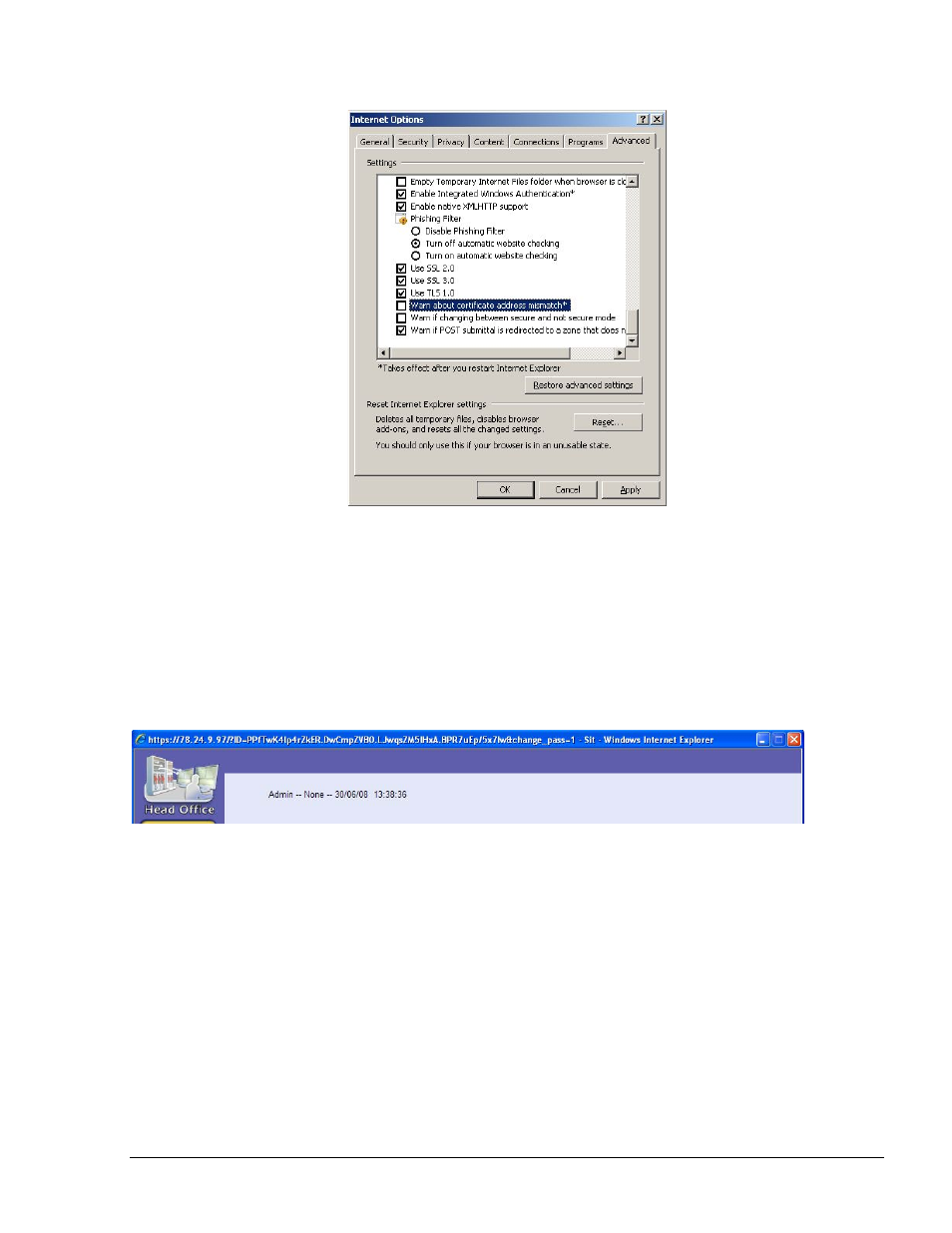
Figure A-14. Warn About Certificate Address Mismatch Option
The procedure is completed. There will be no security certificate error on any future occasion.
A.3 Removing Full URL Display
If accessing the FHO via the Internet, the full URL is displayed on the browser caption bar, as
shown in Figure A-15.
Figure A-15. Full URL Display
In order to reduce the full URL display each time the user accesses the FHO, change the following
browser settings:
1. Click Tools in the menu bar
2. Select Internet Options
3. Select Security. The Internet Security Properties screen appears (see Figure A-16):
FMS and FHO User’s Manual - MDE-4821
Advertising