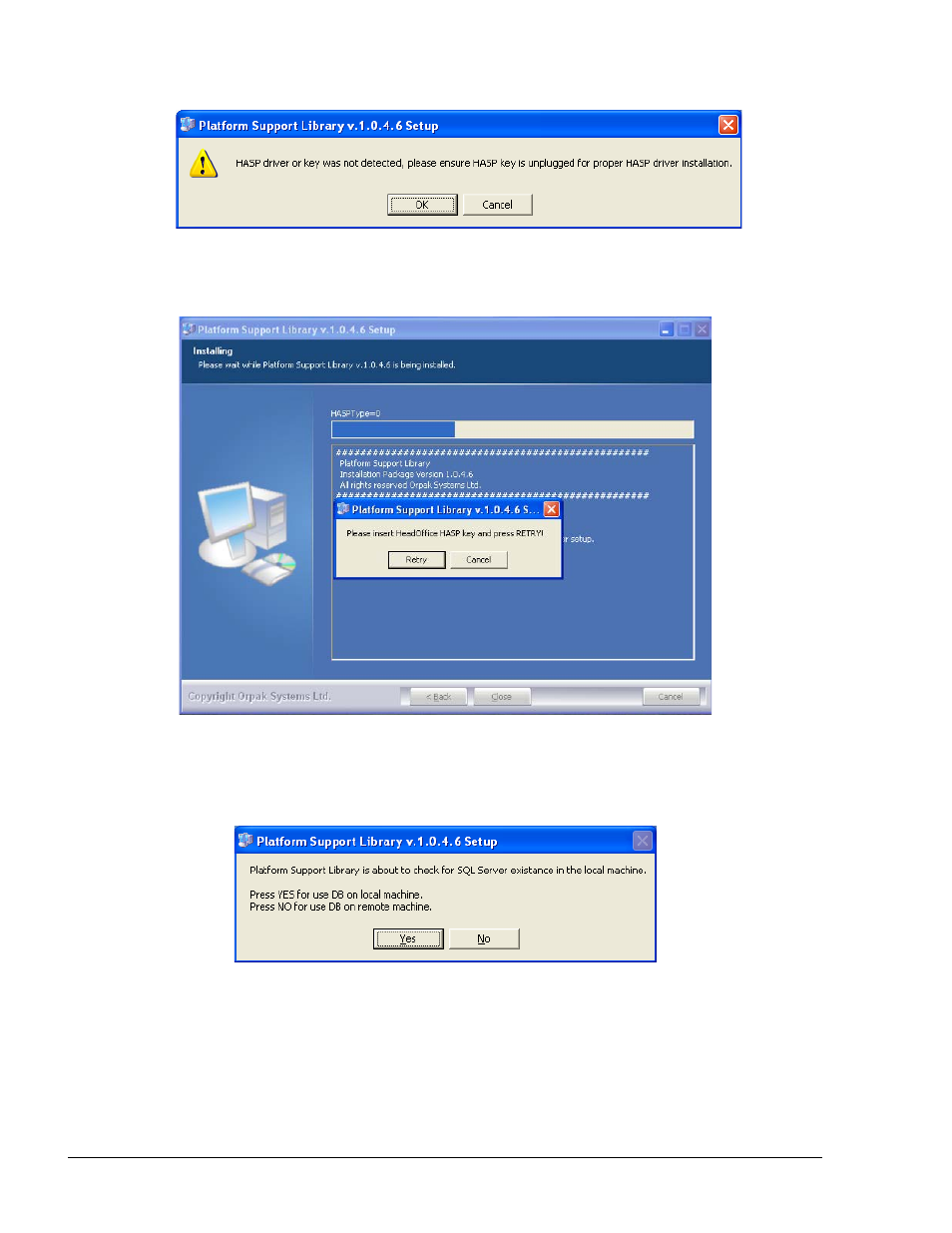
Figure 3-5. hasp driver installation message, Figure 3-6. hasp insertion message, Figure 3-7. sql server check message – Gasboy Fleet Head Office System User Manual
Page 44
Advertising
42
Figure 3-5. HASP Driver Installation Message
4. The installation process begins. The following message appears (see Figure 3-6)
Figure 3-6. HASP Insertion Message
5. Plug the provided HASP into a free USB port and then click
Retry. The following message
appears (see Figure 3-7)
Figure 3-7. SQL Server Check Message
6. The Support Library checks for the presence of the software on the computer. Click
Yes if
HO database is to be installed on the computer. The following message is displayed (see
Figure 3-8)
FMS and FHO User’s Manual - MDE-4821l
Advertising