HEIDENHAIN IK 5293 User Manual
Page 320
Advertising
Chapter 7
Programming
306
•
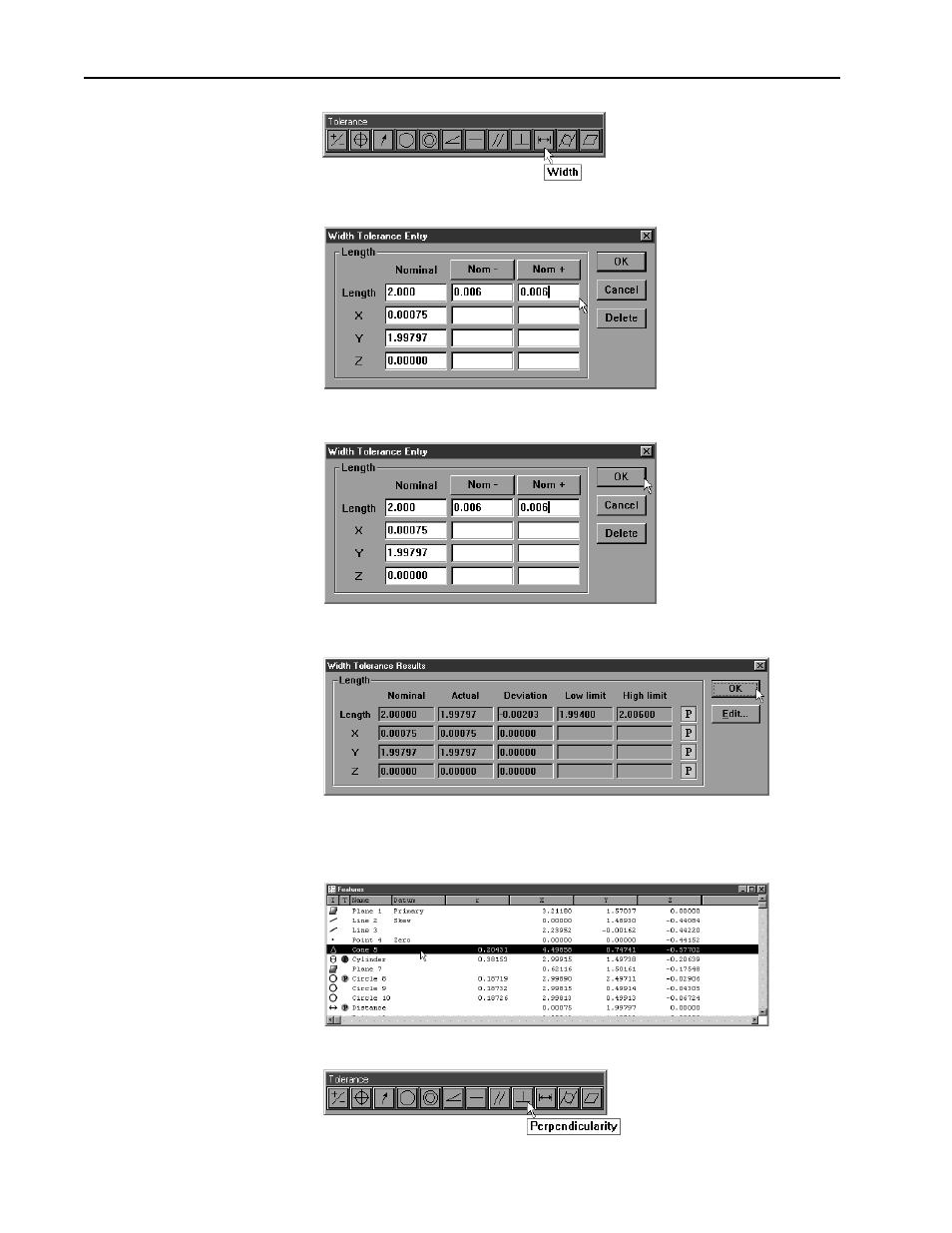
click the width button on the tolerance toolbar
•
enter the tolerance data as shown
•
click OK
•
click OK in the tolerance results window
Step 16
Enter a perpendicularity tolerance for the primary plane.
•
highlight the primary plane in the features list
•
click the perpendicularity button on the tolerance toolbar
Advertising