Main menu bar, File, Edit – HEIDENHAIN IK 5293 User Manual
Page 36: Edit menu, File menu
Advertising
Chapter 1 Overview
22
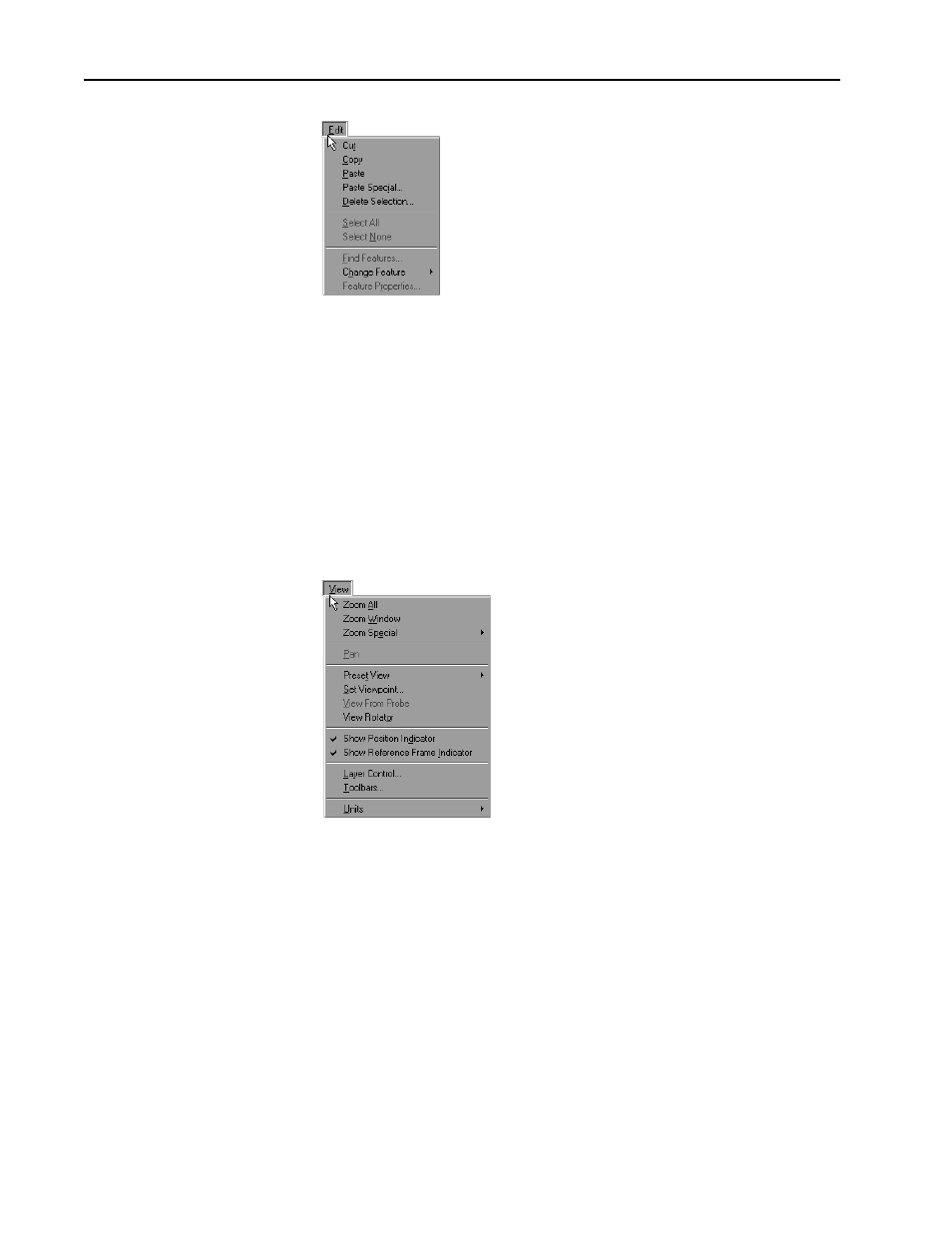
Edit
Use the edit menu to access the following commands:
•
Cut
•
Copy
•
Paste
•
Paste Special
•
Delete Selection
•
Select All
•
Select None
•
Find Features
•
Change Feature
•
Features Properties
View
Use the view menu to access the following commands:
•
Zoom All
•
Zoom Window
•
Zoom Special
•
Pan
•
Preset View
•
Set Viewpoint
•
View From Probe
•
View Rotator
•
Show Position Indicator
•
Show Reference Frame Indicator
•
Layer Control
•
Toolbars....
•
Units
Advertising