General options, Buttons, Buttons tab – HEIDENHAIN IK 5293 User Manual
Page 366
Advertising
352
Chapter 8 Setup
General Options
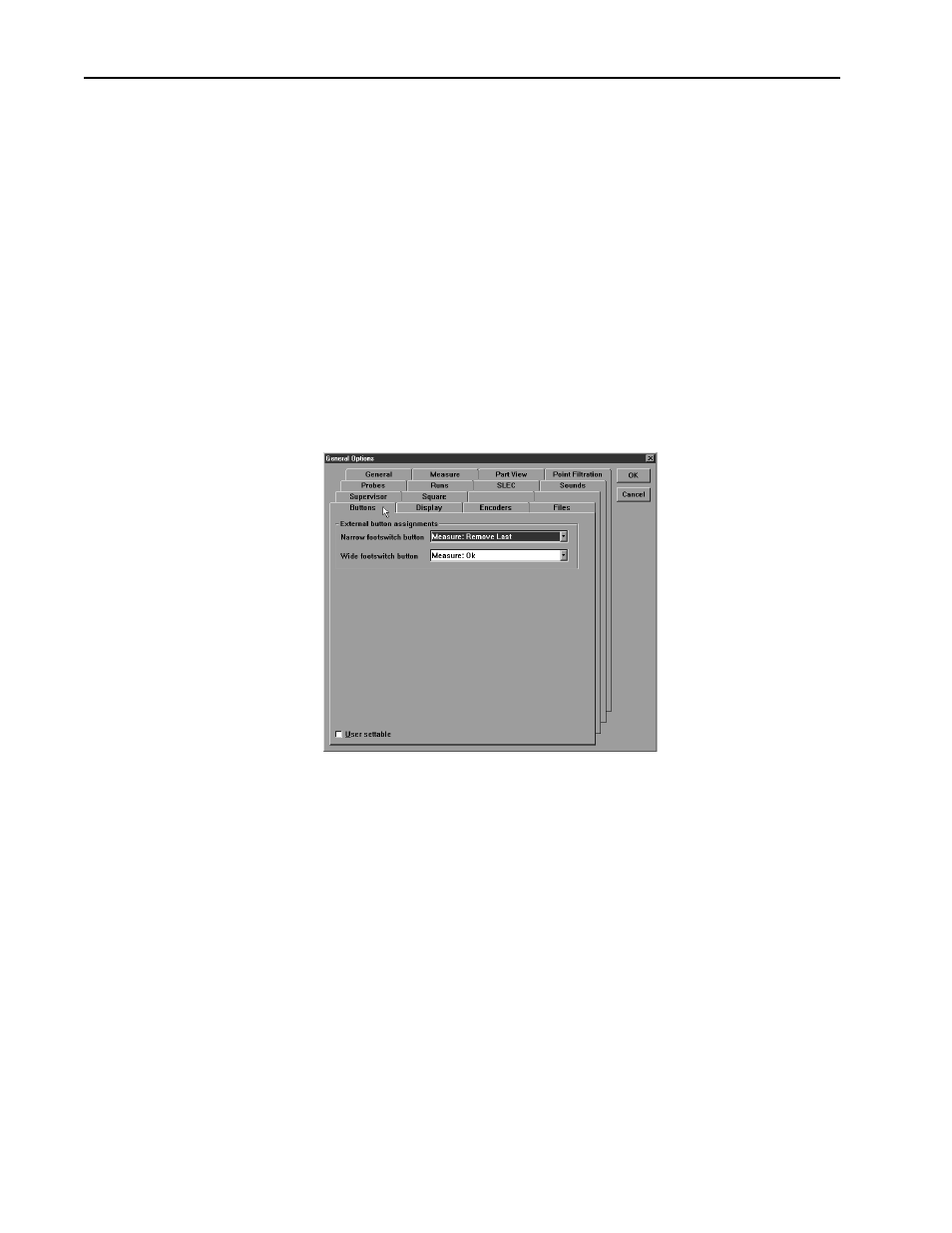
Use the general options window to manage and change QC5000 settings. Tabs
in the general options windows are:
•
Buttons
•
Display
•
Encoders
•
General
•
Measure
•
Part view
•
Probes
•
SLEC
•
Sounds
•
Supervisor
•
Square
Buttons
Use the buttons tab to set the function of external input buttons (footswitch,
etc).
Advertising