Altering the size of the status monitor window, Altering the size of the status monitor window -4 – TA Triumph-Adler LP 210 User Manual
Page 64
Advertising
5
Working with the Windows printer tools
5-4
Laser Printer 200 Series
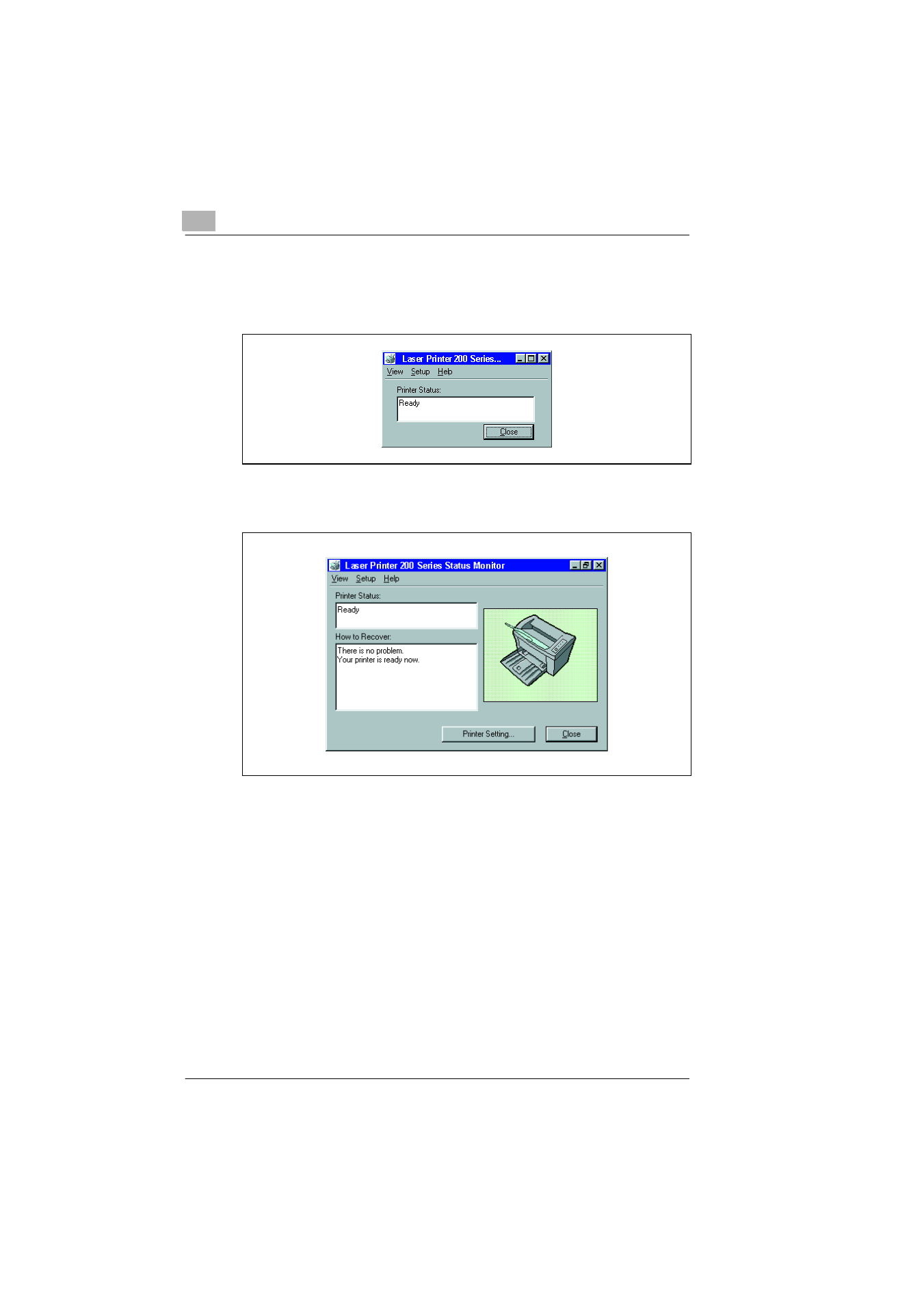
Altering the size of the Status Monitor window
➜
In the Status Monitor menu bar, select the "View" menu and then the
option “Reduce“ in order to decrease the size of the window.
➜
In the Status Monitor menu bar, select the "View" menu and then the
option “Expand“ in order to increase the size of the window.
Advertising