Ackets, Choosing an af-area mode – Nikon Zfc Mirrorless Camera with 28mm Lens User Manual
Page 103
Focus
103
Choosing an AF-area mode
❚
❚
・
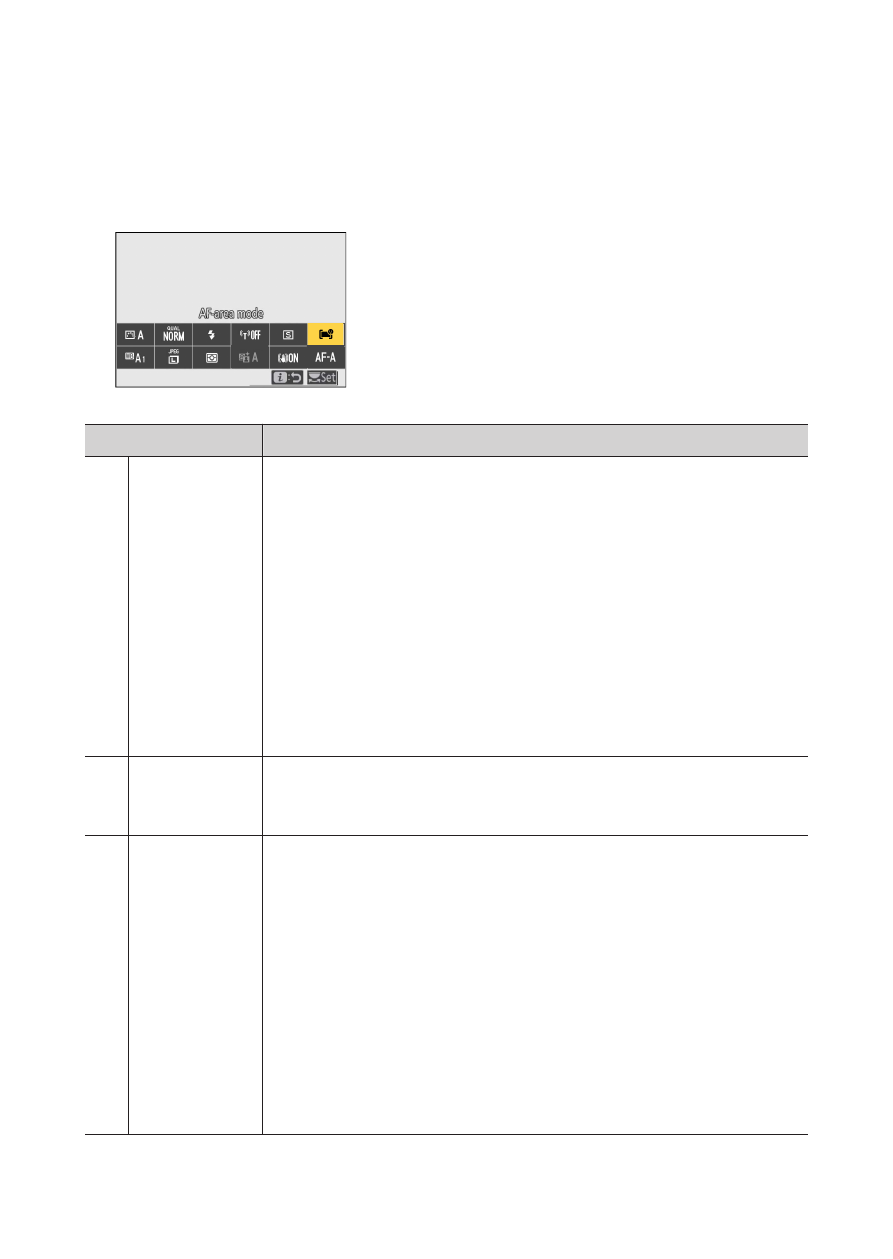
AF-area mode can be selected using the [AF-area mode] items in the
i
menu, photo shooting menu, and video recording menu (
Option
Description
3
[P
inpoint
AF]
・
With a focus area smaller than that employed for
single-point AF, pinpoint AF is used for pinpoint focus
on a selected spot in the frame.
・
Focusing may be slower than with single-point AF.
・
Recommended for shots involving static subjects,
such as buildings, in-studio product photography, or
close-ups.
・
This option is only available when photo mode is
selected and [Single AF] is chosen for [Focus mode].
d
[Single-
point AF]
・
The camera focuses on a point selected by the user.
・
Use with stationary subjects.
e
[Dynamic-
area AF]
・
The camera focuses on a point selected by the user. If
the subject briefly leaves the selected point, the
camera will focus based on information from
surrounding focus points.
・
Use for photographs of athletes and other active
subjects that are hard to frame using single-point AF.
・
This option is only available when photo mode is
selected and [AF mode auto-switch] or [Continuous
AF] is chosen for focus mode.