F2: custom controls (shooting) – Nikon Zfc Mirrorless Camera with 28mm Lens User Manual
Page 367
Advertising
A
Custom Settings: Fine-tuning camera settings
367
f2: Custom controls (shooting)
G
button
U
A
Custom Settings menu
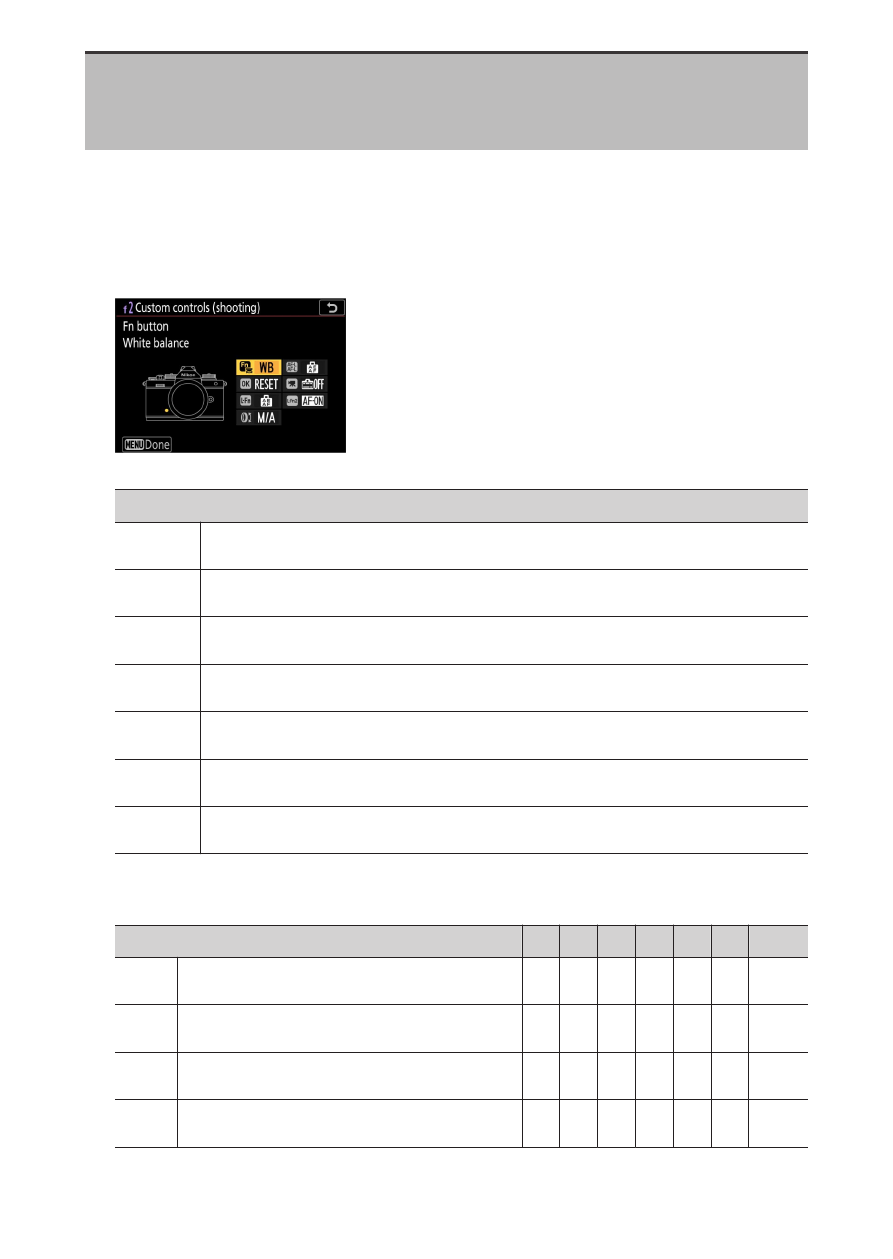
Choose the operations performed in photo mode using the camera
controls or lens control ring.
・
Choose the roles played by the controls below. Highlight the desired
control and press
J
.
Option
2
[Fn button]
j
[AE-L/AF-L button]
k
[OK button]
z
[Video record button]
S
[Lens Fn button]
3
[Lens Fn2 button]
l
[Lens control ring]
・
The roles that can be assigned to these controls are as follows:
Option
2
j k
1
z S 3
l
K
[Select center focus point]
—
4
4
— — — —
A
[AF-ON]
4
4
— —
4
4
—
F
[AF lock only]
4
4
— —
4
4
—
E
[AE lock (Hold)]
4
4
—
4
4
4
—
Advertising