Copying pictures to a computer using nx studio – Nikon Zfc Mirrorless Camera with 28mm Lens User Manual
Page 490
Connecting to computers via USB
490
・
Download the latest NX Studio installer from the website below and
follow the on-screen instructions to complete installation.
https://downloadcenter.nikonimglib.com/
・
Note that you may be unable to download pictures from the camera
using earlier versions of NX Studio.
Copying pictures to a computer using NX
Studio
See online help for detailed instructions.
1
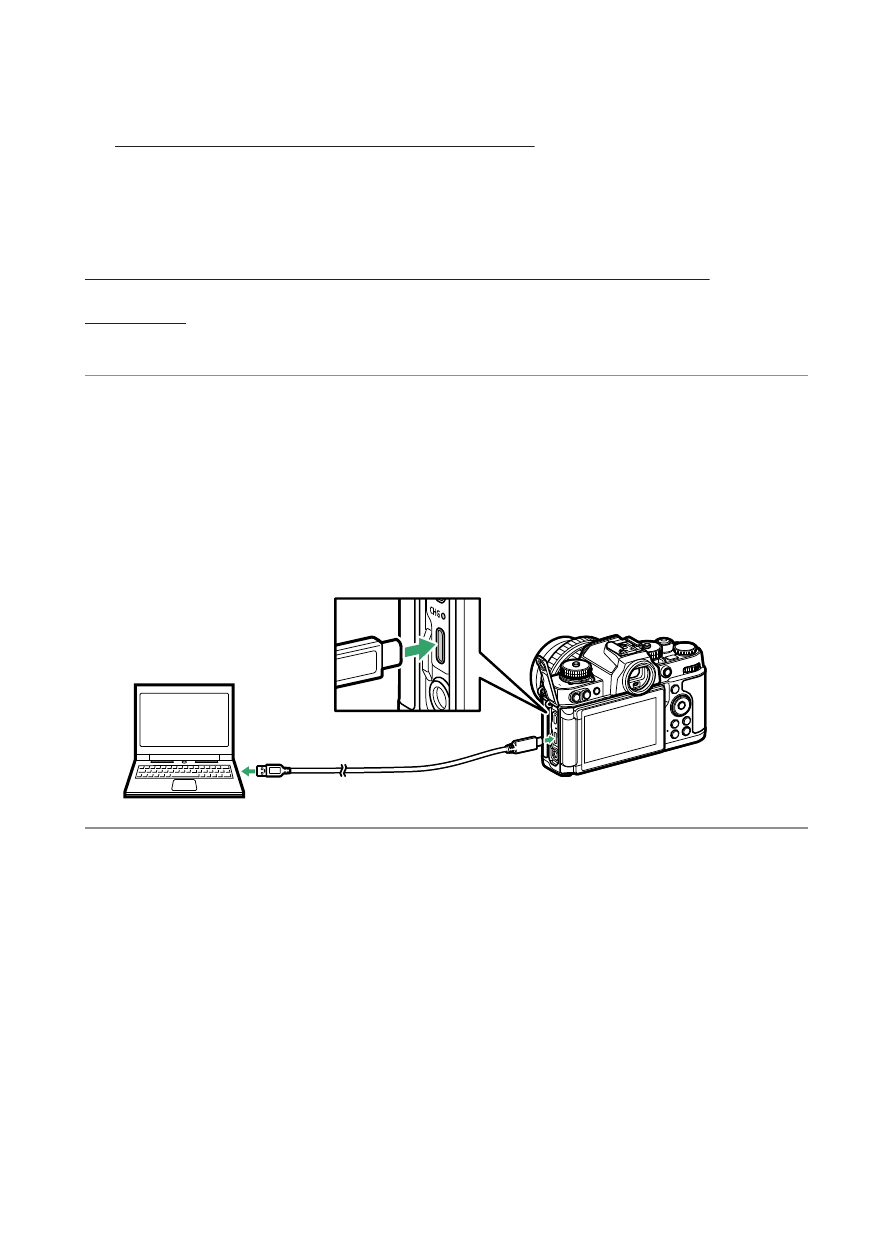
Connect the camera to the computer.
After turning the camera off and ensuring that a memory card is
inserted, connect the USB cable as shown. You also have the option
of inserting the camera memory card into the computer’s card slot
(if available) or a third-party card reader. Before doing so, check that
the card is compatible with the reader or card slot.
2
Turn the camera on.
・
The Nikon Transfer 2 component of NX Studio will start. Nikon
Transfer 2 is image transfer software that is installed when you
install NX Studio.
・
If a message is displayed prompting you to choose a program,
select Nikon Transfer 2.
・
If Nikon Transfer 2 does not start automatically, launch NX Studio
and click the “Import” icon.