Shooting in self-portrait mode – Nikon Zfc Mirrorless Camera with 28mm Lens User Manual
Page 52
Camera controls
52
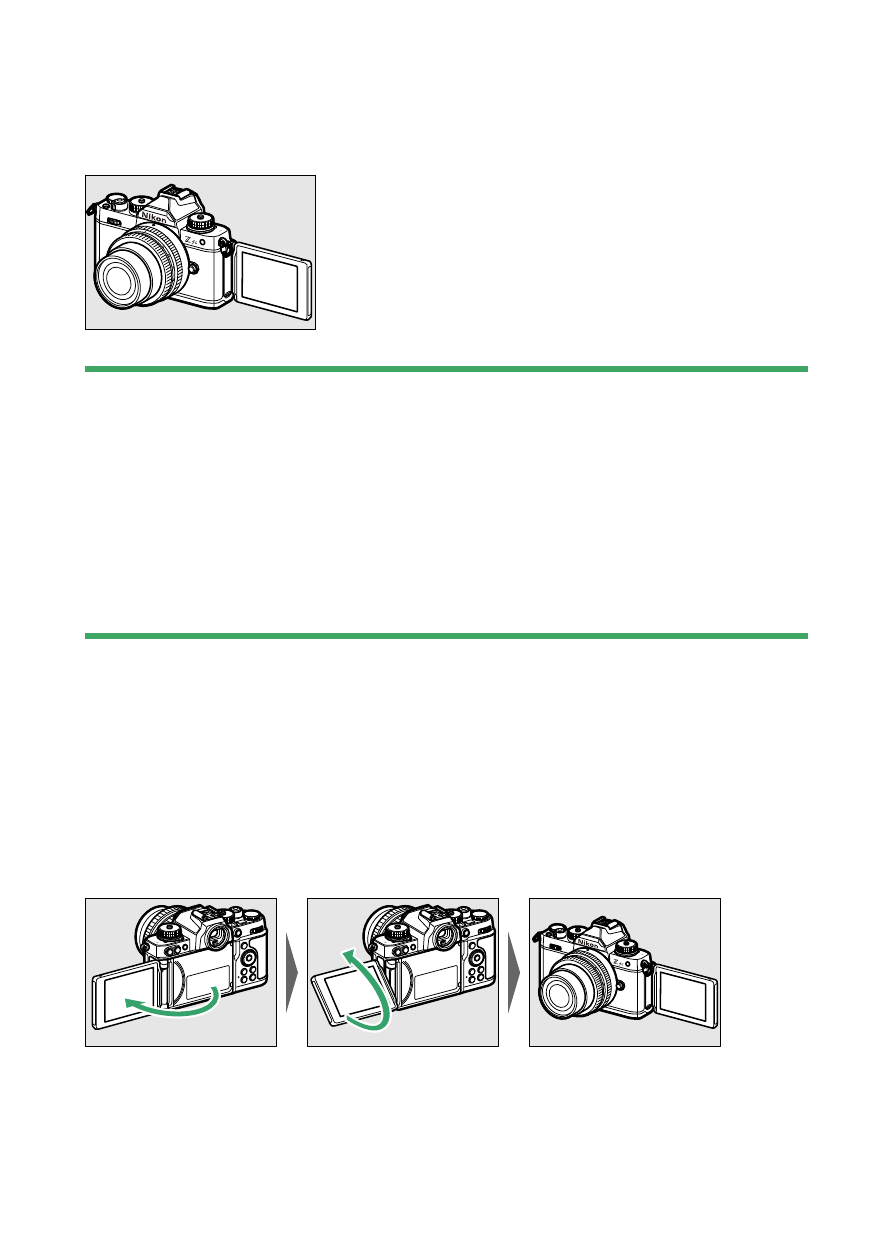
Self-portrait mode
●
When the monitor is facing the front of the camera, the camera changes
to self-portrait mode (
D
Precautions for the monitor
・
When rotating the monitor, rotate slowly within the allowable range.
Applying excessive force will result in damage to the camera body and
monitor.
・
When you are not using the monitor, turning it facing inward and setting
it in the camera body is recommended to prevent damage and dirt.
・
Do not carry the camera by holding the monitor. This could result in
damage to the camera.
Shooting in self-portrait mode
❚
❚
If the monitor is set to the self-portrait mode position, it will switch to
self-portrait mode.
The monitor will display an image as if it were reflected on a mirror
(inverted image), but the actual image is saved from the perspective of
the camera.
・
In self-portrait mode, you can tap the monitor to set the self-timer.