Disconnecting and reconnecting – Nikon Zfc Mirrorless Camera with 28mm Lens User Manual
Page 477
Connecting to computers via Wi-Fi
477
Disconnecting and reconnecting
Disconnecting
❚
❚
You can end the connection by:
・
turning the camera off,
・
selecting [Disable] for [Connect to computer] > [Wi-Fi connection]
in the setup menu,
・
selecting [Enable] for [Airplane mode] in the setup menu,
・
selecting [Wi-Fi connection] > [Close Wi-Fi connection] in the
photo-mode
i
menu, or
・
connecting to a smart device via Wi-Fi or Bluetooth.
D
Access-point mode
An error will occur if the computer’s wireless connection is disabled before
the camera’s. Disable camera Wi-Fi first.
Reconnecting
❚
❚
To reconnect to an existing network:
・
select [Enable] for [Connect to computer] > [Wi-Fi connection] in
the setup menu, or
・
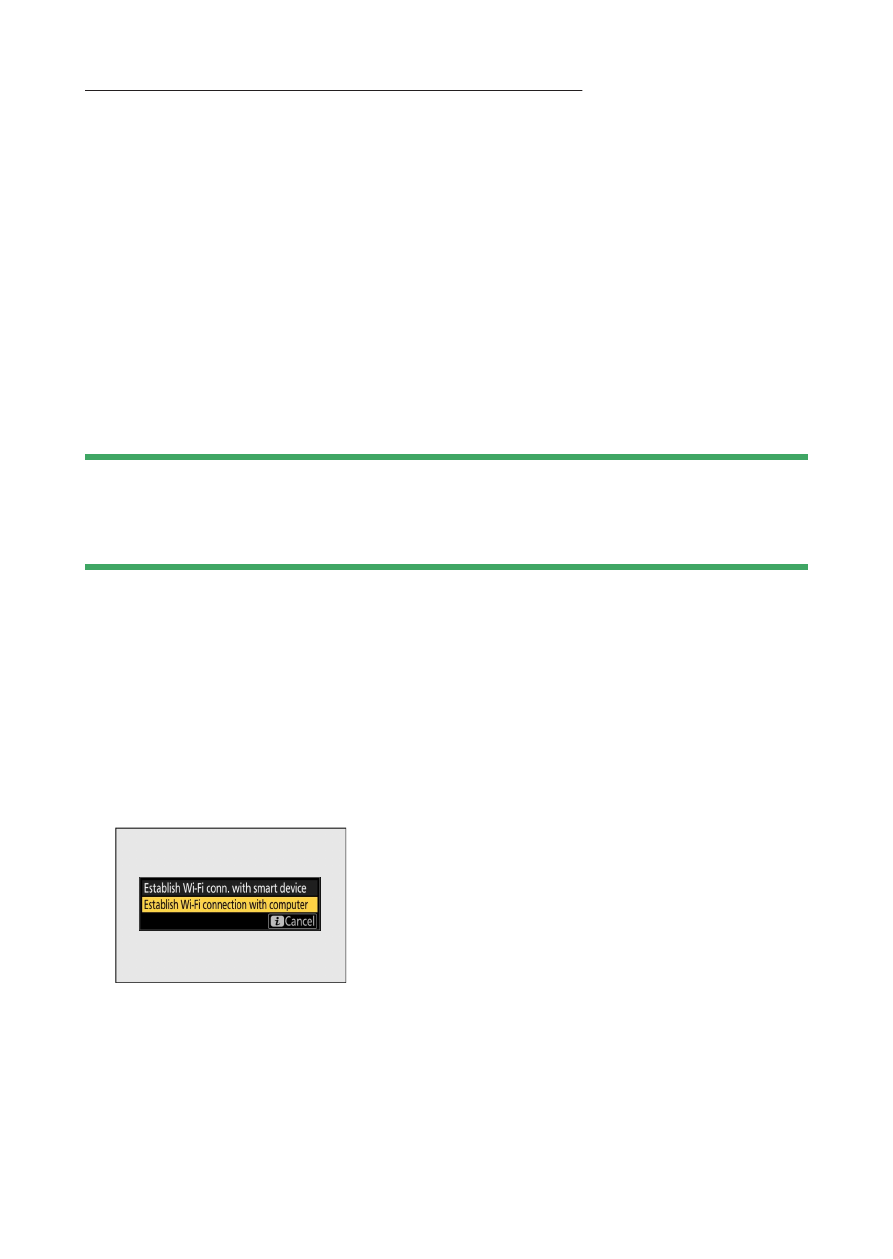
select [Wi-Fi connection] > [Establish Wi-Fi connection with
computer] in the photo-mode
i
menu.