Nikon Zfc Mirrorless Camera with 28mm Lens User Manual
Page 158
Still images
158
4
Position the white balance target (
r
) over a white or gray object
and measure a value for preset manual white balance.
・
Position the target (
r
) using the multi selector.
・
To measure white balance, press the shutter-release button all the
way down or press
J
.
・
You can also position the target and measure white balance by
tapping the display.
・
You cannot move
r
if an optional flash unit is attached. Frame the
shot so that the white or gray reference object is in the center of
the display.
・
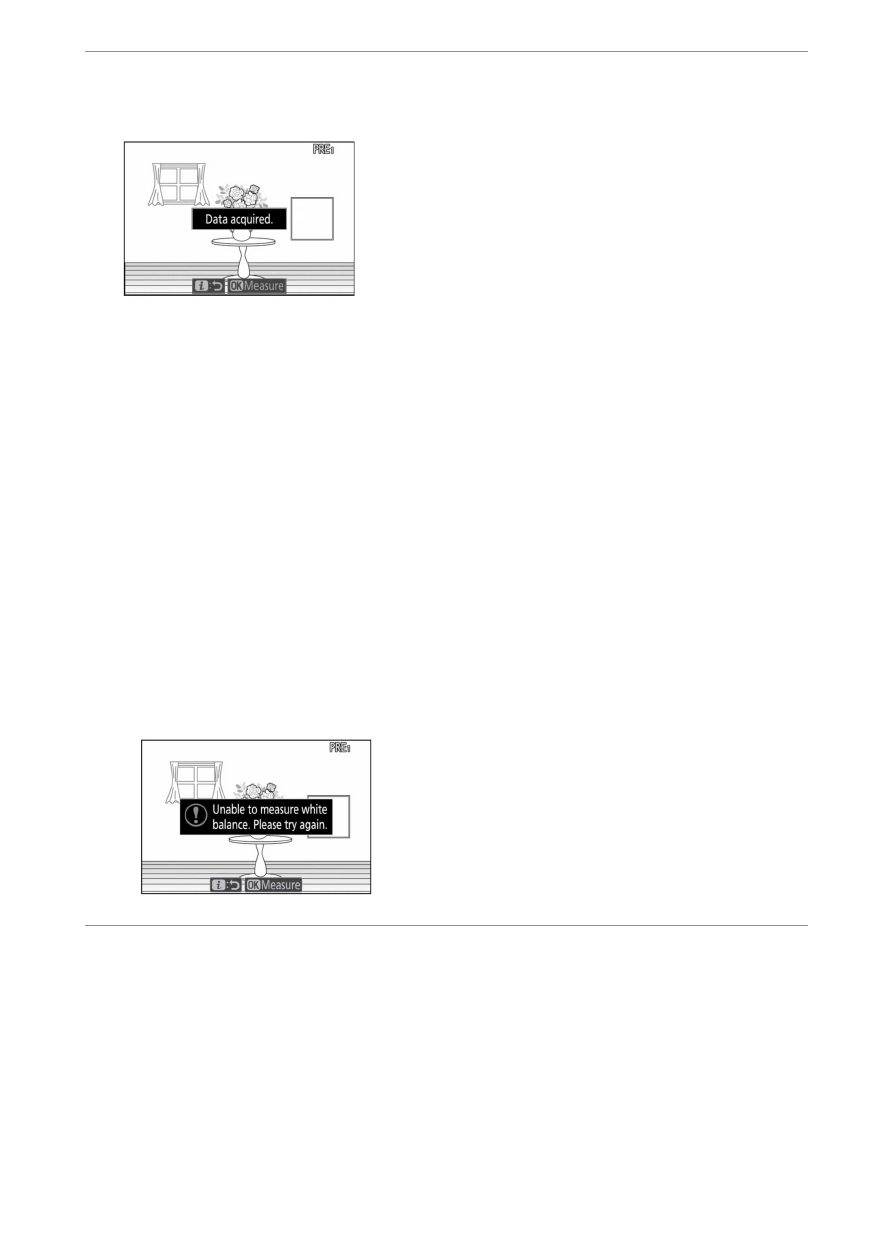
If the camera is unable to measure white balance, a message will
be displayed and the camera will return to direct measurement
mode. Try measuring white balance again, for example with the
target (
r
) positioned over a different area of the subject.
5
Press the
i
button to exit direct measurement mode.