Nikon Zfc Mirrorless Camera with 28mm Lens User Manual
Page 475
Advertising
Connecting to computers via Wi-Fi
475
Uploading photos as they are taken
❚
❚
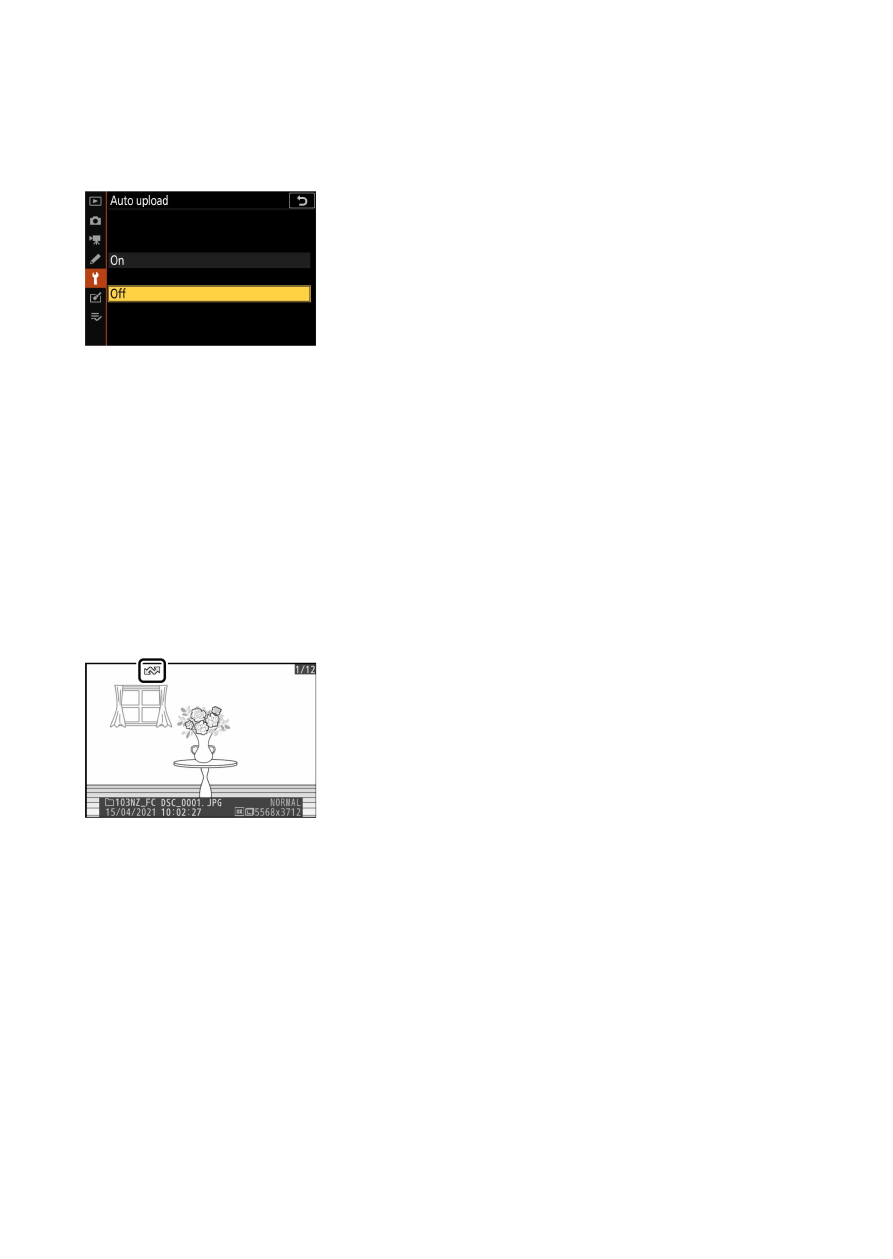
To upload new photos as they are taken, select [O
n] for [Connect to
computer] > [Options] > [Auto upload] in the setup menu.
・
Upload begins only after the photo has been recorded to the
memory card. Be sure a memory card is inserted in the camera.
・
Videos and photos taken during video mode are not uploaded
automatically when recording is complete. They must instead be
uploaded from the playback display.
The transfer icon
❚
❚
Upload status is indicated by the transfer icon.
W
(white): Send
The picture has been selected for automatic upload but upload has not
yet begun.
X
(green): Sending
Upload in progress.
Y
(blue): Sent
Upload complete.
Advertising