Nikon Zfc Mirrorless Camera with 28mm Lens User Manual
Page 60
Advertising
Camera controls
60
・
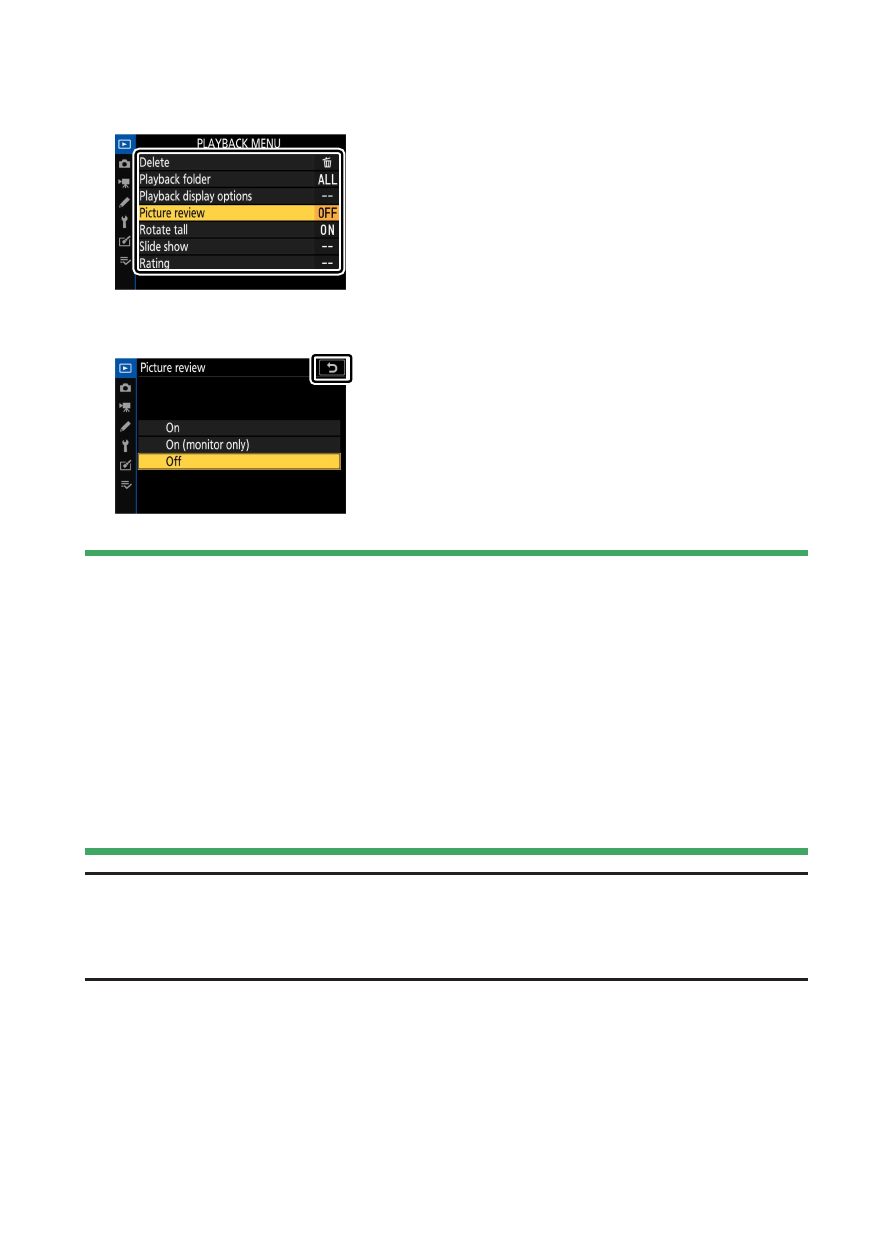
Tap menu items to display options. You can then choose the desired
option by tapping icons or sliders.
・
To exit without changing settings, tap
Z
.
D
The touch screen
・
The touch screen responds to static electricity. It may not respond when
touched with fingernails or gloved hands.
・
Do not touch the screen with sharp objects.
・
Do not use excessive force.
・
The screen may not respond when covered with third-party protective
films.
・
The screen may not respond when touched simultaneously in multiple
locations.
A
Enabling or disabling touch controls
Touch controls can be enabled or disabled using the [T
ouch controls] item in
the setup menu.
Advertising