Perspective control – Nikon Zfc Mirrorless Camera with 28mm Lens User Manual
Page 439
N
The retouch menu: Creating retouched copies
439
control] option in the photo shooting menu. Manual distortion
control cannot be further applied to copies created using [Manual].
・
Press
4
to reduce pincushion distortion,
2
to reduce barrel
distortion.
・
Press
J
to save the retouched copy.
D
Distortion control
Note that greater amounts of distortion control result in more of the edges
being cropped out.
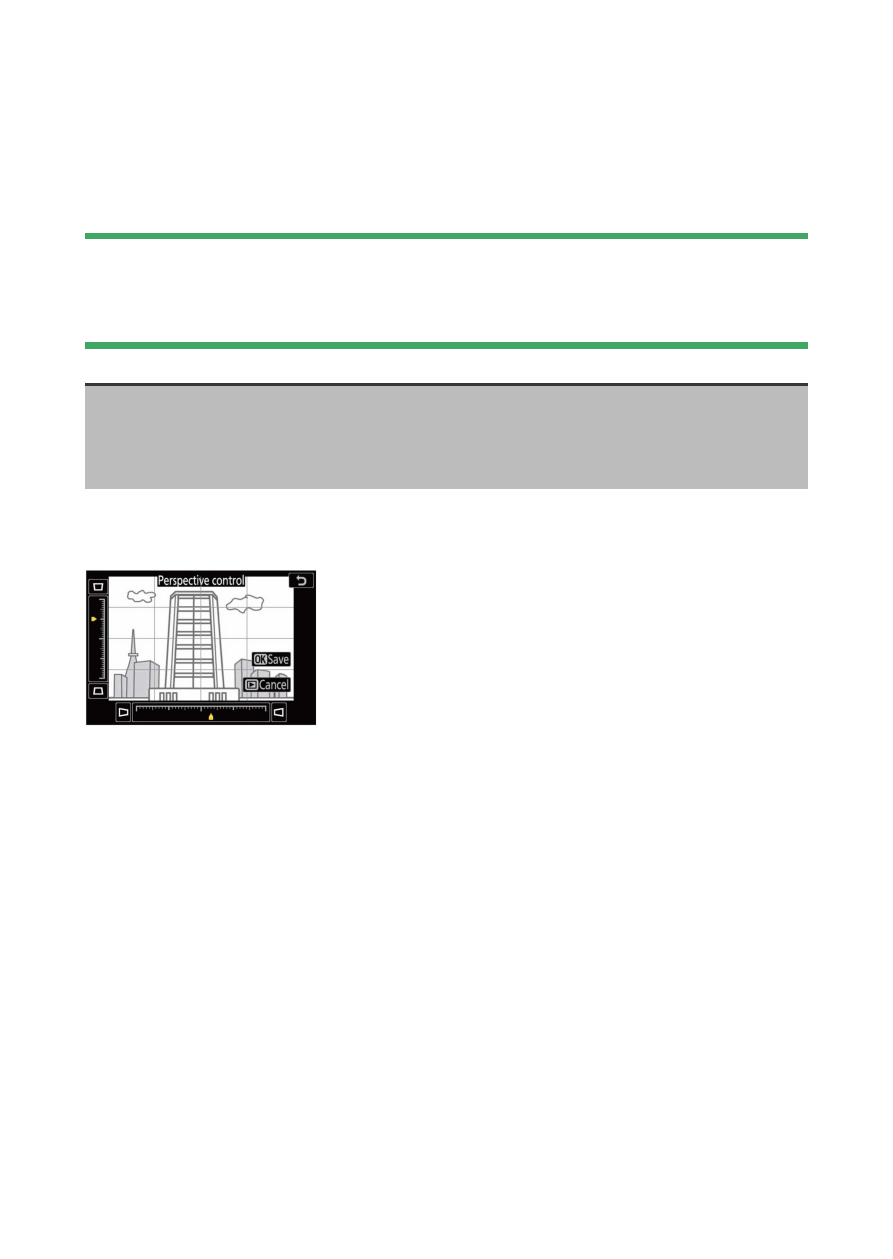
Perspective control
G
button
U
N
retouch menu
Create copies that reduce the effects of perspective in photos taken
looking up from the base of a tall object.
・
The effect can be previewed in the edit display.
・
Note that greater amounts of perspective control result in more of
the edges being cropped out.
・
Use the multi selector (
1
,
3
,
4
, or
2
) to adjust perspective.