Nikon Zfc Mirrorless Camera with 28mm Lens User Manual
Page 185
Viewing pictures
185
Press
1
or
3
to highlight pictures in the thumbnail list. To return to
the date list, press the
W
(
Q
) button a second time.
・
To zoom in on the picture highlighted in the thumbnail list, press and
hold the
X
button.
・
To exit to thumbnail playback, press
X
when the cursor is in the date
list.
D
Touch controls
Touch controls can be used when pictures are displayed in the monitor
(
D
Rotate tall
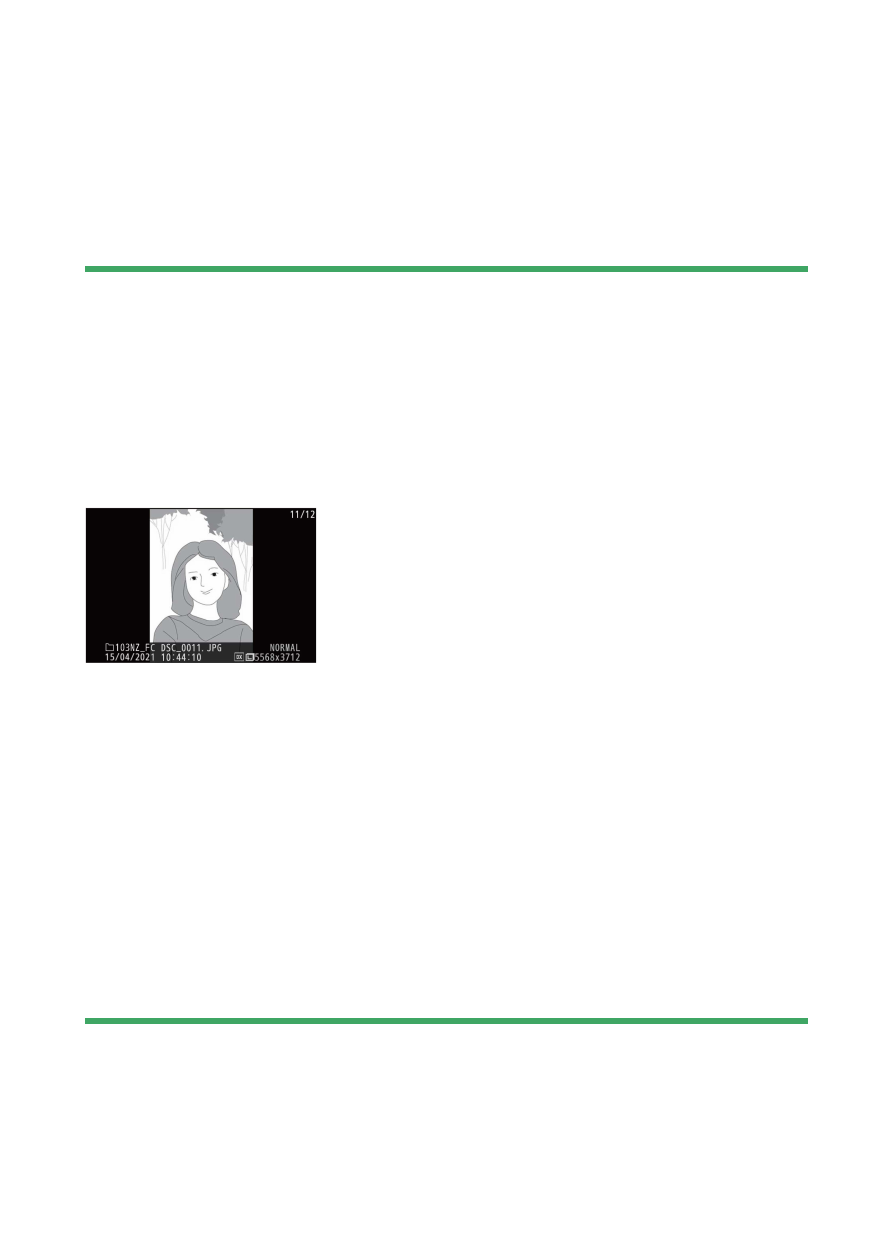
To display “tall” (portrait-orientation) photographs in tall orientation, select
[O
n] for [Rotate tall] in the playback menu.
D
Picture review
When [O
n] is selected for [Picture review] in the playback menu,
photographs are automatically displayed after shooting; there is no need for
you to press the
K
button.
・
If [On (monitor only)] is selected, photos will not be displayed in the
viewfinder.
・
In continuous release modes, display begins when shooting ends, with
the first photograph in the current series displayed.
・
Images are not rotated automatically during picture review even when
[On] is selected for [Rotate tall] in the playback menu.