Cancelling bracketing – Nikon Zfc Mirrorless Camera with 28mm Lens User Manual
Page 274
C
The photo shooting menu: Shooting options
274
[Number
of shots]
Exposure and flash
bracketing indicator
No. of
shots
Bracketing order (EVs)
9F
9
0/-1.3/-1.0/-0.7/-0.3/+0.3/
+0.7/+1.0/+1.3
4
Take pictures.
・
Take the number of pictures in the bracketing program.
・
The modified values for shutter speed and aperture are shown in
the display.
・
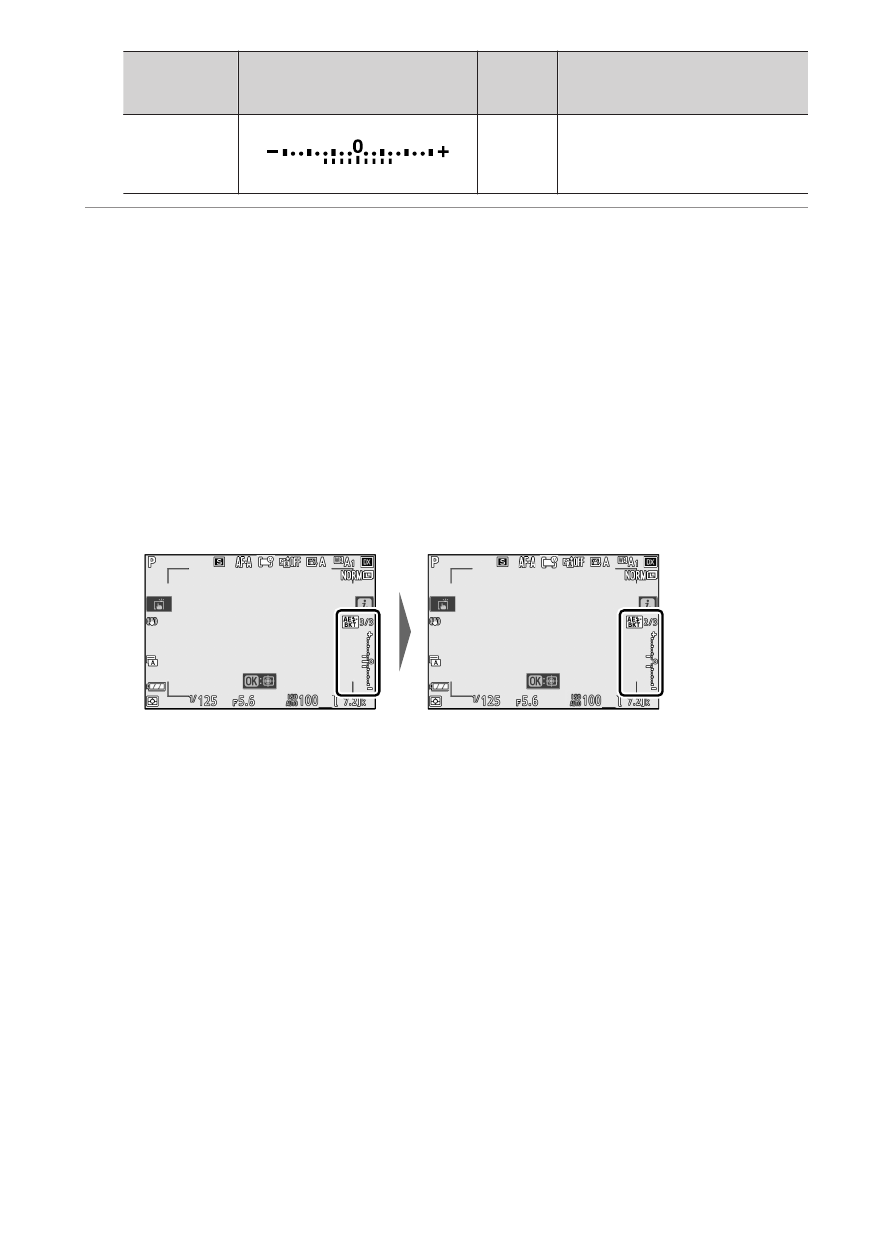
While bracketing is in effect, the display shows a bracketing icon, a
bracketing progress indicator, and the number of shots remaining
in the bracketing sequence. After each shot, a segment will
disappear from the indicator and the number of shots remaining
will be reduced by one.
No. shots: 3
Increment: 0.7
Display after first shot
・
Exposure changes due to bracketing are added to those made
with exposure compensation.
Cancelling bracketing
❚
❚
To cancel bracketing, select [0F] for [Number of shots].