Panasonic AW-RP60 Remote Camera Controller User Manual
Aw-rp60g, Operating instructions, Remote camera controller
Advertising
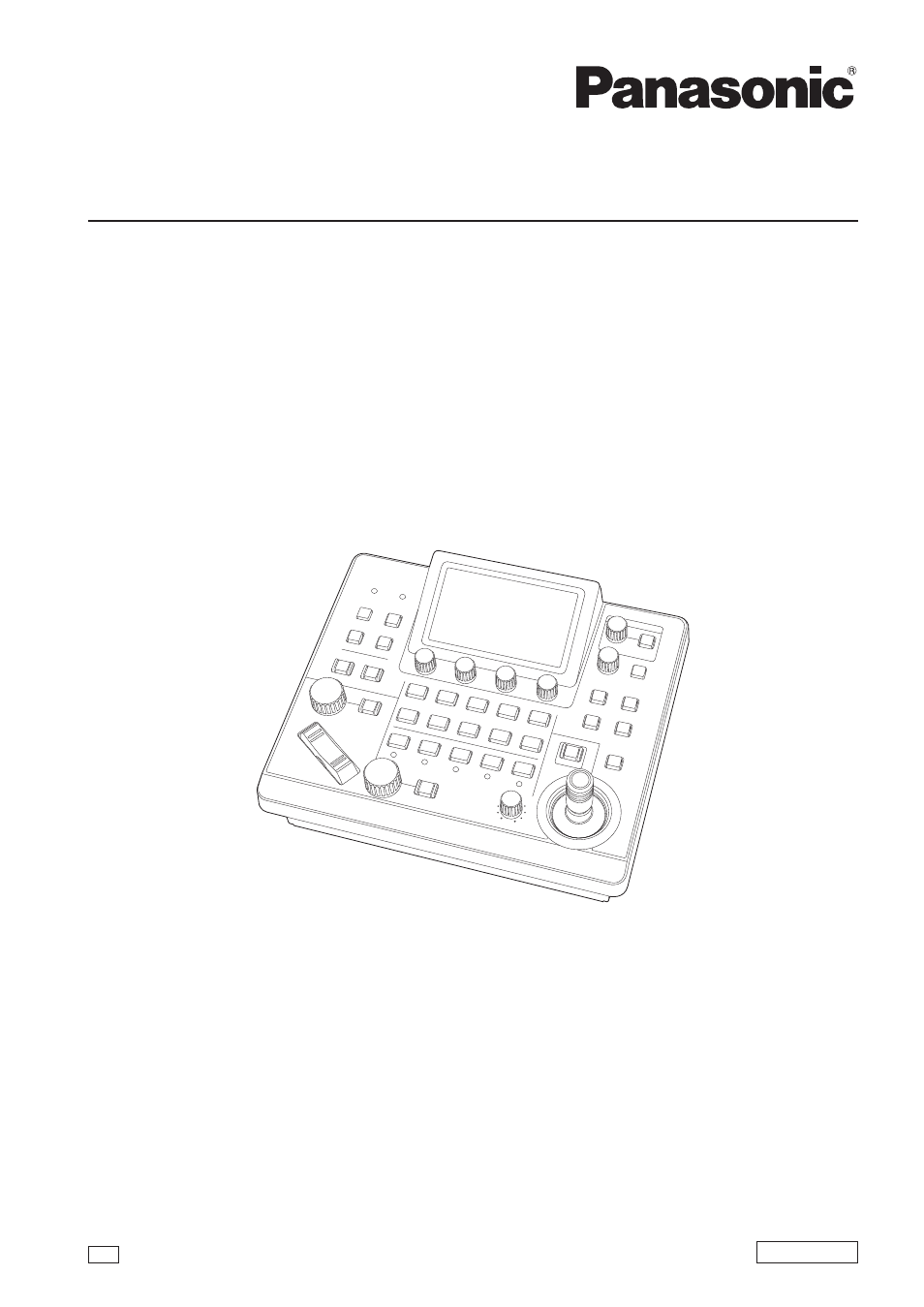
Operating Instructions
Remote Camera Controller
Model No.
AW-RP60G
DVQP2093YA
ENGLISH
Before operating this product, please read the instructions carefully and save this manual for future use.
Please carefully read the “Read this first!” (pages 3 to 4) of this Manual before use.
W1019GU1129 -FJ
GJ
Advertising
Table of contents
Document Outline
- Read this first!
- Introduction
- Precautions for use
- Precautions for installation
- Features
- Supported remote cameras
- Parts and their functions
- Connections
- Basic operations of the unit
- How to turn on and off the power of the remote cameras
- Selecting a camera group
- Selecting a remote camera
- Status screen
- Basic operations for the menus
- Network settings of the unit
- Settings for connecting with the remote cameras
- Setting the connection types (serial/IP/no connection) for remote cameras
- Setting the IP addresses automatically (auto IP setting)
- Manually setting the connection destination IP addresses (remote cameras) and port number
- Set the user account of the camera to be connected
- Initializing the connection destination IP addresses set on the unit
- Menu
- Setup Software
- Messages
- Troubleshooting
- Appearance
- Specifications
- Control interface for external devices
- Index