Gpi pmem.g 1/2, Gpi pmem.g 2/2 – Panasonic AW-RP60 Remote Camera Controller User Manual
Page 61
61
Menu
(continued)
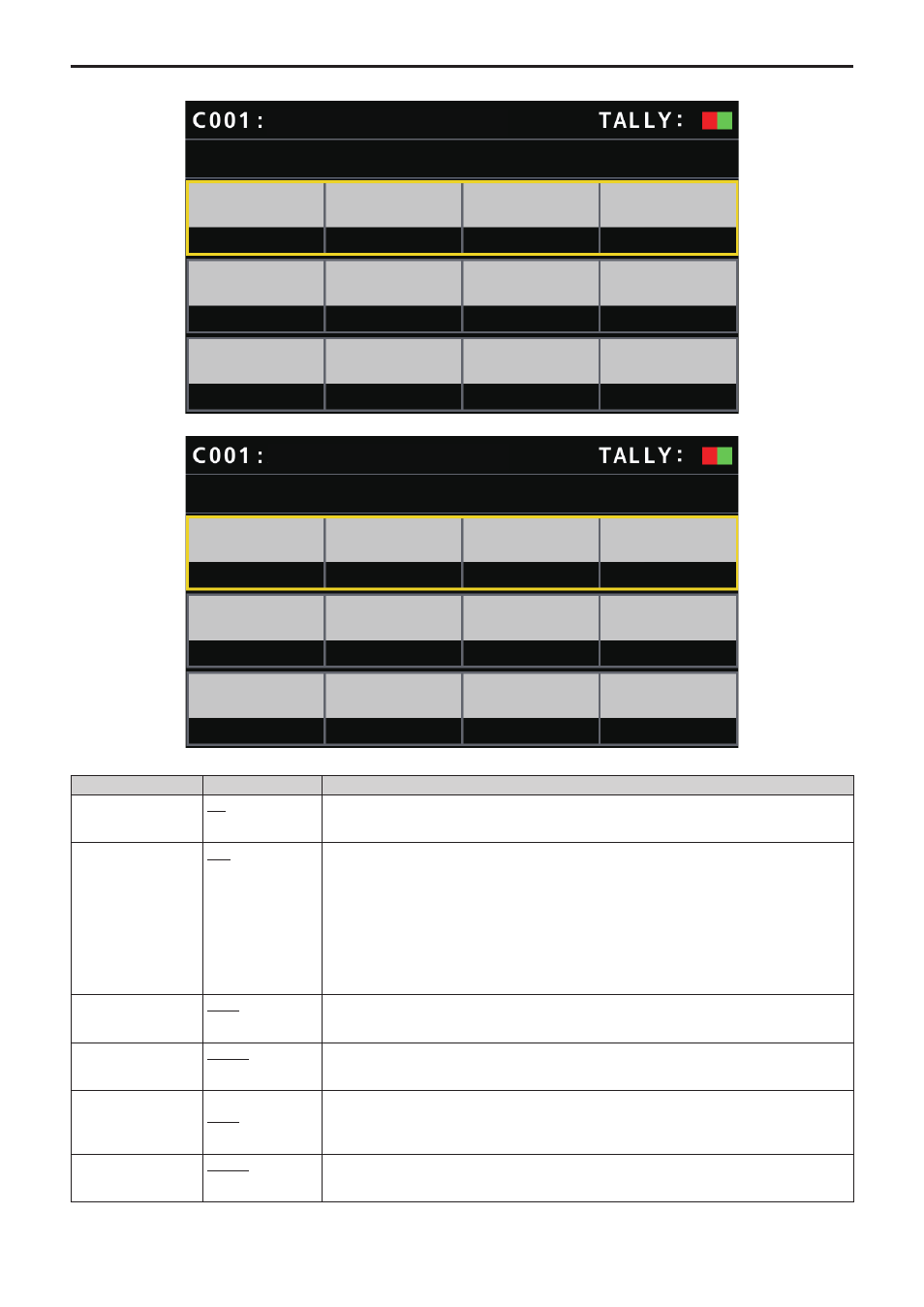
GPI PMEM.G
GPI PMEM.G
1/2
GPI IN
SEL
IN1
SEPARATE
CAM1
PMEM1
CAM2
PMEM1
CAM3
PMEM1
CAM4
PMEM1
PMEM
MODE
SEL1
CAM
SEL2
CAM
SEL1
PM
SEL3
CAM
SEL4
CAM
SEL4
PM
SEL3
PM
SEL2
PM
AW-UE70
GPI PMEM.G
2/2
SEL5
CAM
CAM5
PMEM1
CAM6
PMEM1
CAM7
PMEM1
CAM8
PMEM1
CAM9
PMEM1
CAM10
PMEM1
SEL6
CAM
SEL6
PM
SEL5
PM
SEL7
CAM
SEL8
CAM
SEL7
PM
SEL9
CAM
SEL10
CAM
SEL10
PM
SEL9
PM
SEL8
PM
AW-UE70
___ indicates factory default settings.
Item
Setting value
Setting details
GPI IN SEL
IN1
⁞
IN4
For each of the PRESET_MEM_GROUP_IN1 to 4 inputs on the TALLY/GPIO connector, it is possible
to specify preset playback of a maximum of 10 cameras.
PMEM MODE
OFF
SEPARATE
ALL
Set the operation mode for each of the PRESET_MEM_GROUP_IN1 to 4 on the TALLY/GPIO
connector.
OFF:
Preset playback is not performed even if there is input to PRESET_MEM_GROUP_IN1 to 4.
SEPARATE:
If there is input to PRESET_MEM_GROUP_IN1 to 4, preset playback instructions are performed
according to the subsequent settings SEL1 to SEL10.
ALL:
Specify playback of the preset number set in SEL1 PM for all connected cameras when there is
input through PRESET_MEM_GROUP_IN1.
SEL1 CAM
CAM1
⁞
CAM200
Select the camera number to playback.
SEL1 PM
PMEM1
⁞
PMEM100
Allocate the preset playback number to the camera selected with SEL1 CAM.
However, when the [PMEM MODE] is [ALL], the preset number for specifying playback of all
connected cameras is set.
SEL2 CAM
CAM1
CAM2
⁞
CAM200
Select the camera number to playback.
SEL2 PM
PMEM1
⁞
PMEM100
Allocate the preset playback number to the camera selected with SEL2 CAM.