Setting 1/2, Setting 2/2, Pmem gp cal group1 aw-ue70 – Panasonic AW-RP60 Remote Camera Controller User Manual
Page 65
65
Menu
(continued)
SETTING
z
Make basic settings for preset memory.
The setting values and available setting items depend on the connected camera.
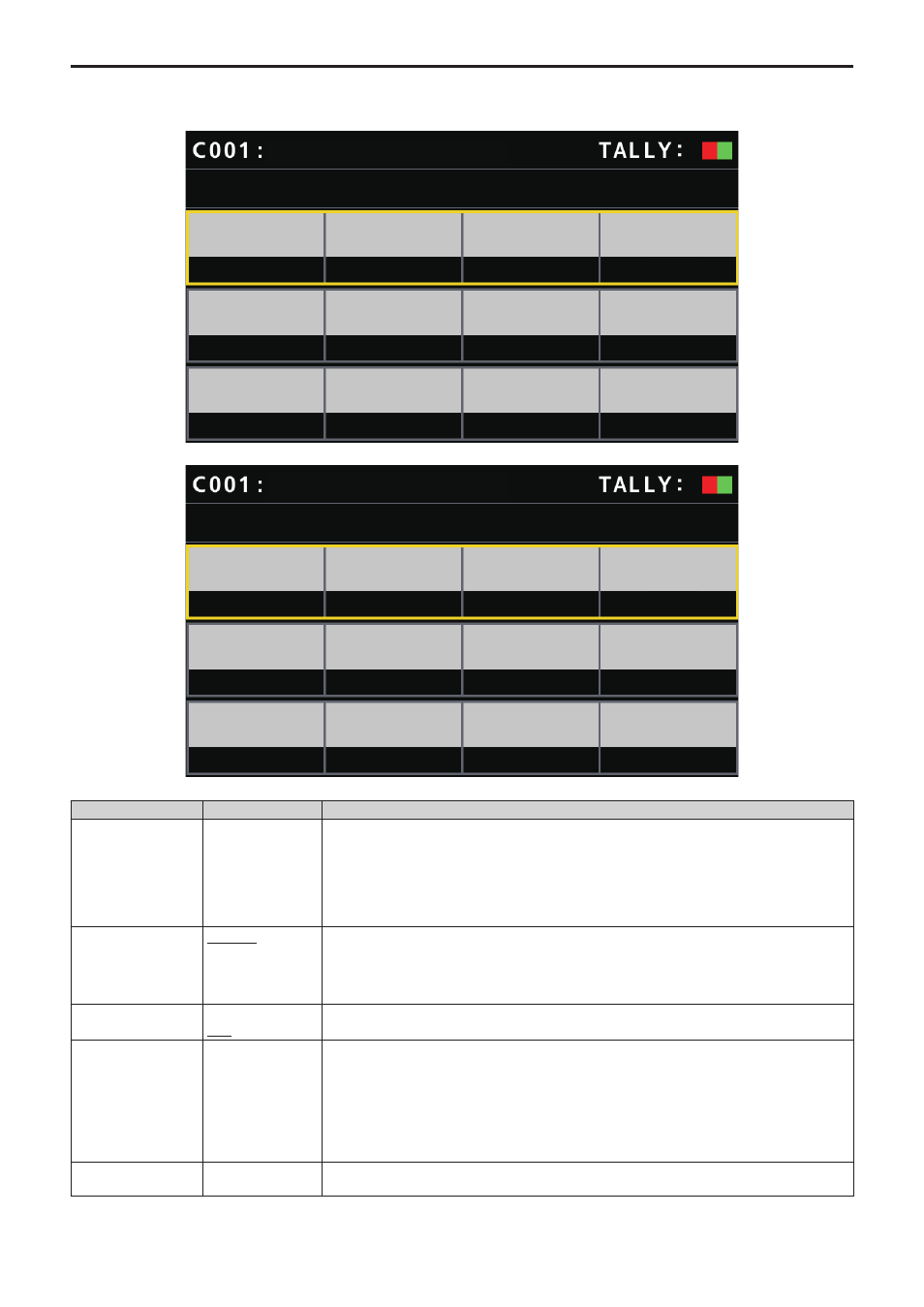
SETTING 1/2
SCOPE
A
CAMERA
NO?
SLOW
1
OFF
A
OFF
RP CTRL
SPD MODE
SPEED
SPEED
TBL
D-EXT
CROP
ZOOM
MODE
AW-UE70
NO?
HOME
STEP
SPEED
UNIT
SETTING 2/2
PMEM
GP CAL
GROUP1
AW-UE70
___ indicates factory default settings.
Item
Setting value
Setting details
SCOPE
A
B
C
Specify the playback targets for items registered in the preset memory.
A:
Pan, Tilt, Zoom (including digital zoom), Focus, Iris, Gain, white balance adjustment value
B:
Pan, Tilt, Zoom (including digital zoom), Focus, Iris
C:
Pan, Tilt, Zoom (including digital zoom), Focus
RP CTRL SPD MODE
CAMERA
RP
Determine the playback mode of the preset speed for playing back the preset memory.
CAMERA:
Playing back at the preset speed set in the remote camera.
RP:
Playing back at the preset speed registered when the preset memory was registered.
HOME
YES
NO?
Return the pan‑tilt head to home position.
SPEED UNIT
STEP
TIME
The mode of the speed for playing back the preset memory is displayed.
z
z
The setting is only enabled on remote cameras that have the SPEED UNIT function.
z
z
This is only enabled with remote cameras where it is possible to specify times with PRESET
SPEED.
STEP:
Playback moves to the preset position at the specified speed.
TIME:
Playback moves to the preset position in the specified time.
SPEED TBL
SLOW
FAST
Set the mode of the speed when playing back preset memory.