Pmem list 1/9, Pmem list 9/9 – Panasonic AW-RP60 Remote Camera Controller User Manual
Page 64
64
Menu
(continued)
PMEM LIST
z
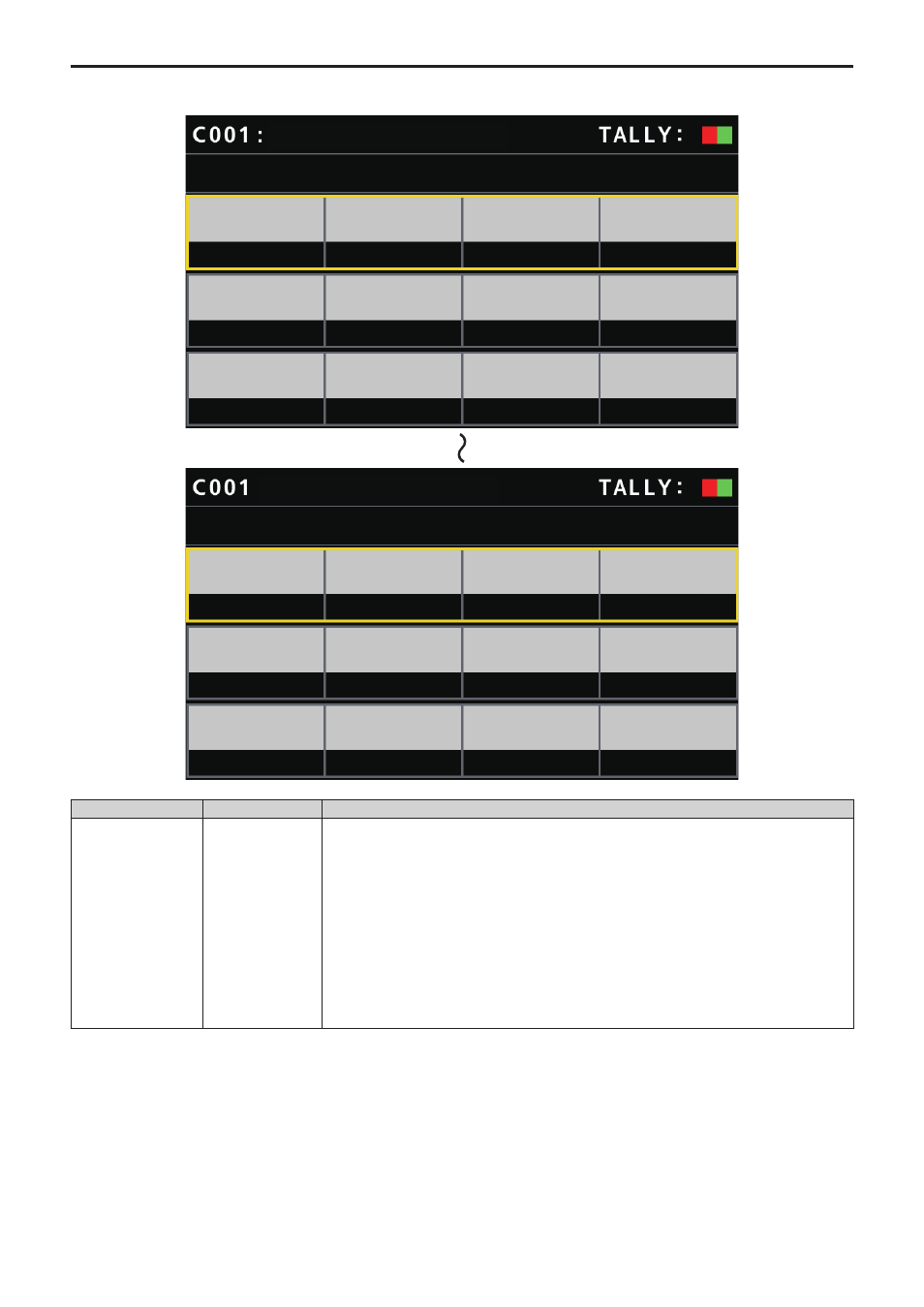
You can view the preset memory registration status for the selected remote camera and play back preset memories by selecting preset numbers.
PMEM LIST 1/9
1
PMEM1
PMEM2
PMEM3
PMEM4
PMEM5
PMEM6
PMEM7
PMEM8
PMEM9
PMEM10
PMEM11
PMEM12
3
4
2
5
7
8
6
9
11
12
10
AW-UE70
PMEM LIST 9/9
97
PMEM97
PMEM98
PMEM99
PMEM100
99
100
98
AW-UE70
Item
Setting value
Setting details
1
⁞
100
(These are preset
numbers.)
PMEM1
⁞
PMEM100
z
z
The displayed
names can be
changed with the
Setup Software.
The preset memory registration status for the selected remote camera is displayed.
The green display indicates that it is currently registered.
Preset memory numbers in yellow indicate currently selected preset memories.
RECALL
In the selected row, when pressing any of the F1 to F4 dials located at the same position with the
preset number column, you can recall preset.
STORE
STORE button:
When the button is lit and press any of the F1 to F4 dials located at the same position with the
preset number column, you can register the preset.
DELETE
DELETE button:
When the button is lit and press any of the F1 to F4 dials located at the same position with the
preset number column, you can delete the preset.