Gpi tally 1/1 – Panasonic AW-RP60 Remote Camera Controller User Manual
Page 56
56
Menu
(continued)
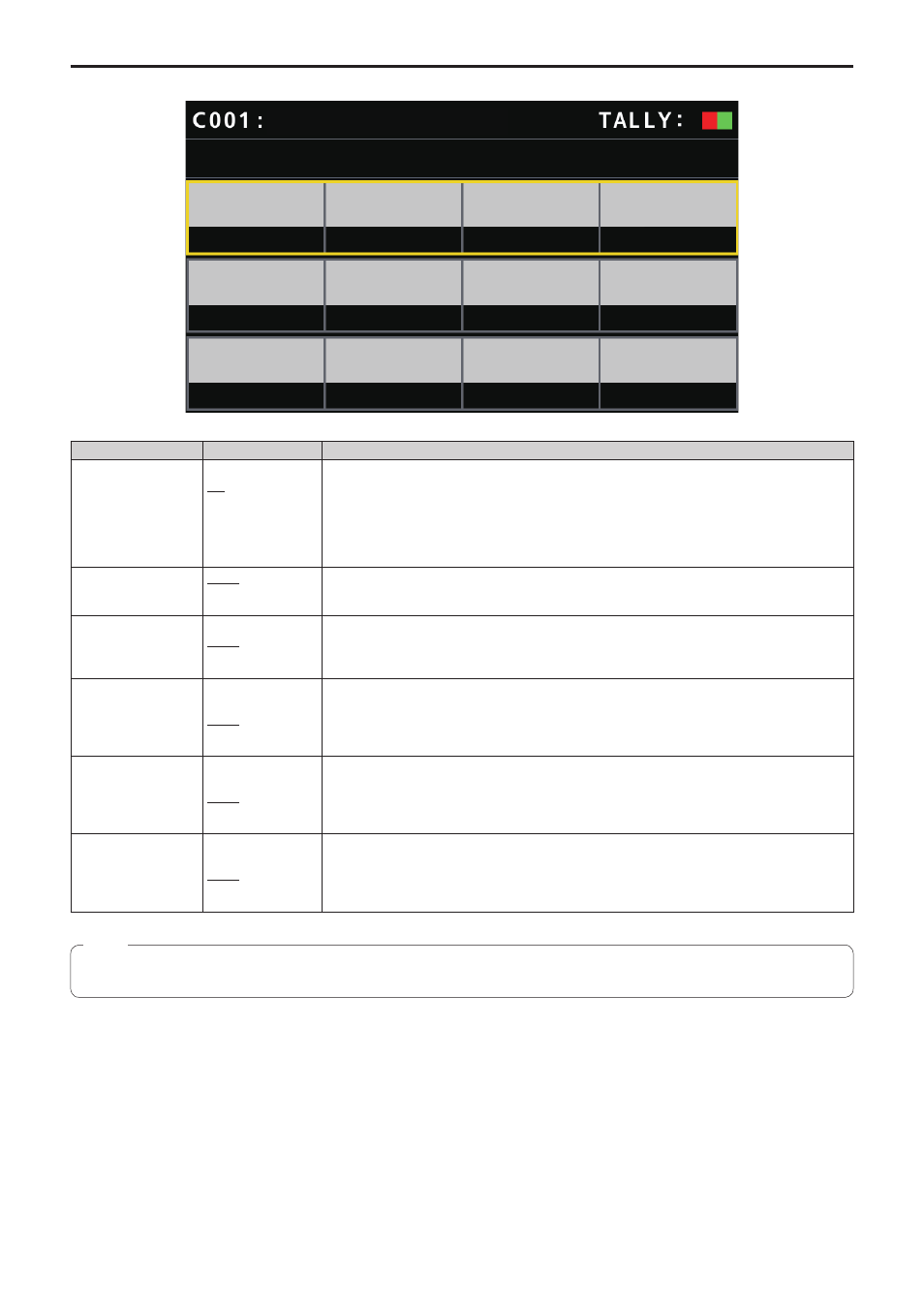
GPI TALLY
GPI TALLY
1/1
TALLY
OUT
OFF
CAM1
CAM2
CAM3
CAM4
CAM5
TALLY1
TALLY3
TALLY4
TALLY2
TALLY5
AW-UE70
___ indicates factory default settings.
Item
Setting value
Setting details
TALLY OUT
OFF
ON
Set whether to send a TALLY notification to the camera if TALLY is input through the port of the
TALLY/GPIO connector.
When connecting multiple remote camera controllers to control cameras, set this to [OFF] when
the TALLY ON/OFF operation is not to be performed. When the TALLY ON/OFF operation is to be
performed, make sure there is no duplication of camera allocations.
ON:
Notify
OFF:
Do not notify
TALLY1
CAM1
⁞
CAM200
Select the camera to send the TALLY notification to when there is an R_TALLY_1 or G_TALLY_1
input through the port of the TALLY/GPIO connector.
TALLY2
CAM1
CAM2
⁞
CAM200
Select the camera to send the TALLY notification to when there is an R_TALLY_2 or G_TALLY_2
input through the port of the TALLY/GPIO connector.
TALLY3
CAM1
⁞
CAM3
⁞
CAM200
Select the camera to send the TALLY notification to when there is an R_TALLY_3 or G_TALLY_3
input through the port of the TALLY/GPIO connector.
TALLY4
CAM1
⁞
CAM4
⁞
CAM200
Select the camera to send the TALLY notification to when there is an R_TALLY_4 or G_TALLY_4
input through the port of the TALLY/GPIO connector.
TALLY5
CAM1
⁞
CAM5
⁞
CAM200
Select the camera to send the TALLY notification to when there is an R_TALLY_5 or G_TALLY_5
input through the port of the TALLY/GPIO connector.
z
z
The TALLY notification is sent if there are applicable cameras in the currently selected camera group.
Cameras are not notified even if there is TALLY input for CAMERA groups that are not currently selected.
Note