Crop 1/1 – Panasonic AW-RP60 Remote Camera Controller User Manual
Page 52
52
Menu
(continued)
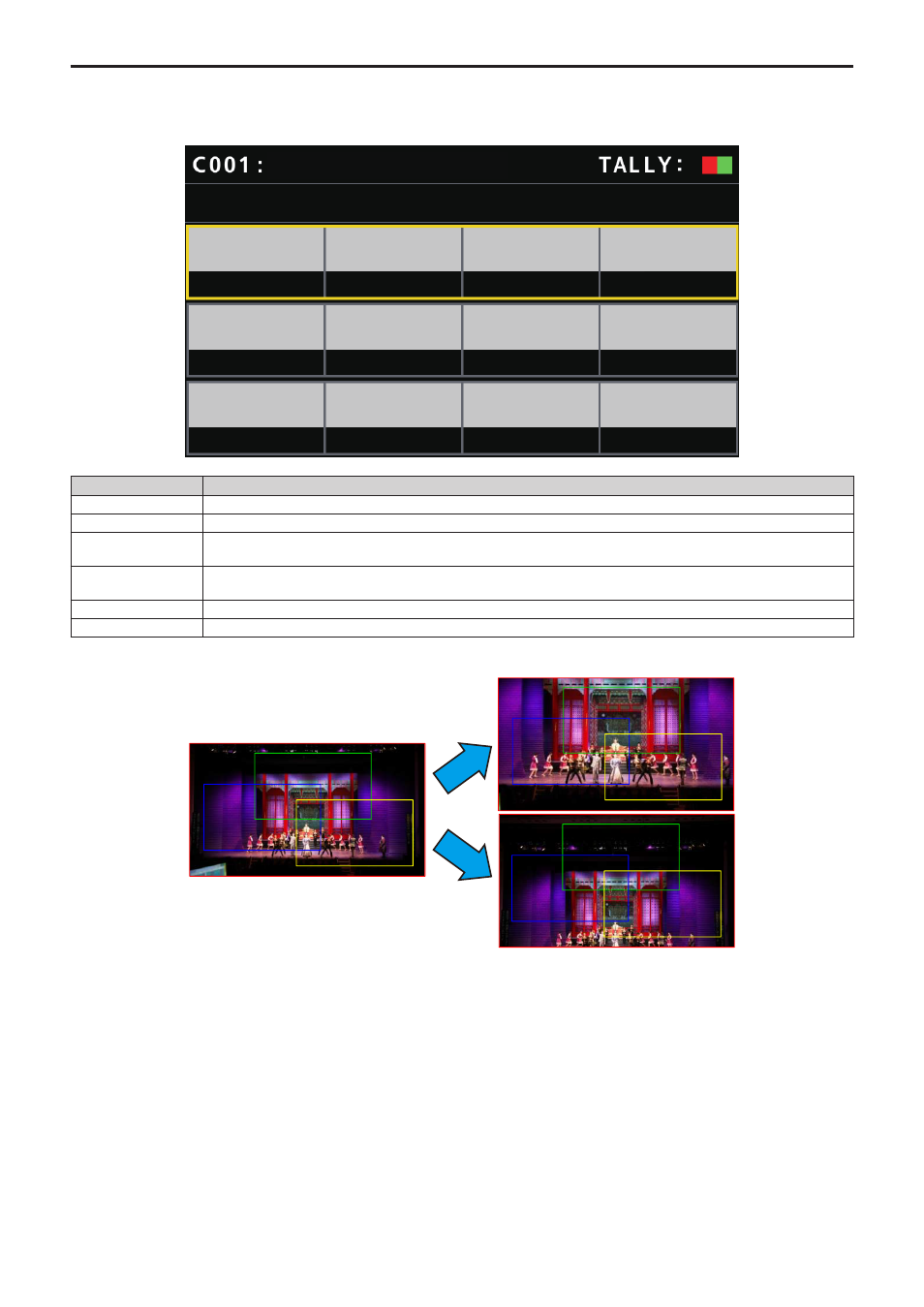
CROP
(For future expansion feature. This function is available when connecting a camera which is equipped with the CROP function.)
z
The setting values and available setting items depend on the connected camera.
CROP 1/1
SW
ー
ー
ー
ー
ー
ー
H POS
V POS
ADJUST
OUT
MARKER
AW-UE70
Item
Setting details
SW
Enable (ON) or disable (OFF) the CROP function which crops UHD (3840×2160) images to FHD (1920×1080) images.
ADJUST
Make selections for the crop frame to adjust positioning.
H POS
Make settings for the position in the horizontal direction for the crop frame specified in [ADJUST].
0 is the left edge and 1920 is the right edge.
V POS
Make settings for the position in the vertical direction for the crop frame specified in [ADJUST].
0 is the upper edge and 1080 is the lower edge.
OUT
Make the settings for the crop frame for images output to the 3G SDI OUT terminal and IP.
MARKER
Make the settings for the crop frame displayed for images output to the MONI OUT terminal.
CROPPING2
CROPPING1
CROPPING3
CROPPING2
CROPPING1
CROPPING3
●
●
●
CROPPING2
CROPPING1
CROPPING3
●
●
●
Pan/Tilt
Zoom