Gpi pmem 1/1 – Panasonic AW-RP60 Remote Camera Controller User Manual
Page 60
60
Menu
(continued)
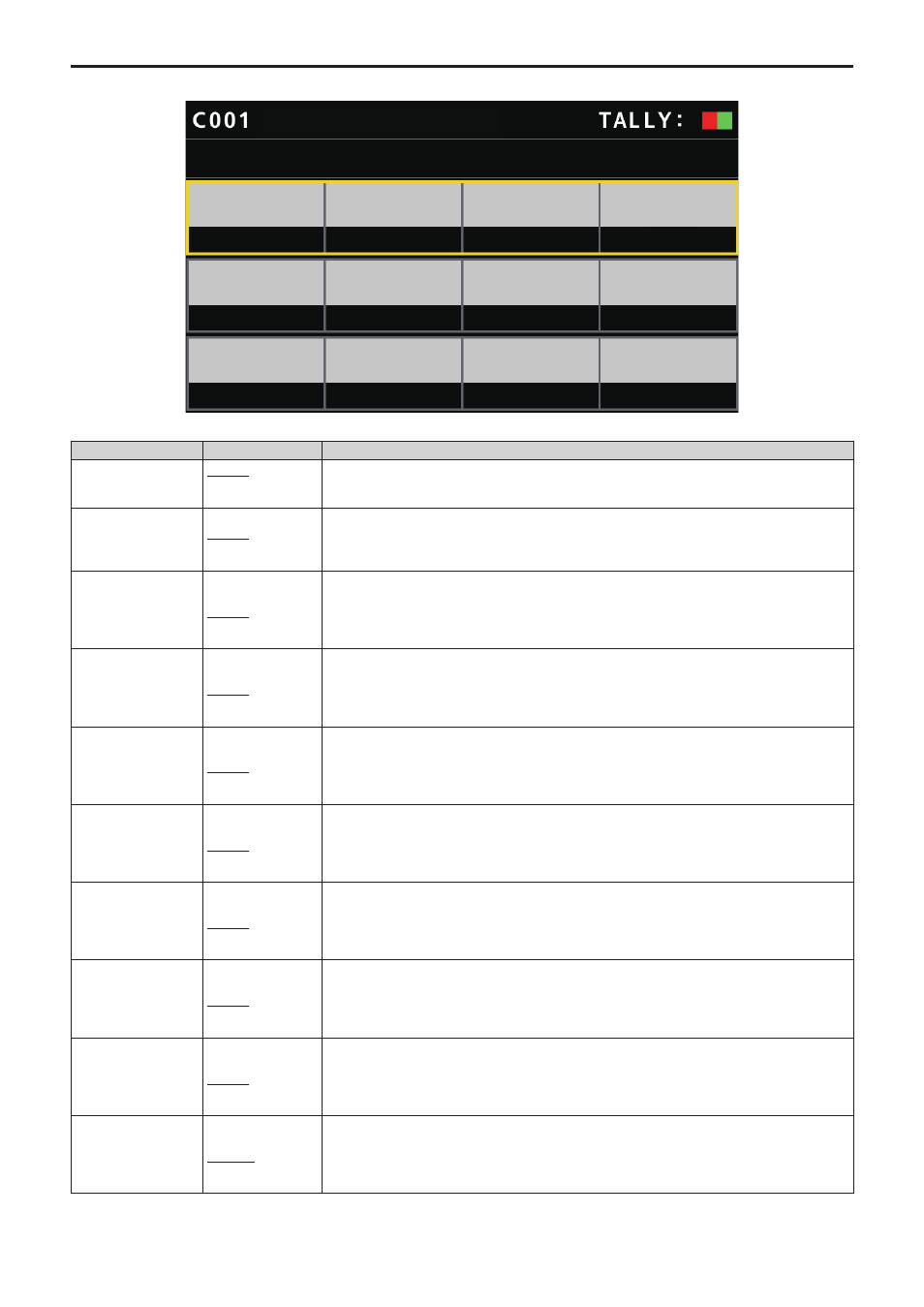
GPI PMEM
GPI PMEM
1/1
IN1
PMEM1
PMEM2
PMEM3
PMEM4
PMEM5
PMEM6
PMEM7
PMEM8
PMEM9
PMEM10
IN3
IN4
IN2
IN5
IN7
IN8
IN6
IN9
IN10
AW-UE70
___ indicates factory default settings.
Item
Setting value
Setting details
IN1
PMEM1
⁞
PMEM100
With the TALLY/GPIO connector, playback of the set preset number is performed when there is input
through PRESET_SELECT_IN1.
IN2
PMEM1
PMEM2
⁞
PMEM100
With the TALLY/GPIO connector, playback of the set preset number is performed when there is input
through PRESET_SELECT_IN2.
IN3
PMEM1
⁞
PMEM3
⁞
PMEM100
With the TALLY/GPIO connector, playback of the set preset number is performed when there is input
through PRESET_SELECT_IN3.
IN4
PMEM1
⁞
PMEM4
⁞
PMEM100
With the TALLY/GPIO connector, playback of the set preset number is performed when there is input
through PRESET_SELECT_IN4.
IN5
PMEM1
⁞
PMEM5
⁞
PMEM100
With the TALLY/GPIO connector, playback of the set preset number is performed when there is input
through PRESET_SELECT_IN5.
IN6
PMEM1
⁞
PMEM6
⁞
PMEM100
With the TALLY/GPIO connector, playback of the set preset number is performed when there is input
through PRESET_SELECT_IN6.
IN7
PMEM1
⁞
PMEM7
⁞
PMEM100
With the TALLY/GPIO connector, playback of the set preset number is performed when there is input
through PRESET_SELECT_IN7.
IN8
PMEM1
⁞
PMEM8
⁞
PMEM100
With the TALLY/GPIO connector, playback of the set preset number is performed when there is input
through PRESET_SELECT_IN8.
IN9
PMEM1
⁞
PMEM9
⁞
PMEM100
With the TALLY/GPIO connector, playback of the set preset number is performed when there is input
through PRESET_SELECT_IN9.
IN10
PMEM1
⁞
PMEM10
⁞
PMEM100
With the TALLY/GPIO connector, playback of the set preset number is performed when there is input
through PRESET_SELECT_IN10.