Troubleshooting – Panasonic AW-RP60 Remote Camera Controller User Manual
Page 83
83
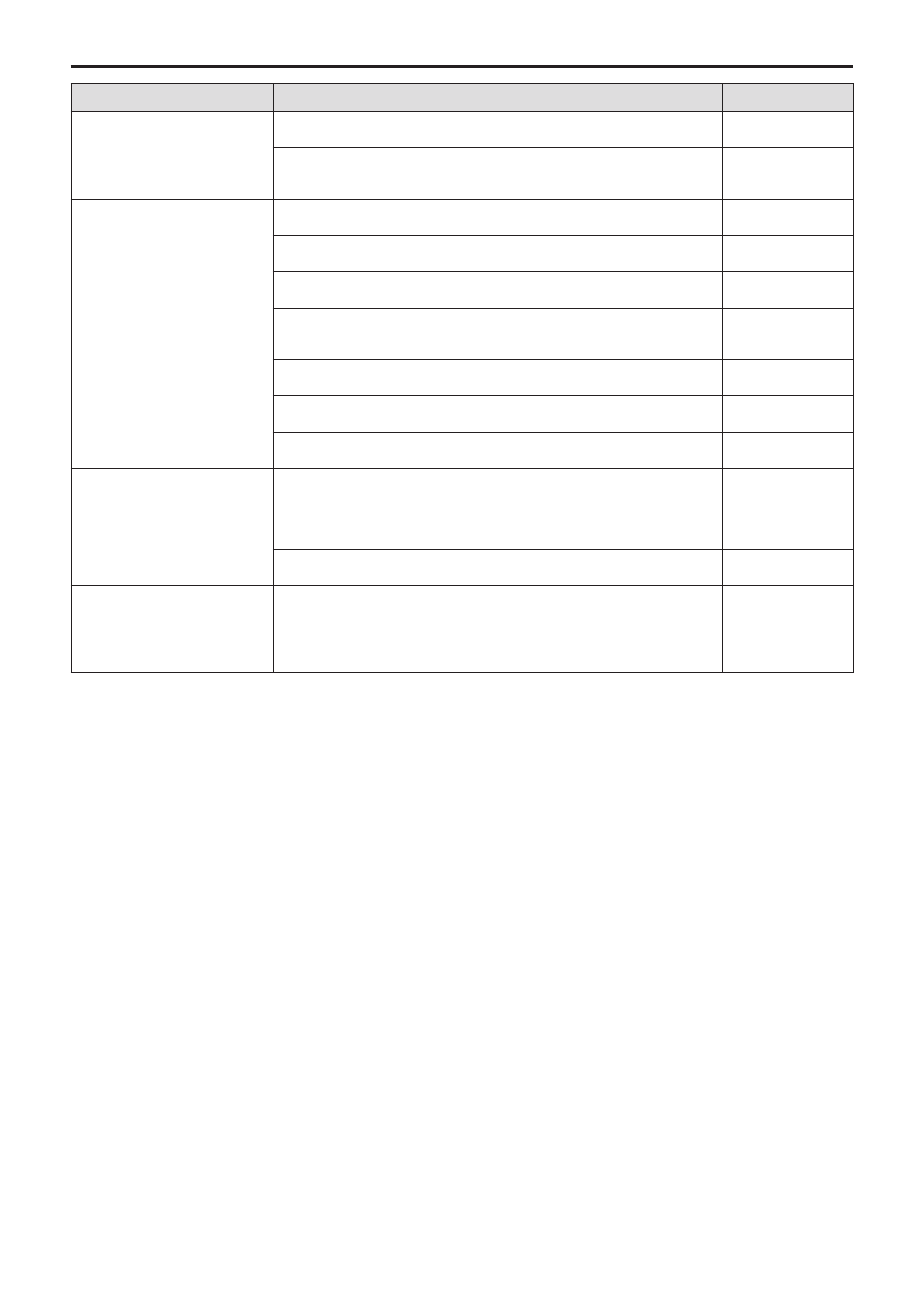
Troubleshooting
Symptom
Cause and Measure
Reference Page
Cannot turn the power of the
unit on.
z
z
Is external DC power being supplied?
–
z
z
Is the DC plug of the external DC power supply connected to the unit
properly?
–
Cannot operate a remote
camera.
z
z
Is a power supply connected to the remote camera properly?
–
z
z
Are the remote camera and unit connected properly?
P. 15 to P. 17
z
z
Are the connection settings correct?
P. 29 to P. 36
z
z
Is the remote camera in the standby state?
Turn on the power of the remote camera.
P. 19
z
z
Is the remote camera selected properly?
P. 21 to P. 22
z
z
Is the ENABLE button indicator on?
P. 18
z
z
Has user authentication been set for the remote camera?
P. 78
The remote camera moves
in the opposite direction to
the operation of the PAN/TILT
lever.
z
z
Is the installation method setting configured for the remote camera?
The setting needs to be configured in accordance with the actual installation
state (mounted right side up or upside down).
Refer to the Operating Instructions for the remote camera.
–
z
z
Is the movement direction set properly on the unit?
P. 50
The remote camera moves
in the opposite direction
to operation of the ZOOM
button and FOCUS dial.
z
z
Is the movement direction set properly on the unit?
P. 50