How to turn off the power of the remote cameras, 20 how to turn off the power of the remote cameras – Panasonic AW-RP60 Remote Camera Controller User Manual
Page 20
20
How to turn off the power of the remote
cameras
The power of the remote cameras can be turned off from the unit.
There are the following methods of turning off the power.
z
z
Turning off the power one camera at a time
z
z
Turning off the power of multiple cameras
¯
Turning off the power of all the cameras
¯
Turning off the power of the selected camera group
Each of these methods is described in turn below.
Turning off the power one camera at a time
1.
Select the remote camera.
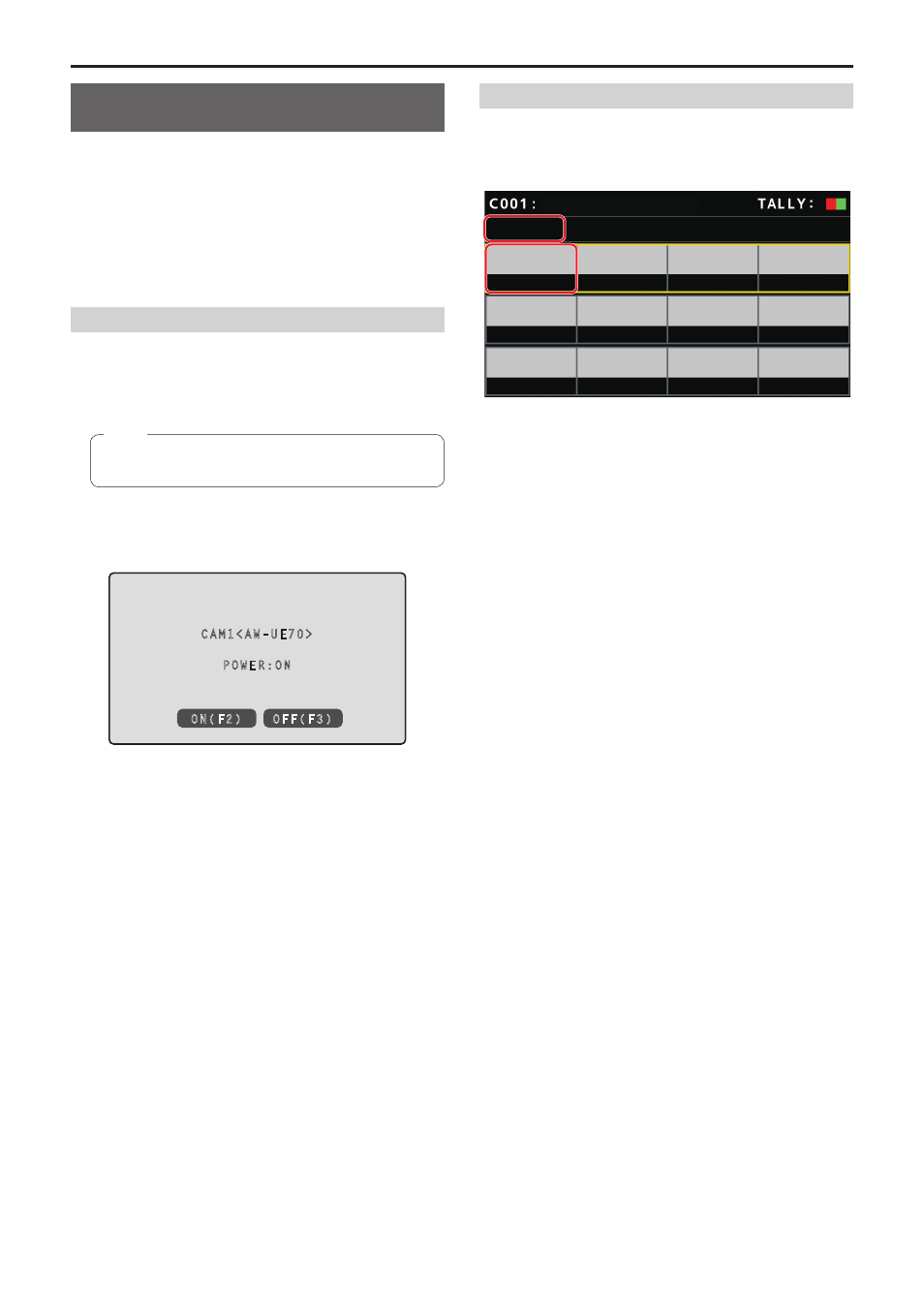
By holding down the applicable camera selection button [CAMERA
SELECTION] for about 3 seconds, the name of the remote camera
and the [ON (F2)] and [OFF (F3)] buttons are displayed on the LCD
panel.
z
z
This operation is available when the status screen is being
displayed.
Note
2.
With the camera selection button held down, press the
F3 dial.
CAM1<AW-UE70>
POWER:ON
ON(F2)
OFF(F3)
Turning off the power of multiple cameras
1.
Press the [MENU] button.
2.
Select the [CAMERA] SYSTEM menu to display the
[CAM POWER] item.
CAMERA
CAM
POWER
NON
ON
ー
CAM
LOCK
AUTO
POWER
AW-UE70
Turning off the power of all the cameras
3.
Turn the F1 dial to select [ALL OFF] and press the F1
dial.
Turning off the power of the selected camera group
3.
Turn the F1 dial to select [GRP OFF] and press the F1
dial.
How to turn on and off the power of the remote cameras
(continued)