Teac GigaPulse User Manual
Page 103
Advertising
103
GigaPulse
™
User Guide
Gig
aP
uls
e S
P
GigaPulse SP
103
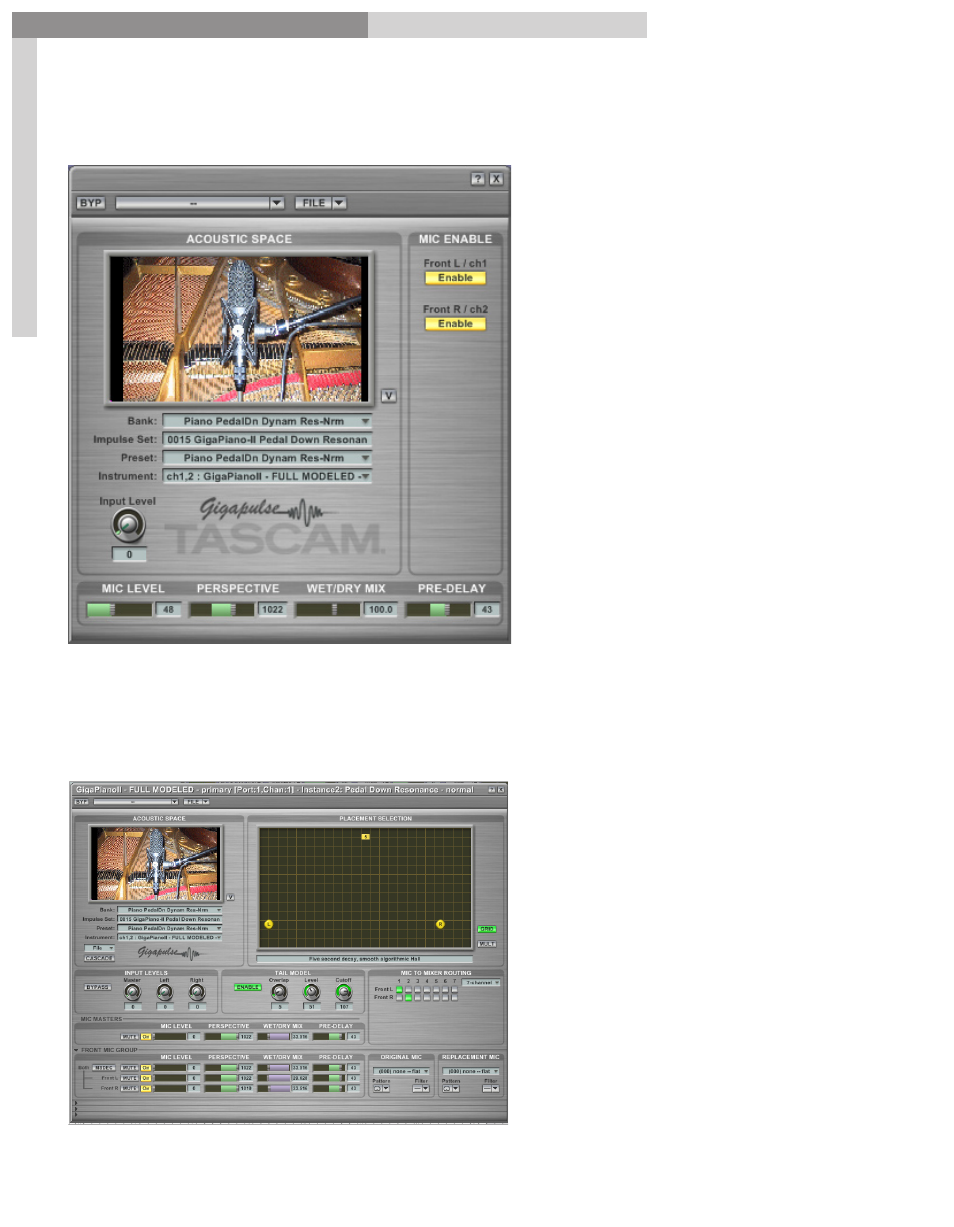
Choosing an instance will bring it up in a GigaPulse window.
If the version of GigaStudio
3.0 does not have GigaPulse
Pro, then the GigaPulse SP
window will come up.
This version of GigaPulse
allows you to adjust the input
level, and the Mic settings.
Everything else is for display
only to see what all is being
used in the GigaPulse Bank.
You can make adjustments
in here and save them with a
GigaStudio Performance file.
(GSP File)
If however, you are using GigaStudio 3.0 Orchestra, then the full blown GigaPulse
Pro interface will usually come up instead provided the developer enables this when
creating the instrument.
Advertising