Canon imageCLASS D1650 All-in-One Monochrome Laser Printer User Manual
Page 103
Procedure for Setting a Shared Folder as a Save
Location
3JX3-01U
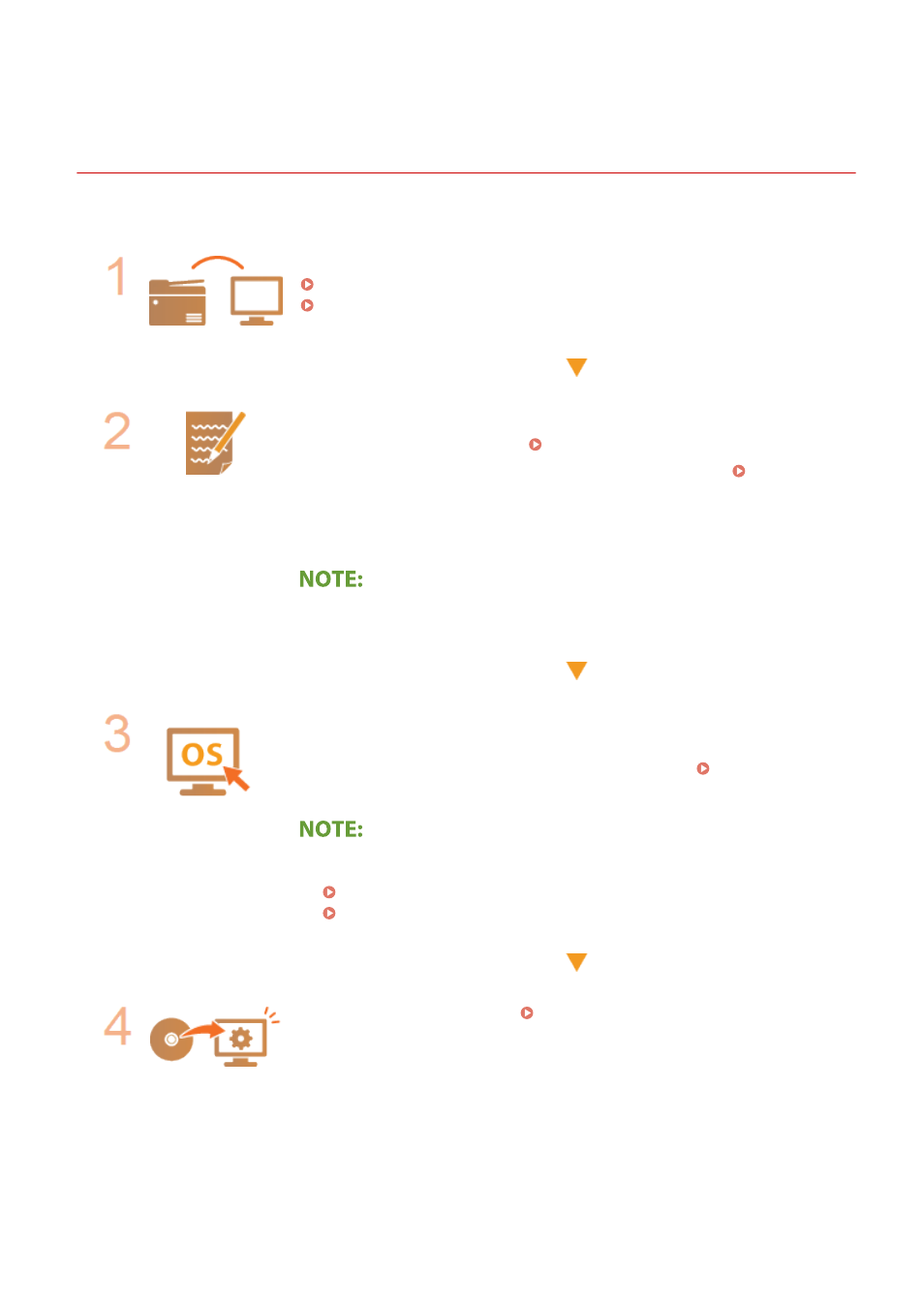
Before configuring the machine for scanning to shared folders, check the setup flow shown below.
Make sure that the machine and the computer are correctly connected.
Connecting to a Wireless LAN(P. 19)
Connecting to a Wired LAN(P. 18)
Make sure that you have the following information:
●
The IP address of the machine. Viewing Network Settings(P. 39)
●
The name of the computer where the shared folder is located. Checking the
Computer Name(P. 704)
●
Path to and the name of the shared folder (If access restrictions are set to the
folder, the user name and password information is also needed).
●
For instructions on how to create a new shared folder, see "Send Setting Guide".
Make sure that the computer meets the system requirements for the Send
Function Setting Tool.
●
System requirements for the Send Function Setting Tool System
Environment(P. 686)
●
Also make sure that <Use HTTP> and <Use Remote UI> are set to <On>.
Disabling HTTP Communication(P. 412)
Disabling Remote UI(P. 413)
Set the machine configuration.
Setting a Shared Folder as a Save
Setting Up
95