Canon imageCLASS D1650 All-in-One Monochrome Laser Printer User Manual
Page 45
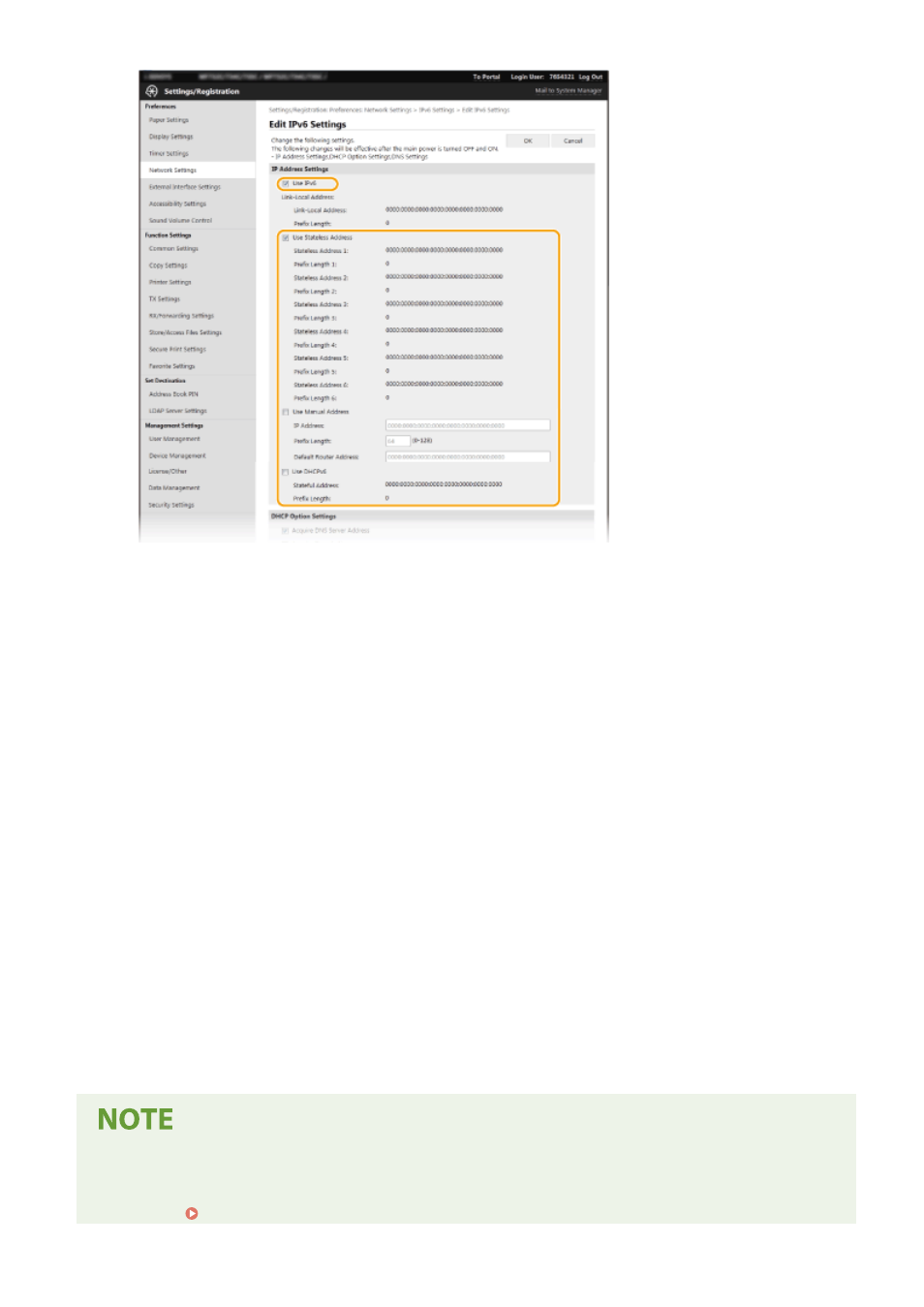
[Use IPv6]
Select the check box to enable IPv6 on the machine. When not using IPv6, clear the check box.
[Stateless Address 1]
Select the check box when using a stateless address. When not using a stateless address, clear the check box.
[Use Manual Address]
When you want to manually enter an IPv6 address, select the check box and enter the IP address, prefix
length, and default router address in the corresponding text boxes.
[IP Address]
Enter an IPv6 address. Addresses that start with "ff" (or multicast address) cannot be entered.
[Prefix Length]
Enter a number that indicates how many bits are available for the network address.
[Default Router Address]
Specify the IPv6 address of the default router as necessary. Addresses that start with "ff" (or multicast
address) cannot be entered.
[Use DHCPv6]
Select the check box when using a stateful address. When not using DHCPv6, clear the check box.
6
Click [OK].
7
Restart the machine.
●
Turn OFF the machine, wait for at least 10 seconds, and turn it back ON.
Checking whether the settings are correct
●
Make sure that the Remote UI screen can be displayed with your computer by using the IPv6 address of the
machine. Starting Remote UI(P. 417)
Setting Up
37