Specifying ip addresses for firewall settings, See specifying ip addresses for firewall, Settings(p. 368) – Canon imageCLASS D1650 All-in-One Monochrome Laser Printer User Manual
Page 376
Specifying IP Addresses for Firewall Settings
3JX3-073
You can either limit communication to only devices with specified IP addresses, or block devices with specified IP
addresses but permit other communications. You can specify a single IP address or a range of IP addresses.
●
For more information about the basic operations to be performed when setting the machine from the
Remote UI, see Setting Up Menu Options from Remote UI(P. 427) .
1
Start the Remote UI and log in to System Manager Mode. Starting Remote
UI(P. 417)
2
Click [Settings/Registration] on the Portal page. Remote UI Screen(P. 418)
3
Select [Network Settings] [Firewall Settings].
4
Click [Edit] for the target IP address filter.
●
Select the filter that matches the target IP address. To restrict data sent from the machine to a computer,
select [Outbound Filter]. To restrict data received from a computer, select [Inbound Filter].
5
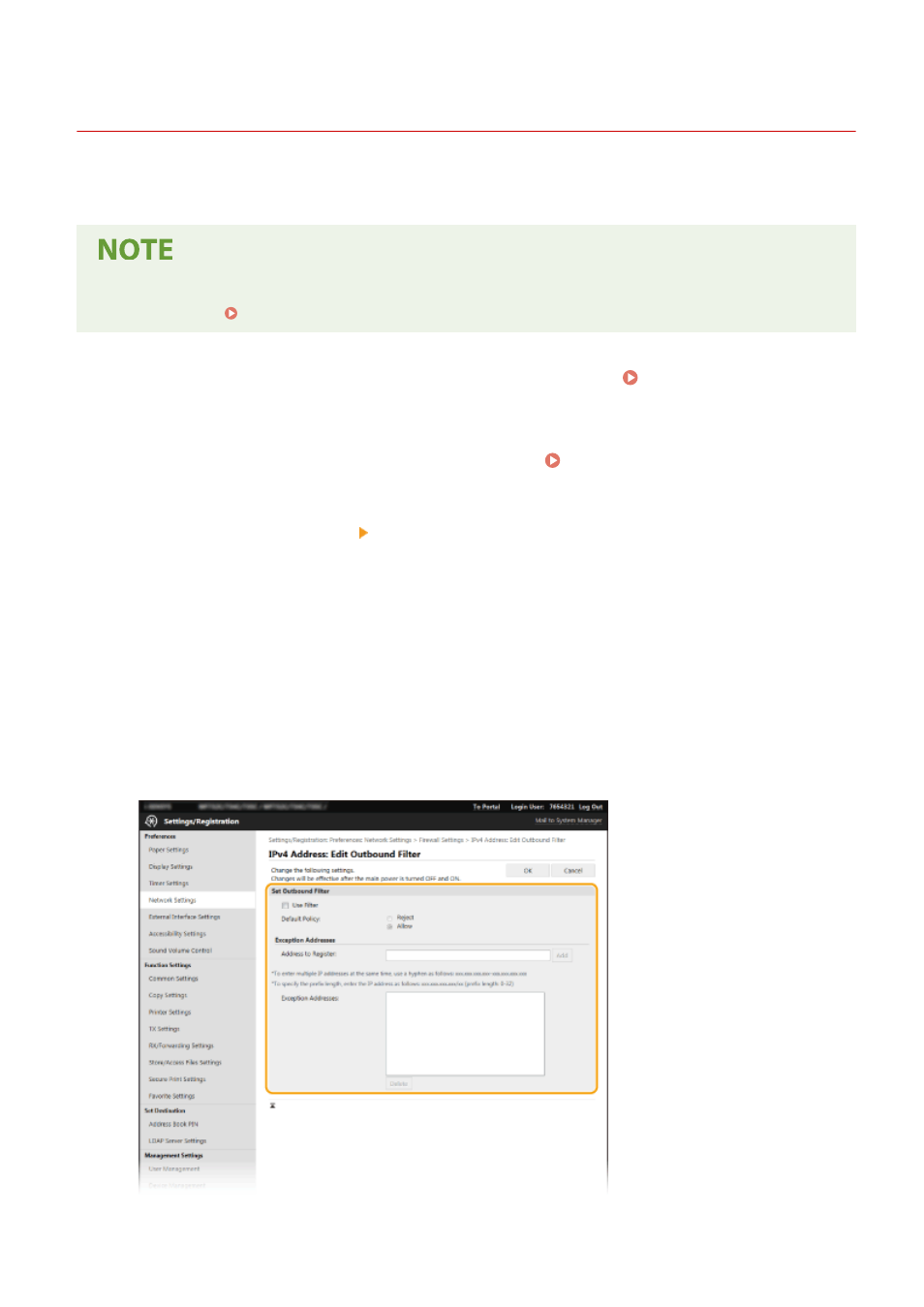
Specify the settings for packet filtering.
●
Select the default policy to allow or reject the communication of other devices with the machine, and then
specify IP addresses for exceptions.
Managing the Machine
368