Canon imageCLASS D1650 All-in-One Monochrome Laser Printer User Manual
Page 24
Advertising
●
To connect to an IEEE 802.1X network, see Configuring IEEE 802.1X
Authentication Settings(P. 396) .
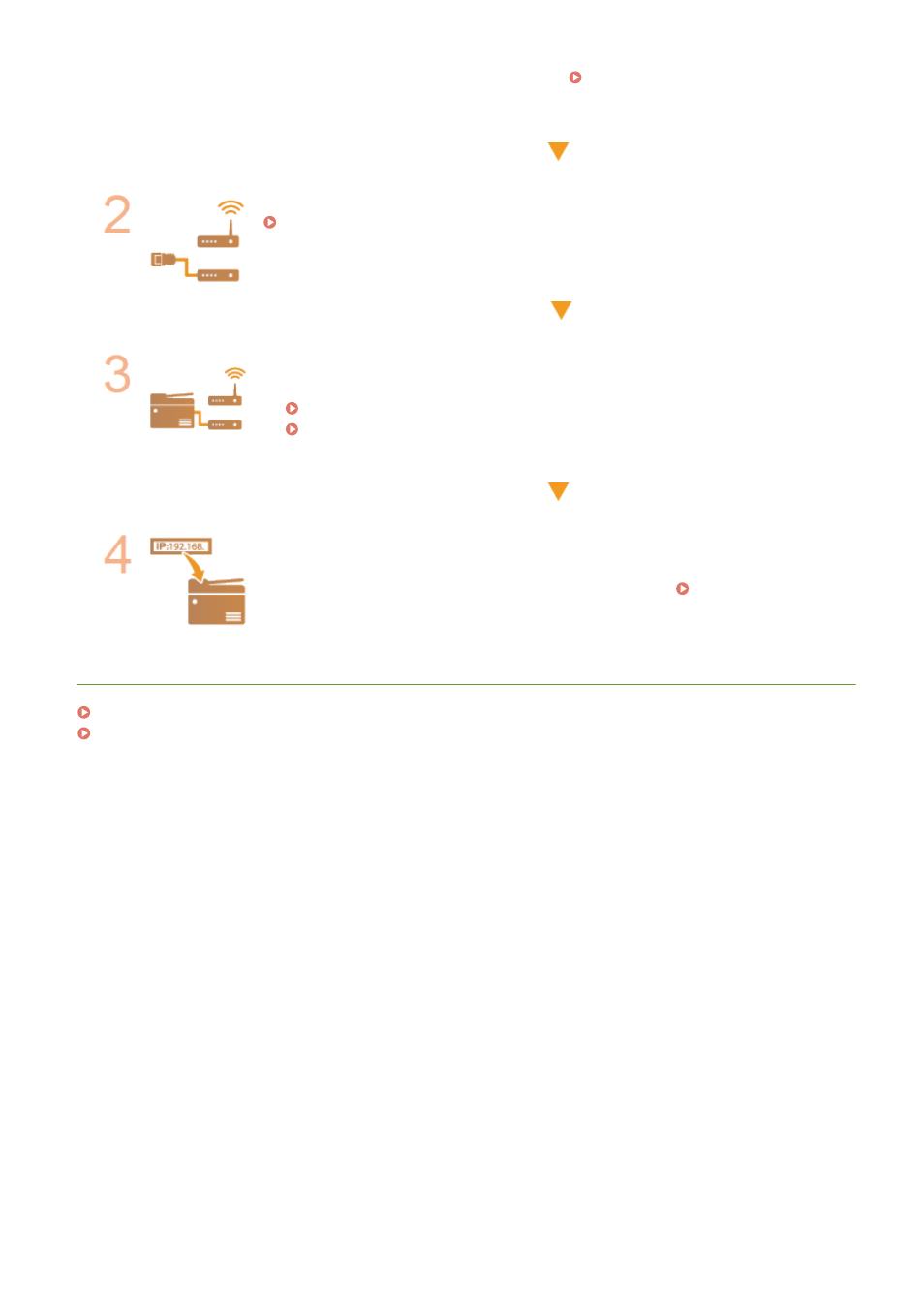
Select wired or wireless LAN.
Selecting Wired LAN or Wireless LAN(P. 17)
Connect to a wired or wireless LAN.
●
Proceed to the section that corresponds to the setting you selected in step 2.
Connecting to a Wired LAN(P. 18)
Connecting to a Wireless LAN(P. 19)
Set the IP address as necessary.
●
At the time of purchase, the machine is set to automatically acquire an IP address.
Change this setting if you want to use a specific IP address. Setting IP
Addresses(P. 32)
LINKS
Configuring Settings for Communication with a Computer(P. 41)
Configuring the Machine for Your Network Environment(P. 52)
Setting Up
16
Advertising