Loading paper in the multi-purpose tray, Loading paper in the multi-purpose tray(p. 146), Loading paper in the multi- purpose tray(p. 146) – Canon imageCLASS D1650 All-in-One Monochrome Laser Printer User Manual
Page 154
Loading Paper in the Multi-Purpose Tray
3JX3-02X
1660-030
When you want to print on paper that is not loaded in the paper drawer, load the paper in the multi-purpose tray.
Load the paper that you usually use in the paper drawer. Loading Paper in the Paper Drawer(P. 141)
Make sure to insert the paper drawer
●
The machine only prints when the paper drawer is inserted, even if paper is loaded in the multi-purpose
tray. An error message is displayed if you attempt to print without inserting the paper drawer.
When loading A5/A6 size paper
●
When setting the paper size, make sure the current paper orientation. Specifying Paper Size and Type in
the Multi-Purpose Tray(P. 158)
●
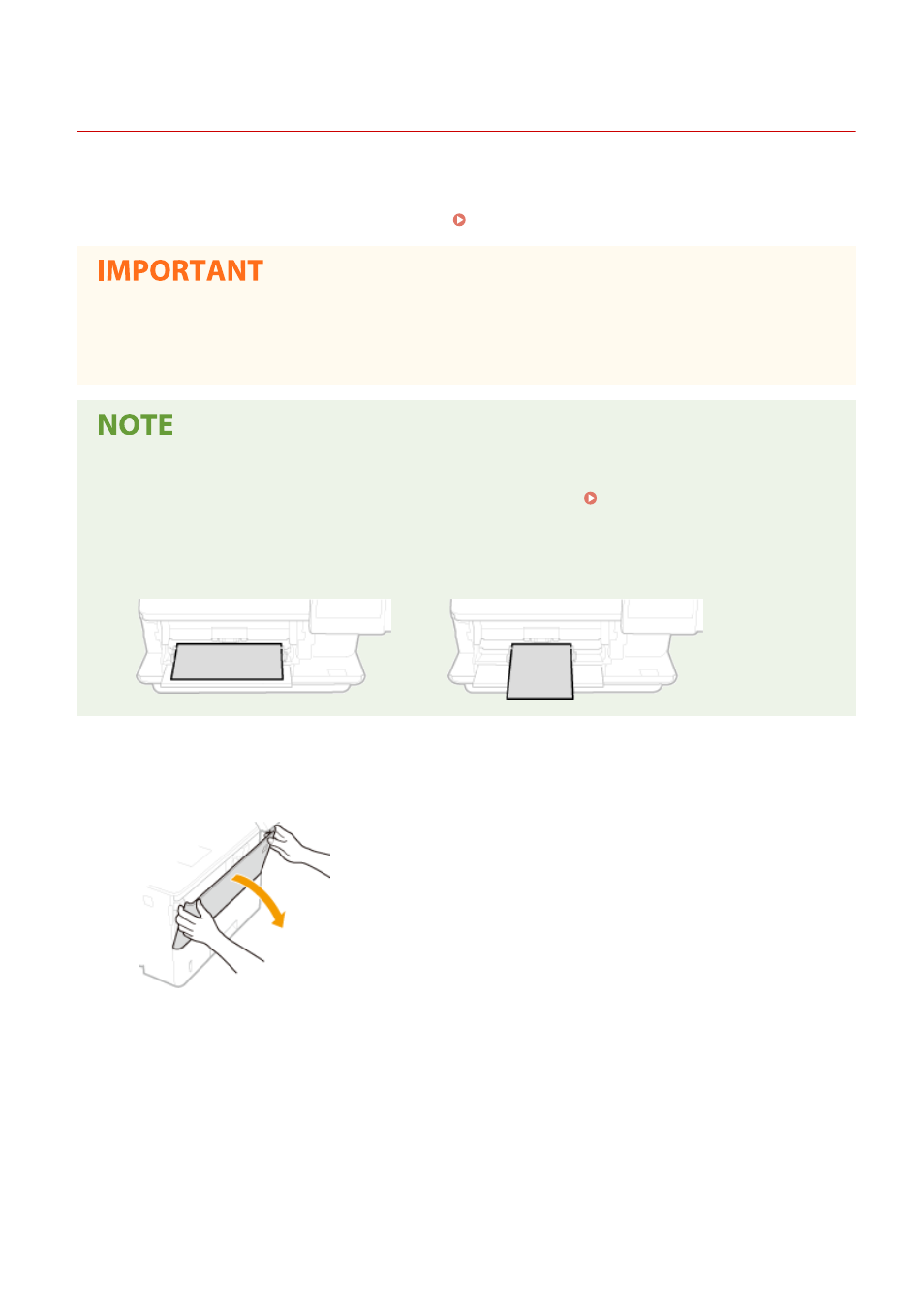
When using A6 size paper, load it in the portrait orientation.
Landscape orientation
Portrait orientation
1
Open the cover.
●
Hold the left and right side handles, and open the cover.
2
Pull out the paper tray and the tray extension.
●
Pull out the tray extension when loading large paper.
Basic Operations
146