Ch3. full web configurations, Full web configurations – Welltech SIPPBX 6200A User Manual
Page 23
Advertising
CH3. Full Web Configurations
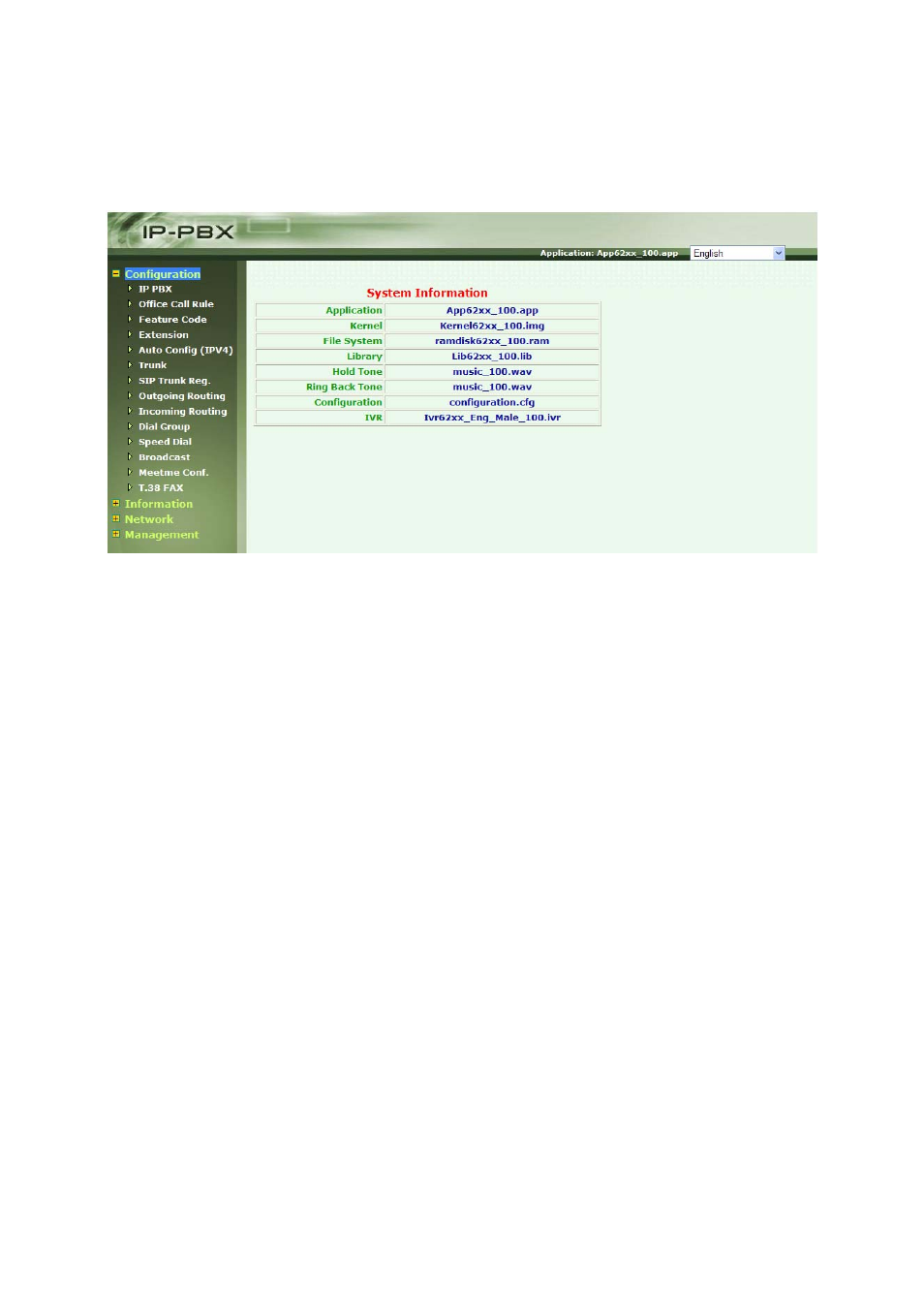
After Login SIPPBX 6200A, you will see screen as below, and there are four main
categories, user can click on each category to extend detail items.
Configuration: Include all telephony configurations of SIPPBX 6200A.
•
IP PBX
•
Office Call Rule
•
Feature Code
•
Extension
•
Auto Config (IPv4)
•
Trunk
•
SIP Trunk Reg.
•
Outgoing Routing
•
Incoming Routing
•
Dial Group
•
Speed Dial
•
Broadcast
•
Meetme Conf.
•
T.38 FAX
Information: To show related information.
•
Subscriber Info.
•
Call Monitor
•
CDR
•
System Info.
Network: To show related information.
•
Network
- 23 -
Advertising