Canon i-SENSYS MF244dw User Manual
Page 261
Advertising
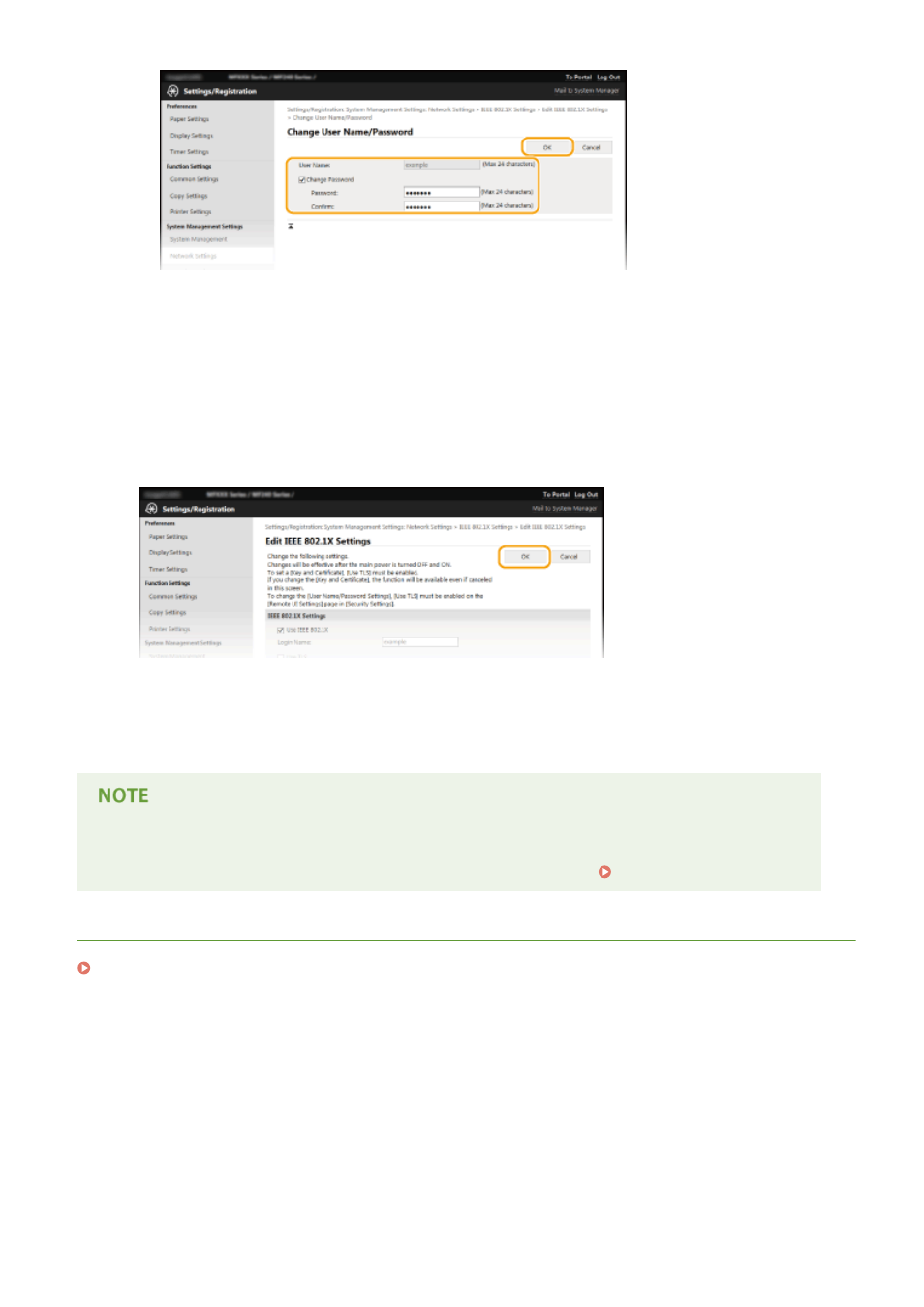
[User Name]
Enter up to 24 alphanumeric characters for the user name.
[Change Password]
To set or change the password, select the check box and enter up to 24 alphanumeric characters for the
new password both in the [Password] and [Confirm] text boxes.
6
Click [OK].
7
Restart the machine.
●
Turn OFF the machine, wait for at least 10 seconds, and turn it back ON.
Using the operation panel
●
You can also enable or disable IEEE 802.1X authentication from <Menu>. IEEE 802.1X Settings(P. 295)
LINKS
Configuring Settings for Key Pairs and Digital Certificates(P. 256)
Security
255
Advertising
This manual is related to the following products: