Canon i-SENSYS MF244dw User Manual
Page 93
[Output Size]
Select the size of paper on which the document will be actually printed. If the selected size differs from the
one specified in [Page Size], the document is printed enlarged/reduced automatically according to the
selected size. Enlarging or Reducing(P. 96)
Clickable UI
●
You can easily specify the page layout, binding position, etc. intuitively on the preview image. For more
information, click [Help] on the printer driver screen.
4
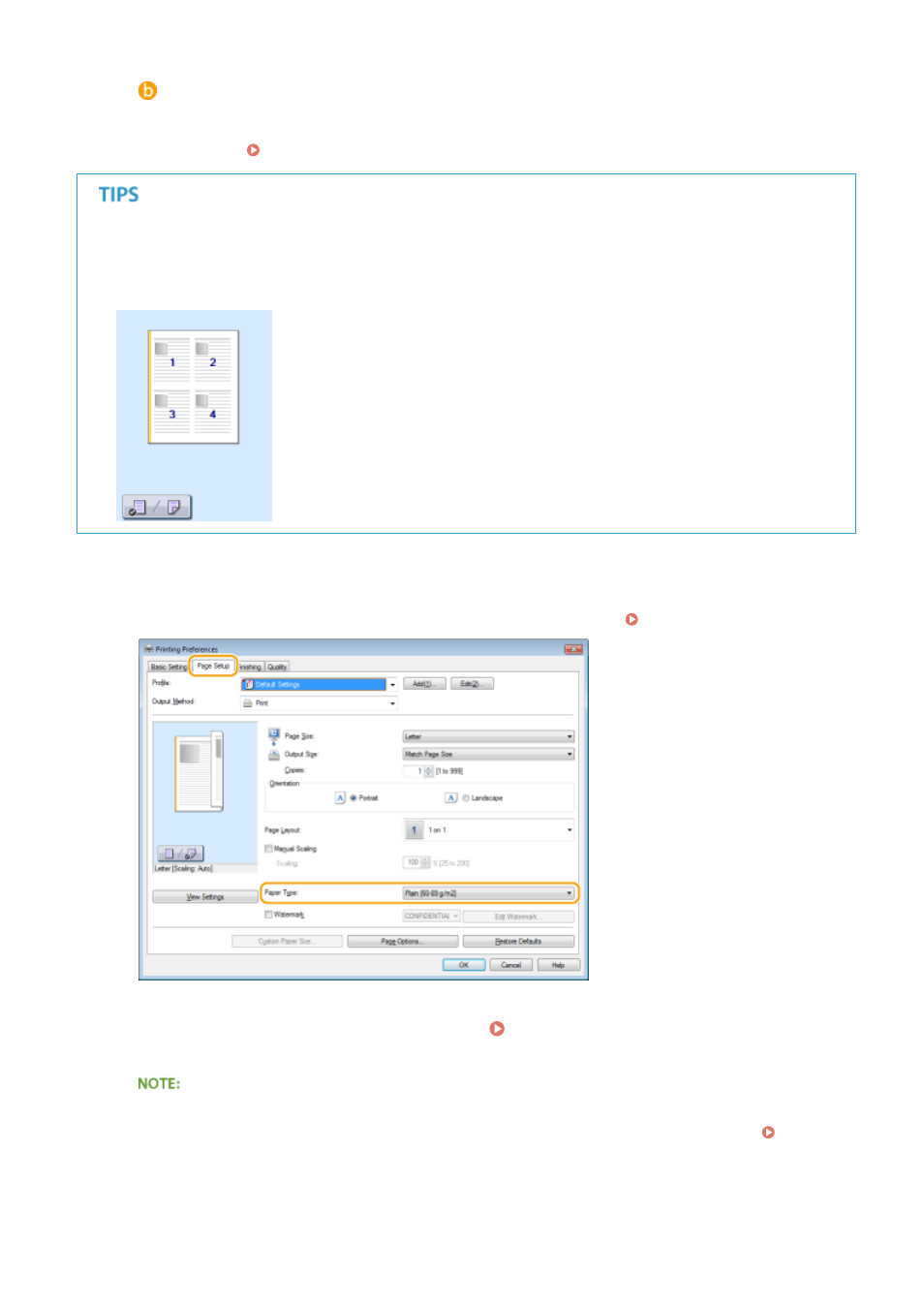
In the [Page Setup] tab, select the paper type.
●
Set [Paper Type] according to the type of paper to be used in the printing. Loading Paper(P. 42)
5
Specify other print settings as necessary. Various Print Settings(P. 94)
●
You can register the settings you specified in this step as a "profile" and use the profile whenever you
print. You can eliminate the need to specify the same settings every time you print. Registering
Combinations of Frequently Used Print Settings(P. 122)
6
Click [OK].
Using the Machine as a Printer
87