Printing a document – Canon i-SENSYS MF244dw User Manual
Page 92
Printing a Document
1525-082
This section describes how to print a document on your computer by using the printer driver.
Paper settings on the machine
●
Normally, it is necessary to specify the paper size and type for the paper loaded in each paper source before
proceeding to printing. Specifying Paper Size and Type(P. 53)
1
Open a document in an application and display the print dialog box.
●
How to display the print dialog box differs for each application. For more information, see the instruction
manual for the application you are using.
2
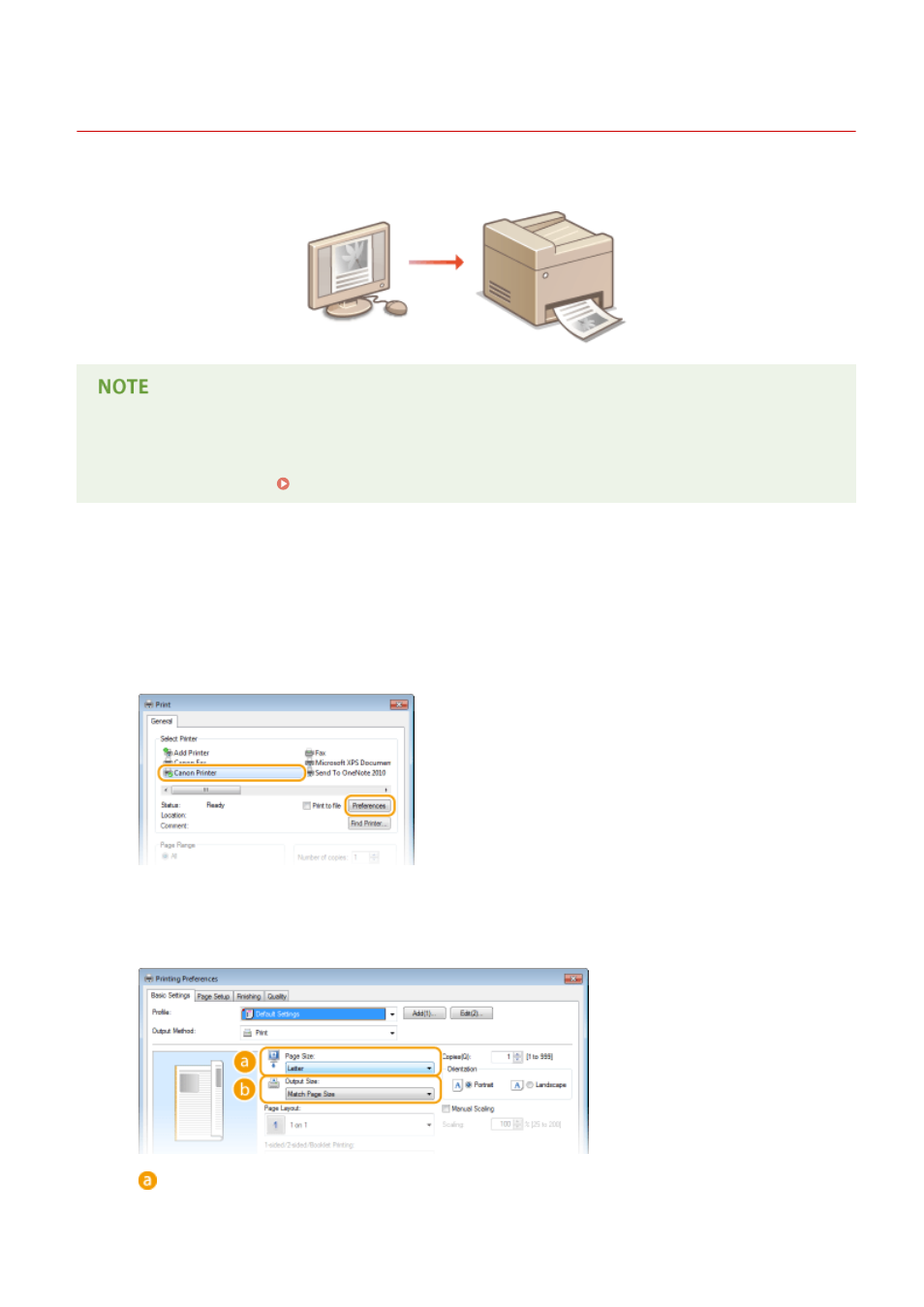
Select the printer driver for this machine, and click [Preferences] or [Properties].
●
The screen that is displayed differs depending on the application you are using.
3
Specify the paper size.
[Page Size]
Select the size of a document made in the application.
Using the Machine as a Printer
86