P.127 – OM SYSTEM Tough TG-7 Digital Camera (Red) User Manual
Page 127
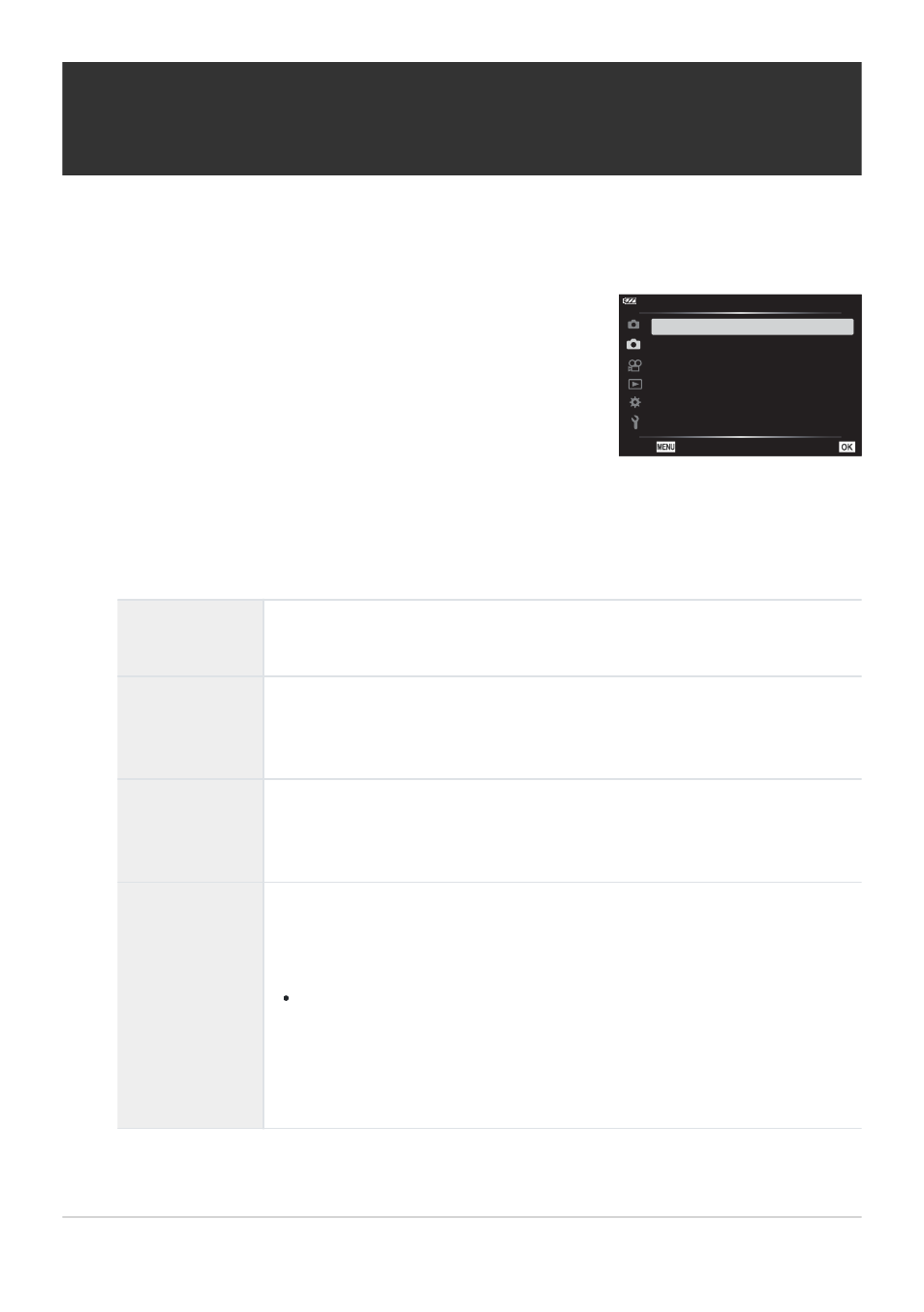
Highlight [Interval Shooting] in
7
Shooting Menu 2 and
press the OK button.
2
1
2
Shooting Menu 2
Focus BKT
Off
Focus Stacking Settings
Date Stamp
Off
Picture + Sound
Off
Off
Interval Shooting
Back
Set
Shooting automatically with a fixed interval
(Interval Shooting)
You can set the camera to shoot automatically with a set time lapse. The shot frames can also be
recorded as a single movie.
Highlight [On] and press
I
.
Adjust the following settings and press the OK button.
Number of
Frames
Choose the number of frames shot.
[2]–[299] (frames)
Start Waiting
Time
Choose how long the camera waits before starting interval-timer
photography and taking the first shot.
[00:00:00]–[24:00:00]
Interval Length
Choose how long the camera waits between shots once shooting has
begun.
[00:00:01]–[24:00:00]
Interval Mode
Choose whether the camera prioritizes taking photographs at the selected
interval or taking the selected number of photographs.
[Time Priority]/[Frames Priority]
If [Time Priority] is selected, the previous exposure may not end
before the next is due to begin. The final number of photographs
may be less than that chosen for [Number of Frames] if, for example,
[Interval Length] is very short or shooting for each interval takes a
long time to complete.
127
Shooting automatically with a fixed interval
(Interval Shooting)
1.
2.
3.