OM SYSTEM Tough TG-7 Digital Camera (Red) User Manual
Page 152
Option
Description
Copyright
Settings
Add the names of the photographer and copyright holder to new photographs.
Names can be up to 63 characters long.
[Copyright Info.]: Select [On] to include the names of the photographer and
copyright holder in the Exif data for new photographs.
[Artist Name]: Enter the name of the photographer.
[Copyright Name]: Enter the name of the copyright holder.
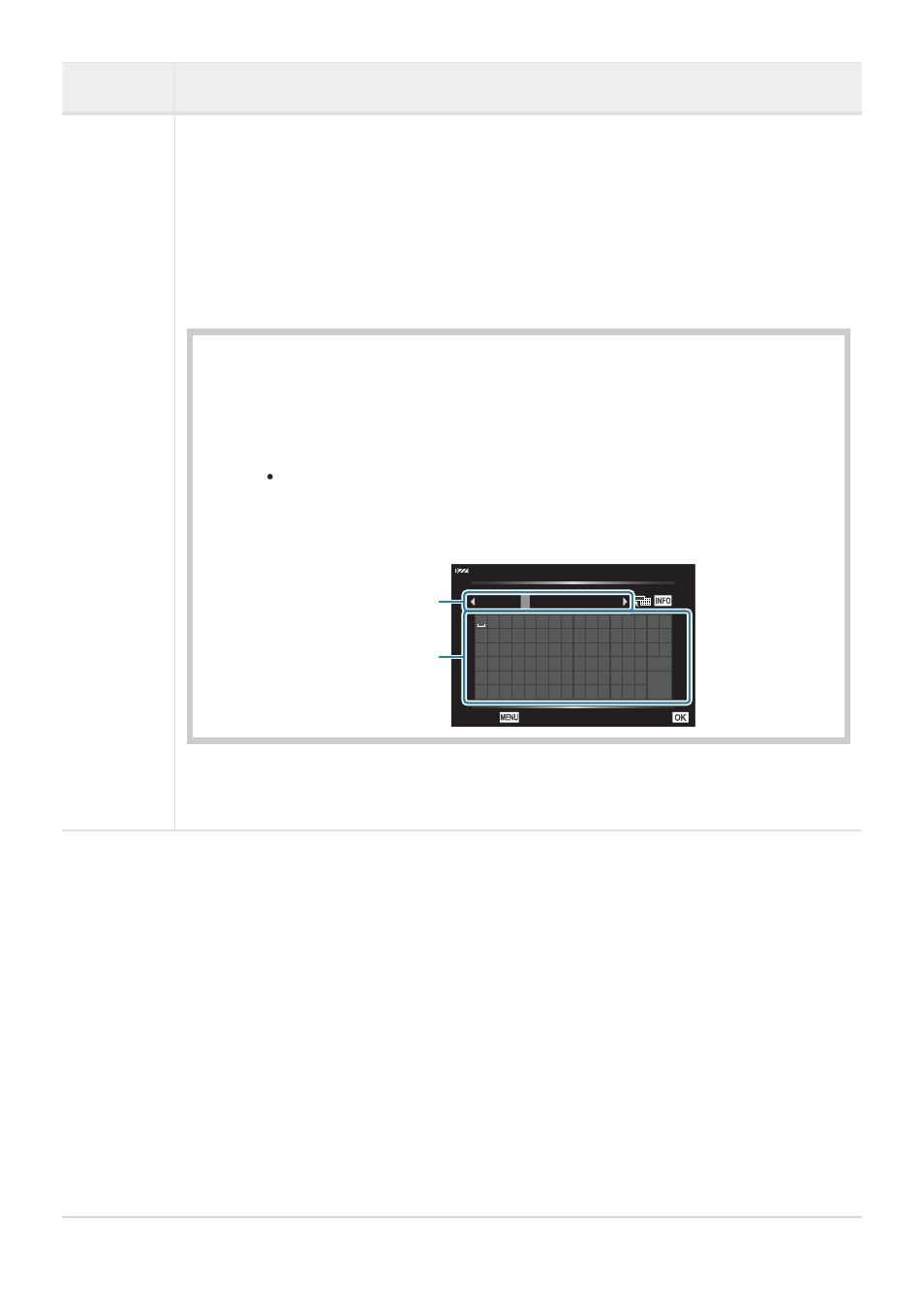
Select characters from a and press the OK button. The selected characters
appear in b.
Repeat Step 1 to complete the name, then highlight [END] and press the
OK button.
To delete a character, press the INFO button to place the cursor in b
and highlight the character. After pressing the INFO button again to
return to a, highlight [Delete] and press the OK button.
! ” # $ % &
( ) * + , - . /
0 1 2 3 4 5 6 7
’
8 9 : ; < = > ?
@
A B C D E F G H I J K L M N O
P Q R S T U V W X Y Z [ ] _
a b c d e f g h i j k l m n
END
Delete
o p q r s t u v w x y z { }
ABCD
E
05/63
Copyright Name
Cancel
Set
b
a
We do not accept liability for damages arising from disputes involving the use of
[Copyright Settings]. Use at your own risk.
152
F
Record
1.
2.
C