Viewing photographs and movies, Viewing still pictures, P.92 – OM SYSTEM Tough TG-7 Digital Camera (Red) User Manual
Page 92: Fghi
2023.08.15 12:30:00
20
100-0020
1012hPa
10m
20.5°C
4:3
L
N
Still pictures
Viewing photographs and movies
Viewing still pictures
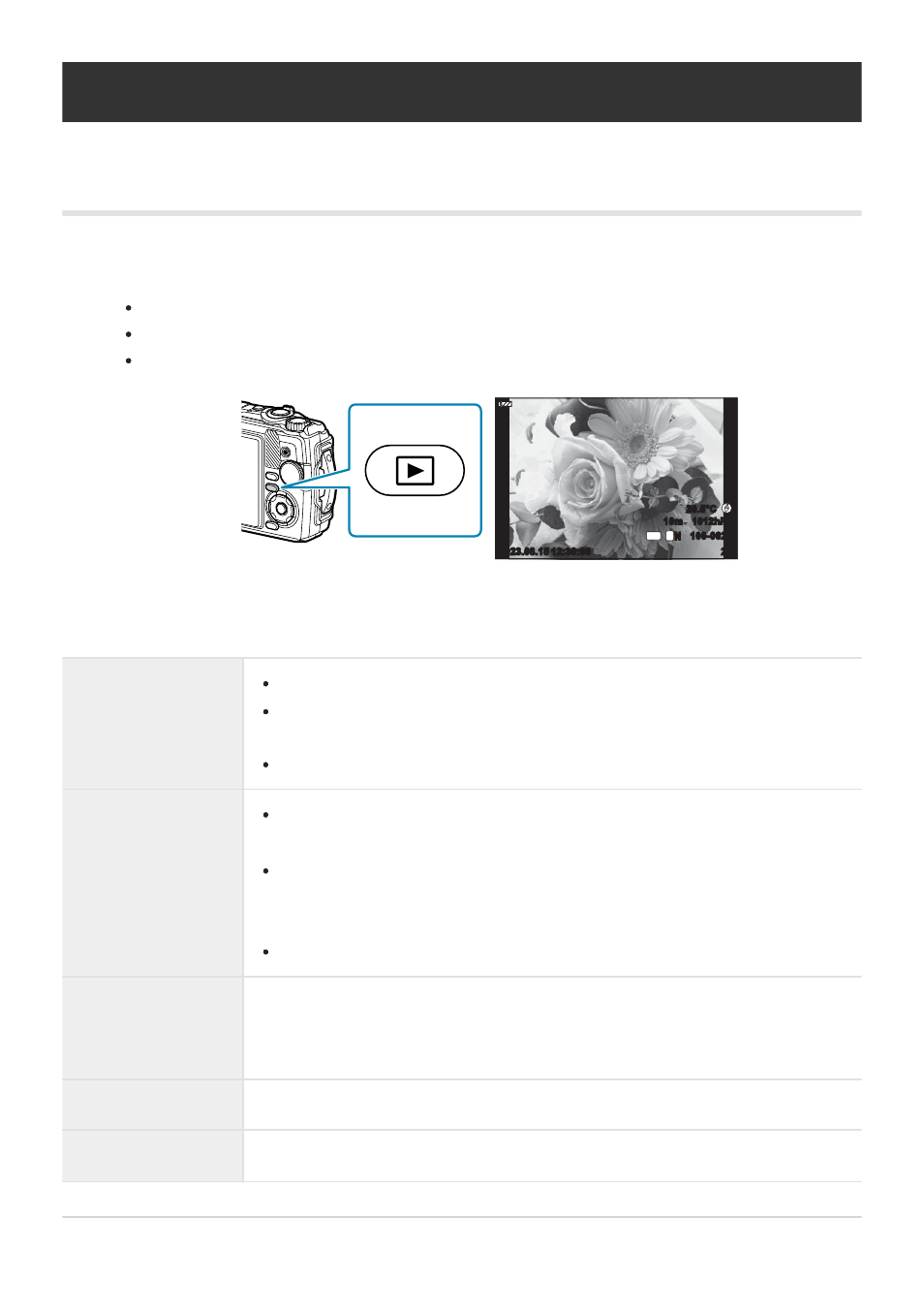
Press the
q
button.
The last photograph you shot will be displayed.
Select the desired photograph or movie using the control dial or arrow pad.
To return to shooting mode, press the shutter button halfway or press the
q
button.
Control dial
Single-frame playback: Previous (
q
)/Next (
r
)
Close-up playback: You can display the next frame or the previous frame
during close-up playback (
).
Index/calendar playback: Highlight image (
Arrow pad
(
FGHI
)
Single-frame playback: display the next frame (
I
)/display the previous
frame (
H
)
Close-up playback: Changing the close-up position (
)
You can display the next frame (
I
) or the previous frame (
H
) during
close-up playback by pressing the INFO button.
Index/calendar playback: Highlight image (
Zoom lever
Rotate the zoom lever counterclockwise for index or calendar playback
(
).
Rotate the zoom lever clockwise for close-up playback (
INFO
button
View image info (
)
D
button (
G
)
Delete picture (
92
Viewing photographs and movies
1.