Original orientation, Original orientation -8 – TA Triumph-Adler DC 2060 User Manual
Page 14
Copying Functions
1-8
Original Orientation
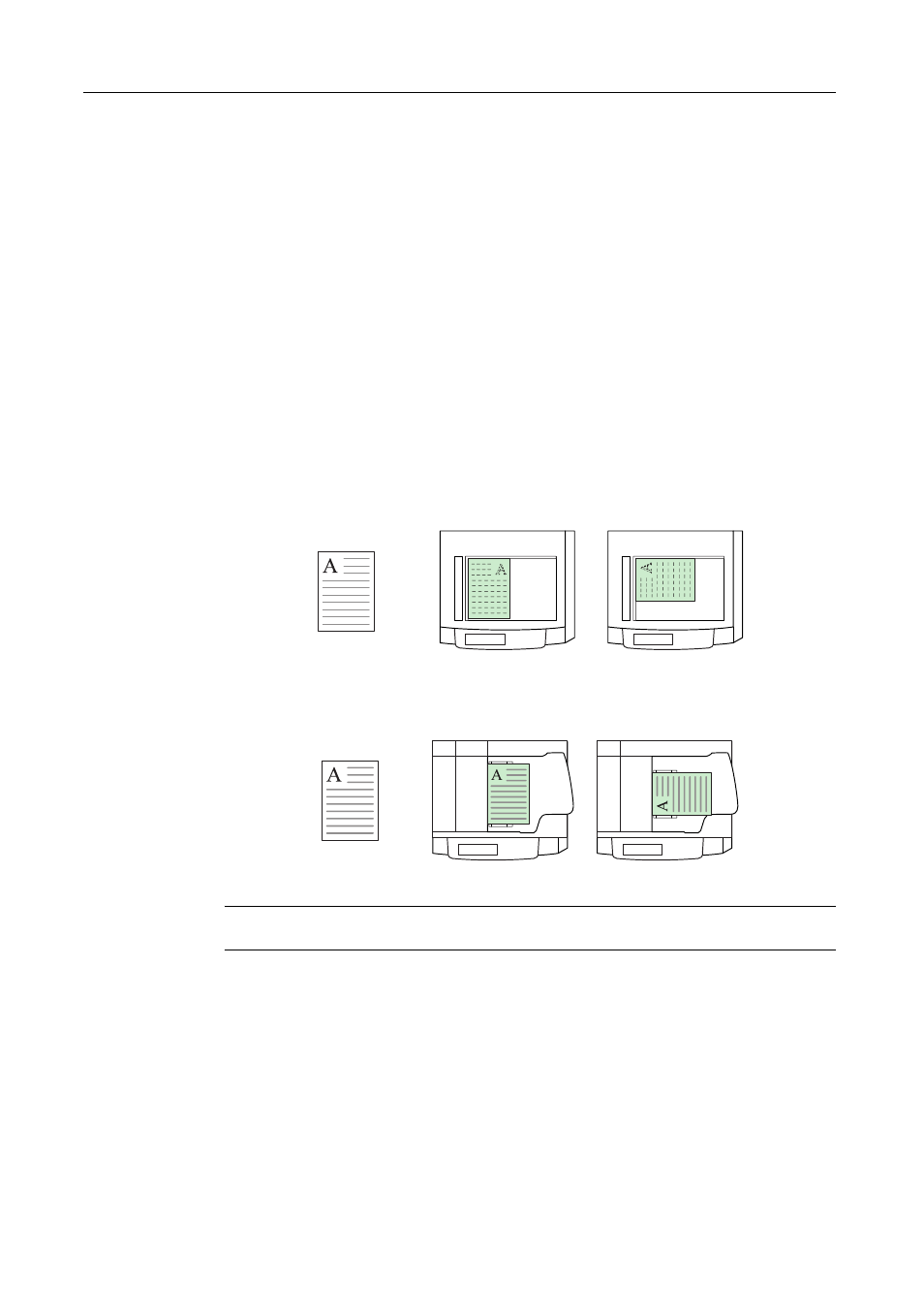
Specify the original orientation to use these functions.
•
Duplex mode
•
Split mode (separate copies from two-sided originals)
•
Margin mode
•
Centering originals
•
Border erase
•
Combine mode
•
Memo mode
•
Page numbering
•
Booklets
•
Stapling (optional feature)
•
Punching (optional feature)
When placing originals on the platen
When placing originals in the document processor
NOTE: You can change the default setting for the original orientation. Refer to Orientation of
Original Document on page 3-27 for details.
Follow the steps as below to specify the original orientation.
1
Place the originals in the document processor or on the platen.
2
Press [Function] and [T Down] to move to the second page.
Originals
Rear
Left
Originals
Rear
Left