Panasonic Lumix DMC-G85M User Manual
Page 101
101
4. Focus, Brightness (Exposure) and Color tone Settings
Applicable modes:
You can optimize the focus and brightness for the position you have touched.
1
Select the menu.
2
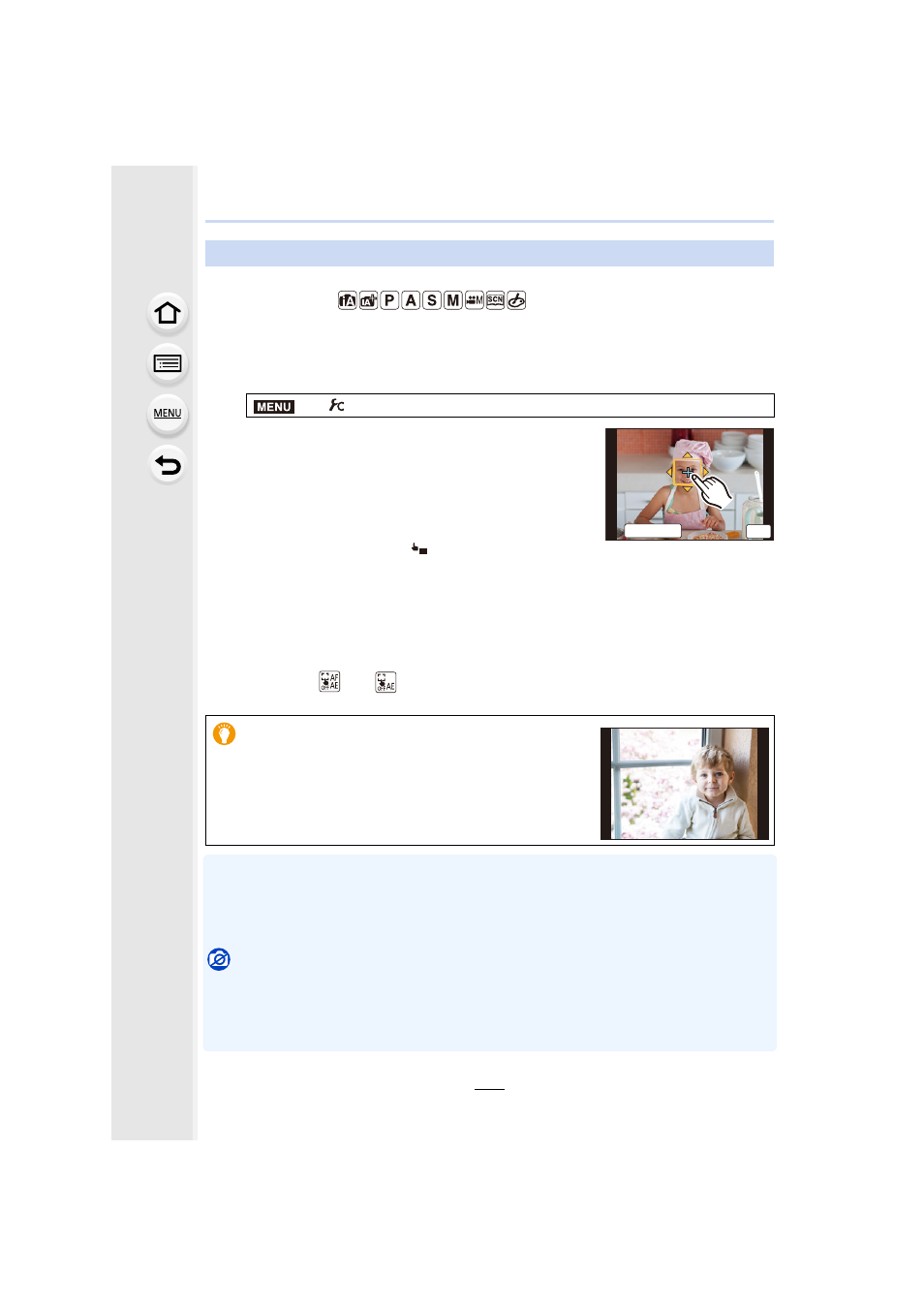
Touch the subject you want to optimize the
brightness for.
•
The brightness optimization position is displayed on the
center of the AF area. The position follows the movement
of the AF area.
•
[Metering Mode] is set to [
], which is used exclusively
for the Touch AE.
•
Touching [Reset] returns the brightness optimization position and the AF area to the
center.
3
Touch [Set].
•
The AF area with the same function as [Ø] is displayed on the touched position.
•
Touching [
] (or [
] when [Ø] is selected) will cancel the [AF+AE] setting.
•
When recording with the Touch Shutter, the focus and brightness are optimized for the touched
position before recording takes place.
•
At the edge of the screen, the metering may be affected by the brightness around the touched
location.
Not available in these cases:
•
[AF+AE], which optimizes the focus and brightness, does not work in the following cases.
–
When using the Digital Zoom
–
When the AF area has been set by using the cursor button
–
When [4K Live Cropping] is set
Optimizing the focus and brightness for a touched position
>
[Custom]
> [Touch Settings] > [Touch AF] > [AF+AE]
When the background has become too bright, etc., the
brightness contrast with the background can be
adjusted by compensating the exposure.
MENU
5HVHW
ュリヴヱハ
6HW
AE