Panasonic Lumix DMC-G85M User Manual
Page 298
11. Connecting to other equipment
298
∫
Copying to a PC without using “PHOTOfunSTUDIO” (For Mac)
Even if you are using a Mac, or in any situation where “PHOTOfunSTUDIO” cannot be
installed, you can still copy files and folders by connecting the camera to the computer and
then dragging and dropping them to it.
•
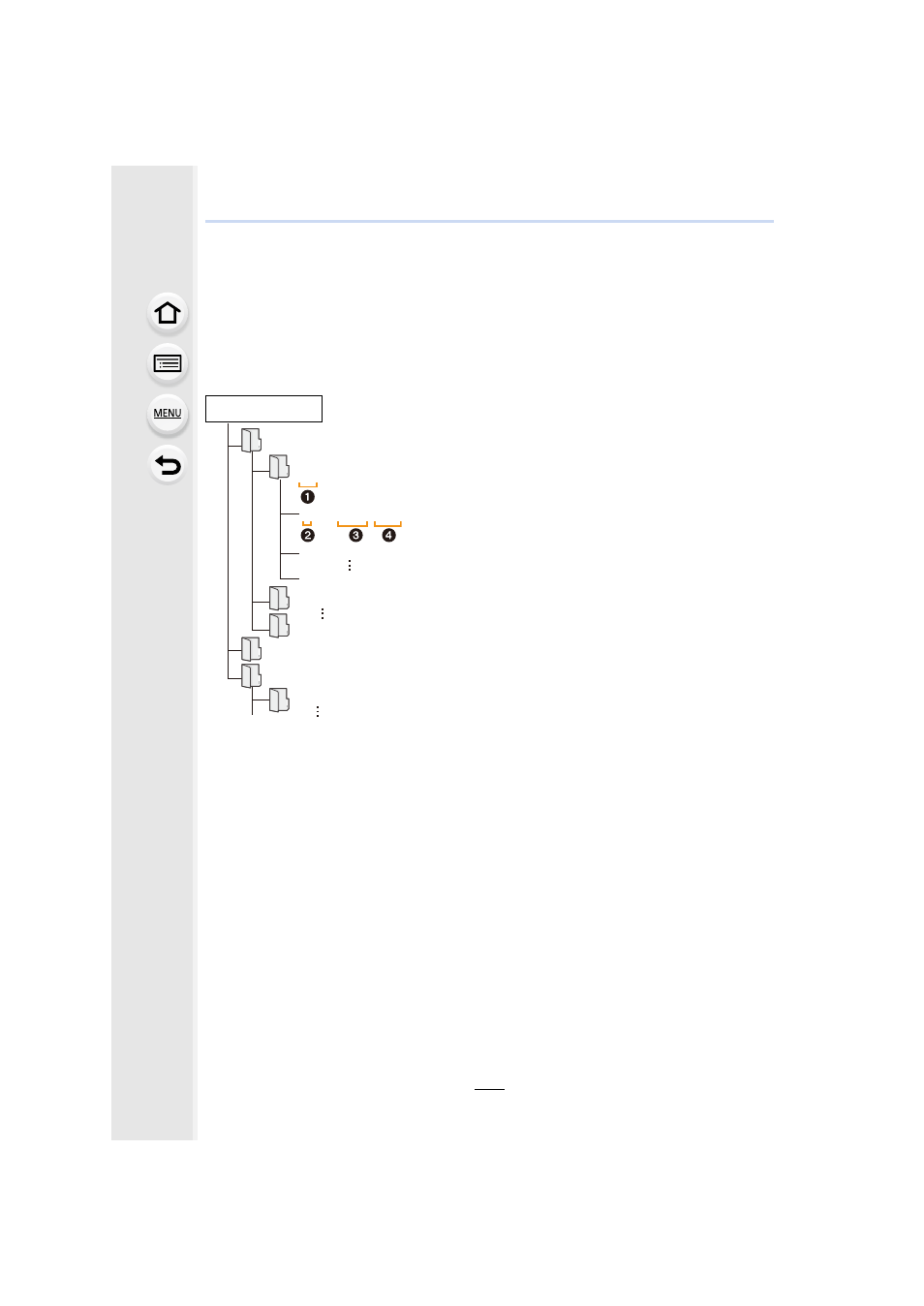
The content (folder structure) on the card of this unit is as follows.
•
A new folder is created when pictures are taken in the following situations.
–
After [No.Reset]
in the [Setup] menu has been executed
–
When a card containing a folder with the same folder number has been inserted
(such as when pictures were taken using another maker of camera)
–
When there is a picture with file number 999 inside the folder
For Windows:
A drive ([LUMIX]) is displayed in [Computer]
For Mac:
A drive ([LUMIX]) is displayed on the desktop
•
Card
DCIM:
Images
1 Folder number
2 Color space
P: sRGB
_: AdobeRGB
3 File number
4 JPG:
Still pictures
MP4:
[MP4] Motion pictures
RW2:
Pictures in RAW files
MPO:
3D pictures
MISC:
DPOF print
Favorite
AVCHD:
[AVCHD] Motion pictures
AVCHD
DCIM
100_PANA
101_PANA
999_PANA
P1000001.JPG
P1000002.JPG
P1000999.JPG
PRIVATE
MISC