Mic] socket, P307) – Panasonic Lumix DMC-G85M User Manual
Page 307
307
12. Others
•
When an external flash is attached, the following functions are available in addition to the
functions available with the built-in flash.
–
Burst recording (when a setting other than [SH] is selected for [Burst Rate])
–
Aperture Bracket
–
Focus Bracket
•
You can set the aperture value, the shutter speed and the ISO sensitivity on the camera even
when attaching the external flash.
•
If you record at close range with a wide angle, light from the flash may be blocked by the lens,
darkening the lower part of the screen.
•
Do not use commercially available external flashes with high-voltage synchro terminals,
reverse polarity or functions that enable them to communicate with the camera. Doing so may
cause the camera to malfunction or operate incorrectly.
•
When attaching the external flash, do not hold only the external flash because it may detach
from the camera.
•
Read the operating instructions of the external flash for details.
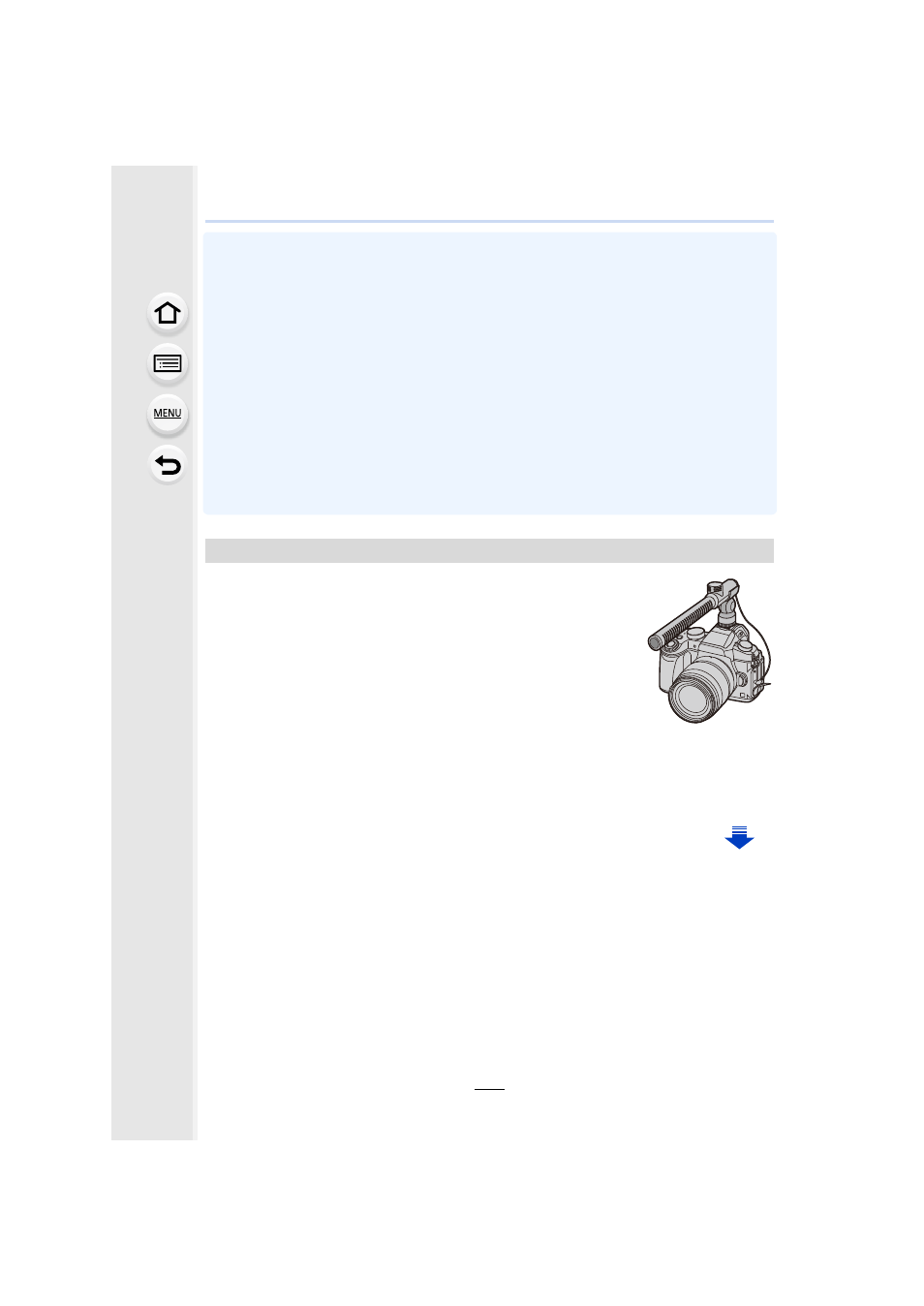
Using a stereo shotgun microphone (DMW-MS2: optional) or stereo
microphone (VW-VMS10: optional), you can record sounds with
quality superior to those recorded with the built-in microphone.
Using the stereo shotgun microphone (DMW-MS2:optional), you
can switch between the gun (ultra-directional) recording and the
wide range stereo recording.
Preparations:
•
Close the built-in flash, and then turn this unit off.
•
Remove the hot shoe cover that is attached to the camera.
∫
Setting the range within which the stereo shotgun microphone (DMW-MS2:
optional) will record sounds
1
Attach the dedicated stereo shotgun microphone to this unit, and then turn this
unit on.
External Microphone (optional)