Panasonic Lumix DMC-G85M User Manual
Page 255
255
10. Using the Wi-Fi function
∫
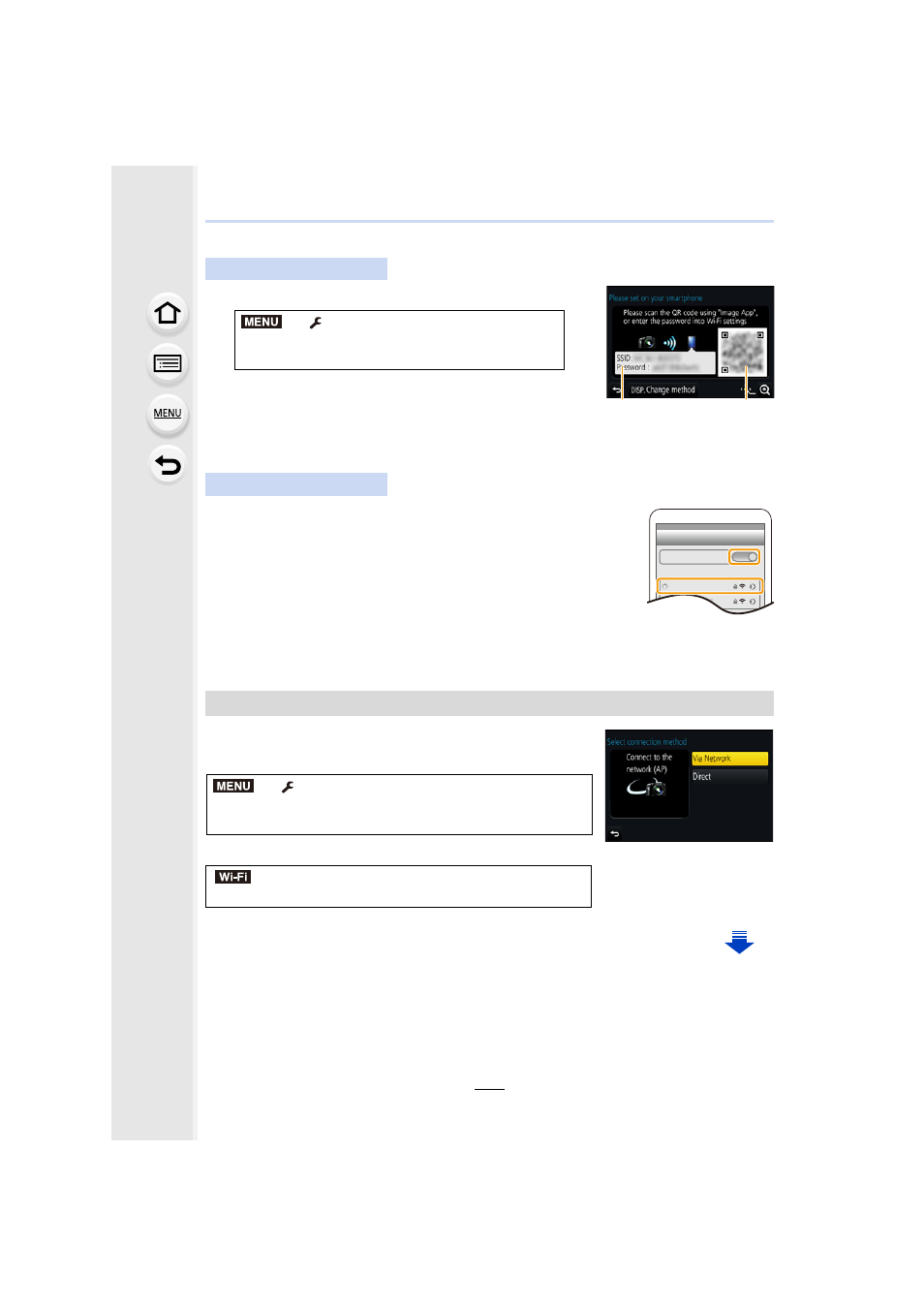
Manually entering a password to set up a connection
A SSID and password
B QR code
•
When the camera is ready to be connected to the
smartphone, the QR code, SSID and password are displayed.
•
You can also display the information by pressing [Wi-Fi] on the camera.
1
Turn on the Wi-Fi function in the setting menu.
2
On the Wi-Fi setting screen, select the SSID displayed on
the camera.
3
Enter the password displayed on the camera into the
smartphone. (For first time connection only)
•
If you are using an Android device, marking the box for password
display will allow the device to display the password as you enter
it.
4
Start “Image App”.
To change the connection method, follow the steps below:
or
On the camera
> [Setup] > [Wi-Fi] > [Wi-Fi
Function]
> [New Connection] > [Remote
Shooting & View]
On your smartphone
Changing the connection method
> [Setup] > [Wi-Fi] > [Wi-Fi Function] >
[New Connection]
> [Remote Shooting & View] >
[DISP.] button
> [DISP.] button > [New Connection] >
[Remote Shooting & View]
> [DISP.] button
A
B
MENU
Wi-Fi
0123456789ABC
MENU
Wi-Fi